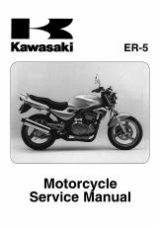
Инструкция для Kawasaki KLE500 (2004)
 1
 2
 3
 4
 5
 6
 7
 8
 9
 10
 11
 12
 13
 14
 15
 16
 17
 18
 19
 20
 21
 22
 23
 24
 25
 26
 27
 28
 29
 30
 31
 32
 33
 34
 35
 36
 37
 38
 39
 40
 41
 42
 43
 44
 45
 46
 47
 48
 49
 50
 51
 52
 53
 54
 55
 56
 57
 58
 59
 60
 61
 62
 63
 64
 65
 66
 67
 68
 69
 70
 71
 72
 73
 74
 75
 76
 77
 78
 79
 80
 81
 82
 83
 84
 85
 86
 87
 88
 89
 90
 91
 92
 93
 94
 95
 96
 97
 98
 99
 100
 101
 102
 103
 104
 105
 106
 107
 108
 109
 110
 111
 112
 113
 114
 115
 116
 117
 118
 119
 120
 121
 122
 123
 124
 125
 126
 127
 128
 129
 130
 131
 132
 133
 134
 135
 136
 137
 138
 139
 140
 141
 142
 143
 144
 145
 146
 147
 148
 149
 150
 151
 152
 153
 154
 155
 156
 157
 158
 159
 160
 161
 162
 163
 164
 165
 166
 167
 168
 169
 170
 171
 172
 173
 174
 175
 176
 177
 178
 179
 180
 181
 182
 183
 184
 185
 186
 187
 188
 189
 190
 191
 192
 193
 194
 195
 196
 197
 198
 199
 200
 201
 202
 203
 204
 205
 206
 207
 208
 209
 210
 211
 212
 213
 214
 215
 216
 217
 218
 219
 220
 221
 222
 223
 224
 225
 226
 227
 228
 229
 230
 231
 232
 233
 234
 235
 236
 237
 238
 239
 240
 241
 242
 243
 244
 245
 246
 247
 248
 249
 250
 251
 252
 253
 254
 255
 256
 257
 258
 259
 260
 261
 262
 263
 264
 265
 266
 267
 268
 269
 270
 271
 272
 273
 274
 275
 276
 277
 278
 279
 280
 281
 282
 283
 284
 285
 286
 287
 288
 289
 290
 291
 292
 293
 294
 295
 296
 297
 298
 299
 300
 301
 302
 303
 304
 305
 306
 307
 308
 309
 310
 311
 312
 313
 314
 315
 316
 317
 318
 319
 320
 321
 322
 323
 324
 325
 326
 327
 328
 329
 330
 331
 332
 333
 334
 335
 336
 337
 338
 339
 340
 341
 342
 343
 344
 345
 346
 347
 348
 349
 350
 351
 352
 353
 354
 355
 356
 357
 358
 359
 360
 361
 362
 363
 364
 365
 366
 367
 368
 369
 370
 371
 372
 373
 374
 375
 376
 377
 378
 379
 380
 381
 382
 383
 384
 385
 386
 387
 388
 389
 390
 391
 392
 393
 394
 395
 396
 397
 398
 399
 400
 401
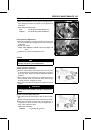
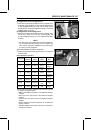
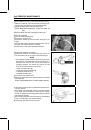
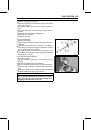
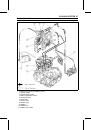
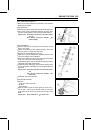
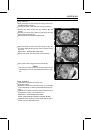
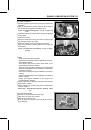
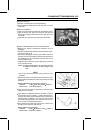
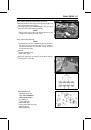
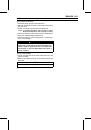
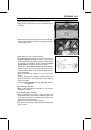
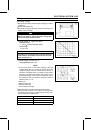
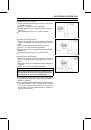
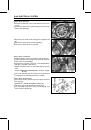
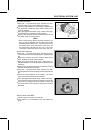
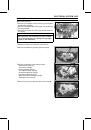
FUEL SYSTEM 3-19
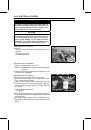
Air Cleaner
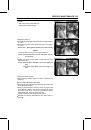
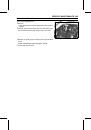
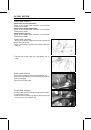
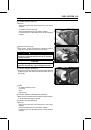
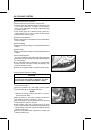
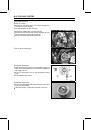
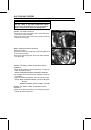
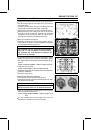
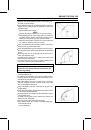
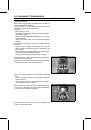
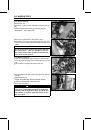
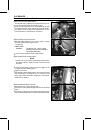
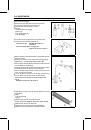
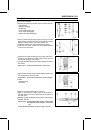
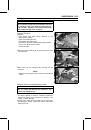
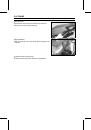
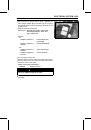
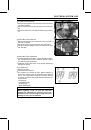
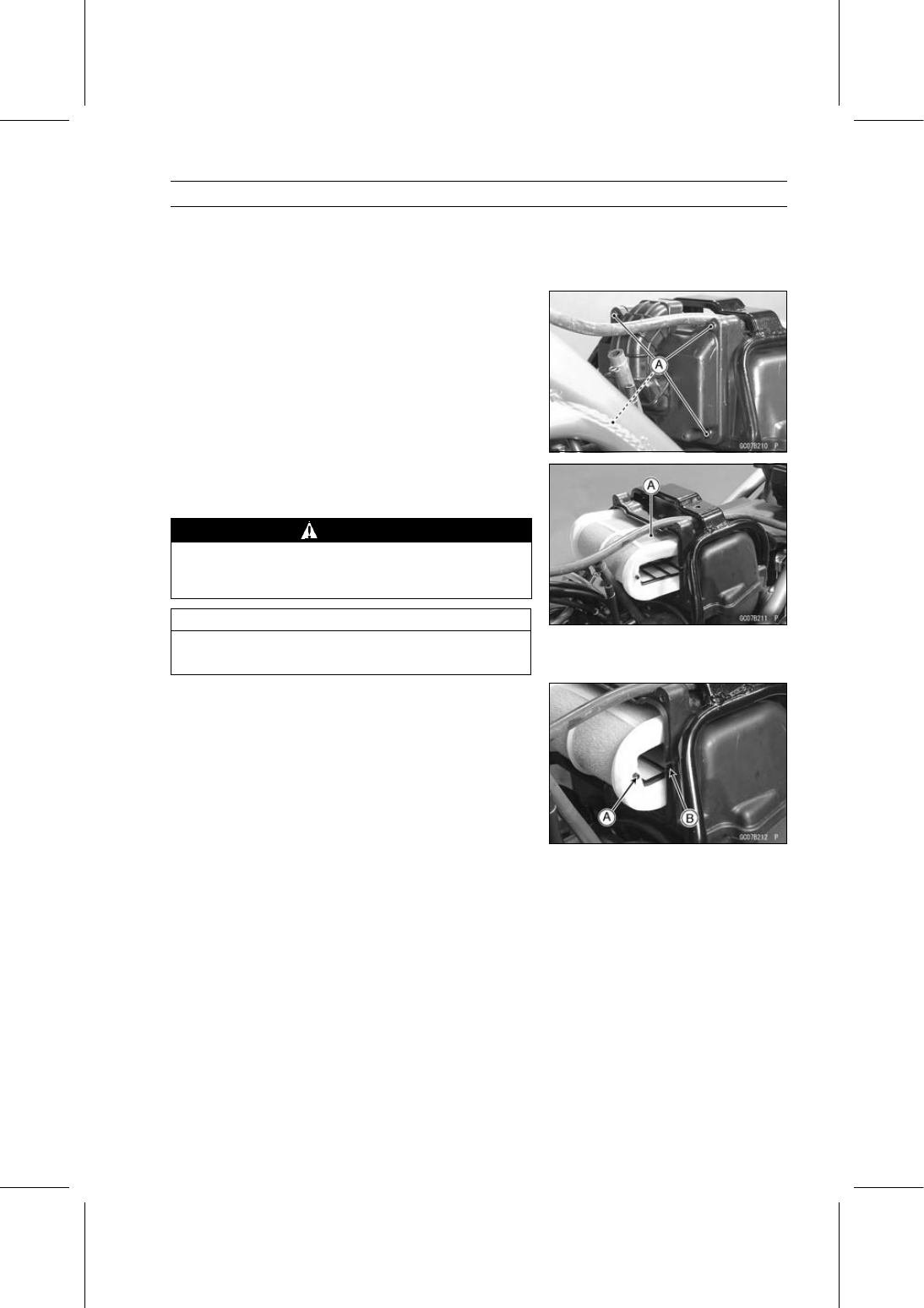
Air Cleaner Element Removal
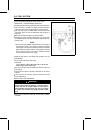
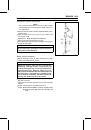
•
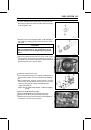
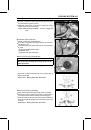
Remove:
Side Covers (see Side Cover Removal in the Frame
chapter)
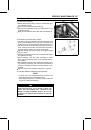
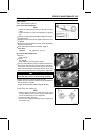
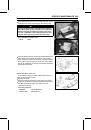
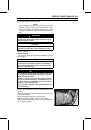
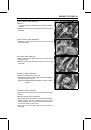
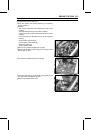
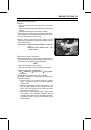
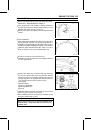
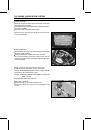
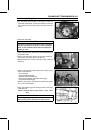
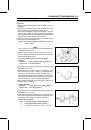
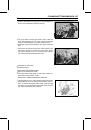
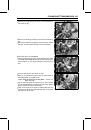
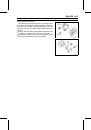
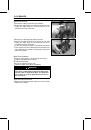
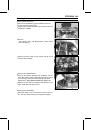
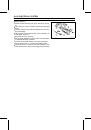
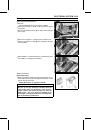
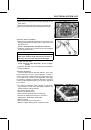
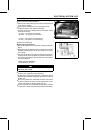
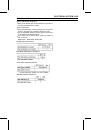
Air Cleaner Cover Screws [A]
Seat (see Seat Removal in the Frame chapter)
Fuel Tank (see Fuel Tank Removal in the Fuel System
chapter)
•
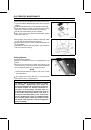
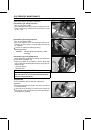
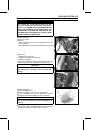
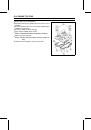
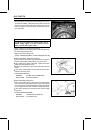
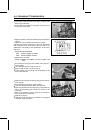
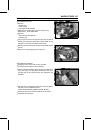
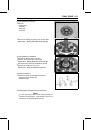
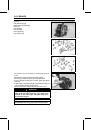
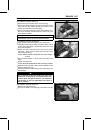
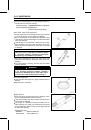
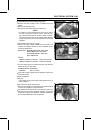
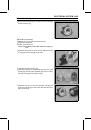
Remove the element [A].
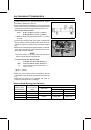
•
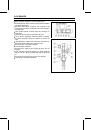
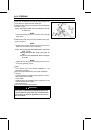
Push a clean, lint-free towel into the carburetor intake to
keep dirt or other foreign material from entering.
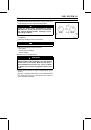
WARNING
If dirt or dust is allowed to pass through into the
carburetor, the throttle may become stuck, possibly
causing accident.
CAUTION
If dirt gets through into the engine, excessive en-
gine wear and possibly engine damage will occur.
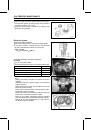
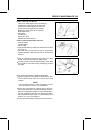
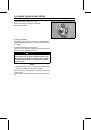
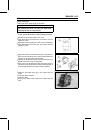
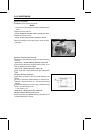
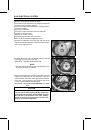
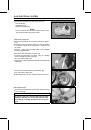
Air Cleaner Element Installation
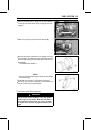
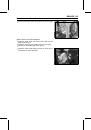
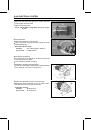
•
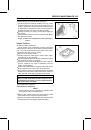
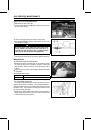
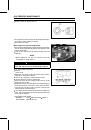
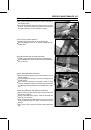
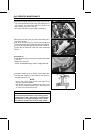
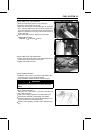
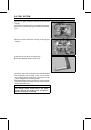
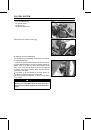
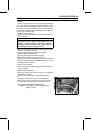
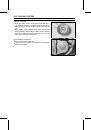
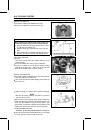
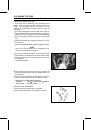
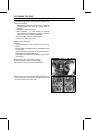
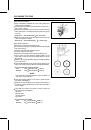
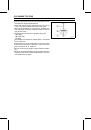
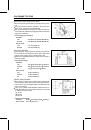
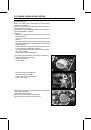
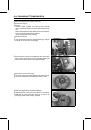
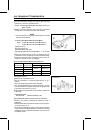
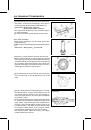
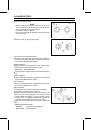
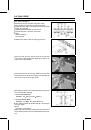
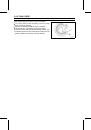
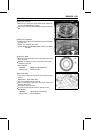
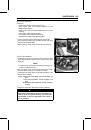
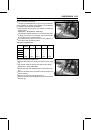
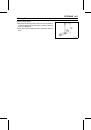
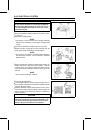
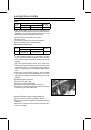
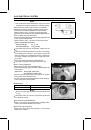
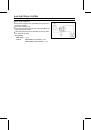
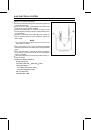
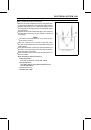
Insert the air cleaner element into the housing so that the
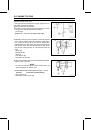
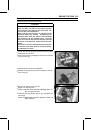
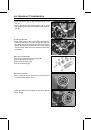
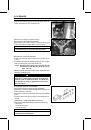
projections [A] on both side of the element holder fit to the
groove [B].
•
Install:
Air Cleaner Element Cover
Fuel Tank
Seat
Side Covers
Air Cleaner Element Cleaning and Inspection
•
Refer to the Air Cleaner Element Cleaning and Inspection
in the Periodic Maintenance chapter.
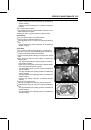
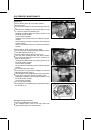
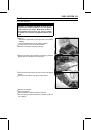
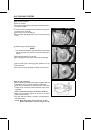
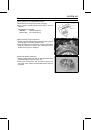
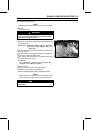
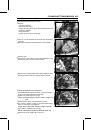
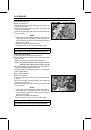
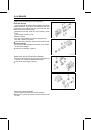
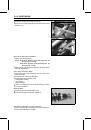
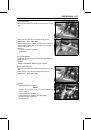
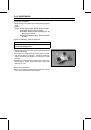
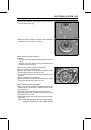
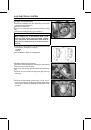
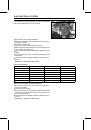
Air Cleaner Housing Removal
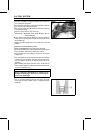
•
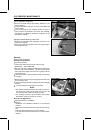
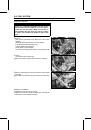
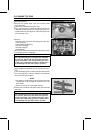
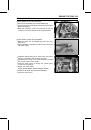
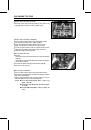
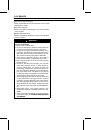
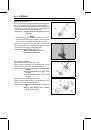
Remove:
Side Covers (see Side Cover Removal in the Frame
chapter)
Seat (see Seat Removal in the Frame chapter)
Fuel Tank (see Fuel Tank Removal in the Fuel System
chapter)
Оглавление инструкции
- tables
- LIST OF ABBREVIATIONS
- Units of Mass:
- Units of Volume:
- Units of Force:
- Units of Length:
- Units of Torque:
- Units of Pressure:
- Units of Speed:
- Units of Power:
- Periodic Replacement Parts
- Basic Torque for General Fasteners
- Throttle Grip Free Play
- Idle Speed
- Valve Clearance Measuring Position
- Valve Clearance Measuring Position
- Valve Clearance (when cold)
- Clutch Lever Free Play
- Air Pressure (when cold)
- Tread Depth
- Rim Runout (with tire installed)
- Chain Slack
- Drive Chain 20-link Length
- Recommended Disc Brake Fluid
- Pad Lining Thickness
- Brake Light Timing
- Spark Plug Gap
- Sidestand Switch Operation
- Water and Coolant Mixture Ratio (when shipping)
- Engine Oil
- Choke Cable Free Play
- Fuel Level
- Float Height
- Valve Closing Temperature (for reference)
- Radiator Cap Relief Pressure
- Thermostat Valve Opening Temperature
- Vacuum Switch Valve Closing Pressure (open → close)
- Camshaft Journal, Camshaft Cap Clearance
- Cylinder Compression (Usable Range)
- Cylinder Head Warp
- Valve Seating Surface Outside Diameter
- Valve Seating Surface Width
- Valve/Valve Guide Clearance (Wobble Method)
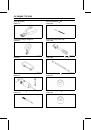
- Special Tools -
- Piston Ring/Groove Clearance
- Piston Ring End Gap
- Cylinder Inside Diameter
- Piston Diameter
- Friction Plate Thickness
- Friction and Steel Plate Warp
- Clutch Spring Free Length
- Oil Pressure
- Torque Value for 8 mm Bolts
- Connecting Rod Bend
- Connecting Rod Twist
- Connecting Rod Big End Side Clearance
- Connecting Rod Big End Bearing Insert/Crankpin Clearance
- Crankpin Diameter
- Crankpin Diameter Marks
- Connecting Rod Big End Bore Diameter Marks
- Connecting Rod Big End Bearing Insert Selection
- Crankshaft Runout
- Crankshaft Main Bearing Insert/Journal Clearance
- Crankshaft Main Journal Diameter
- Crankshaft Main Journal Diameter Marks
- Crankcase Main Bearing Bore Diameter Marks
- Crankshaft Main Bearing Insert Selection
- Crankshaft Side Clearance
- Balancer Shaft Bearing Insert/Journal Clearance
- Balancer Shaft Journal Diameter
- Balancer Shaft Diameter Marks
- Crankcase Bearing Bore Diameter Marks
- Balancer Shaft Bearing Insert Selection
- Axle Runout/100 mm (3.94 in.)
- Balance Weight
- Recommended Tool
- Link Pin Outside Diameter
- Link Plates Outside Width
- Rear Sprocket Warp
- Pedal Position
- Disc Thickness
- Disc Runout
- Front Fork Oil Level (Fully compressed without fork spring)
- Spring Free Length
- Spring Preload Adjustment
- Kawasaki-recommended chargers:
- Battery Terminal Voltage
- Terminal Voltage: 11.5 ∼ less than 12.8 V
- Terminal Voltage: less than 11.5 V
- Voltage
- Table 2 Stator Coil Resistance
- Regulator/Rectifier Output Voltage
- Rectifier Circuit Inspection
- Crankshaft Sensor Resistance
- Ignition Coil Arcing Distance
- Ignition Coil Winding Resistance
- Ignition Timing
- Connect
- Ignition Coil Primary Peak Voltage
- Connect
- Crankshaft Sensor Peak Voltage
- Starter Motor Brush Length
- Commutator Diameter
- Testing Relay
- Testing Turn Signal Relay
- Wire Connectors
- Radiator Fan Switch Resistance
- Water Temperature Switch Connections
- Fuse Circuit Inspection
- Relay Circuit Inspection (with the battery disconnected)
- Relay Circuit Inspection (with the battery connected)
- Diode Circuit Inspection
- toc
- Read OWNER'S MANUAL before operating.
- Foreword
- General Information
- Before starting to perform an inspection service or carry out a
- Battery Ground
- Edges of Parts
- Solvent
- Cleaning vehicle before disassembly
- Arrangement and Cleaning of Removed Parts
- Storage of Removed Parts
- Inspection
- Replacement Parts
- Assembly Order
- Tightening Sequence
- Tightening Torque
- Force
- Gasket, O-ring
- Liquid Gasket, Locking Agent
- Press
- Ball Bearing and Needle Bearing
- Oil Seal, Grease Seal
- Circlips, Cotter Pins
- Lubrication
- Direction of Engine Rotation
- Electrical Wires
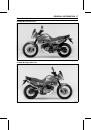
- KLE500-B1 Left Side View
- KLE500-B1 Right Side View
- Prefixes for Units:
- Units of Temperature:
- Before starting to perform an inspection service or carry out a
- Periodic Maintenance
- The scheduled maintenance must be done in accordance with this c
- Tighten all bolts and nuts to the proper torque using an accurat
- Steering Stem Nut Wrench:
- Fuel System
- Throttle Cable Inspection
- Idle Speed Inspection
- Carburetor Synchronization Inspection
- Coolant Filter Cleaning
- Fuel Hoses and Connections Check
- Air Cleaner Element Cleaning and Inspection
- Cooling System
- Engine Top End
- Clutch
- Wheels/Tires
- Final Drive
- Brakes
- Suspension
- Steering
- Electrical System
- Others
- Replacement Parts
- Fuel Hose Replacement
- Air Cleaner Element Replacement
- Coolant Change
- Radiator Hoses and O-ring Replacement
- Engine Oil Change
- Oil Filter Replacement
- Brake Hose Replacement
- Brake Fluid Change
- Bleeding the Brake Line
- Caliper Rubber Parts Replacement
- Master Cylinder Rubber Parts Replacement
- Spark Plug Replacement
- Fuel System
- Cooling System
- Engine Top End
- Piston Ring Pliers:
- Vacuum Switch Valve Removal
- Cylinder Head Cover Removal
- Camshaft Chain Tensioner Removal
- Camshaft Removal
- Rocker Shaft, Rocker Arm Removal
- Cylinder Head Oil Pipe Removal
- Compression Measurement
- Valve Clearance Inspection
- Cylinder Removal
- Carburetor Holder Installation
- Muffler Removal
- Clutch
- Engine Lubrication System
- Engine Removal/Installation
- Crankshaft/Transmission
- Bearing Puller:
- Crankcase Splitting
- Clutch Housing/Primary Chain Removal
- Crankshaft Removal
- Crankshaft Installation
- Connecting Rod Removal
- Connecting Rod Installation
- Crankshaft/Connecting Rod Cleaning
- Connecting Rod Bend/Twist
- Connecting Rod Big End Side Clearance
- Connecting Rod Big End Bearing Insert/Crankpin Clearance
- Crankshaft Runout
- Crankshaft Main Bearing Insert/Journal Clearance
- Crankshaft Side Clearance
- Balancer Removal
- External Shift Mechanism Removal
- External Shift Mechanism Installation
- External Shift Mechanism Inspection
- Transmission Shaft Removal
- Transmission Shaft Installation
- Transmission Shaft Disassembly
- Drive Shaft Assembly
- Output Shaft Assembly
- Shift Drum and Fork Removal
- Shift Drum and Fork Installation
- Shift Drum Disassembly
- Shift Drum Assembly
- Ball and Needle Bearing Wear
- Shift Pedal Installation
- Wheels/Tires
- Final Drive
- Inside Circlip Pliers:
- Drive Chain Slack Inspection
- Engine Sprocket Removal
- Brakes
- Inside Circlip Pliers:
- Brake Lever Position Adjustment
- Front Caliper Removal
- Brake Pad Removal
- Front Master Cylinder Removal
- Brake Disc Removal
- Brake Fluid Level Inspection
- Brake Hoses and Connections Inspection
- Suspension
- Steering
- Frame
- Electrical System
- Outside Circlip Pliers:
- There are a number of important precautions that are musts when
- Wiring Inspection
- Battery Removal/Installation
- Alternator Rotor/Starter Clutch Removal
- Special Tool -
- Special Tool -
- Starter Clutch Sprocket Removal
- Starter Clutch Sprocket Installation
- Alternator Rotor/Starter Clutch Installation
- Alternator Stator Removal
- Alternator Stator Installation
- Alternator Inspection
- Regulator/Rectifier Removal
- Regulator/Rectifier Output Voltage Inspection
- Regulator/Rectifier Inspection
- Charging System Circuit
- Ignition System Circuit
- Electric Starter Circuit
- Headlight Circuit
- Headlight Beam Horizontal Adjustment
- Headlight Beam Vertical Adjustment
- Headlight Bulb Replacement
- Headlight Unit/Housing Removal
- Headlight Unit/Housing Installation
- City Light Bulb Replacement
- Tail/Brake Light Bulb Replacement
- Tail/Brake Light Lens Removal/Installation
- Turn Signal Light Bulb Replacement
- Turn Signal Relay Inspection
- Turn Signal Light Circuit
- Fan System Circuit Inspection
- Meter Unit Removal
- Brake Light Switch Inspection
- The junction box [A] has fuses [B], relays, and diodes. The rela
- 30 A Main Fuse Removal
- Appendix
- NOTE
- Engine Doesn't Start, Starting Difficulty:
- Poor Running at Low Speed:
- Poor Running or No Power at High Speed:
- Overheating:
- Over Cooling:
- Clutch Operation Faulty:
- Gear Shifting Faulty:
- Abnormal Engine Noise:
- Abnormal Drive Train Noise:
- Abnormal Frame Noise:
- Oil Pressure Warning Light Goes On:
- Exhaust Smokes Excessively:
- Handling and/or Stability Unsatisfactory:
- Brake Doesn't Hold:
- Battery Trouble:
- NOTE
- Read OWNER'S MANUAL before operating.