Инструкция для Samsung PS42C450B1W, PS50C450B1W
 1
 2
 3
 4
 5
 6
 7
 8
 9
 10
 11
 12
 13
 14
 15
 16
 17
 18
 19
 20
 21
 22
 23
 24
 25
 26
 27
 28
 29
 30
 31
 32
 33
 34
 35
 36
 37
 38
 39
 40
 41
 42
 43
 44
 45
 46
 47
 48
 49
 50
 51
 52
 53
 54
 55
 56
 57
 58
 59
 60
 61
 62
 63
 64
 65
 66
 67
 68
 69
 70
 71
 72
 73
 74
 75
 76
 77
 78
 79
 80
 81
 82
 83
 84
 85
 86
 87
 88
 89
 90
 91
 92
 93
 94
 95
 96
 97
 98
 99
 100
 101
 102
 103
 104
 105
 106
 107
 108
 109
 110
 111
 112
 113
 114
 115
 116
 117
 118
 119
 120
 121
 122
 123
 124
 125
 126
 127
 128
 129
 130
 131
 132
 133
 134
 135
 136
 137
 138
 139
 140
 141
 142
 143
 144
 145
 146
 147
 148
 149
 150
 151
 152
 153
 154
 155
 156
 157
 158
 159
 160
 161
5
01
Getting
Started
English
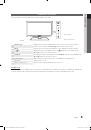
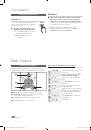
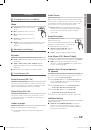
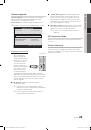
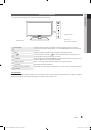
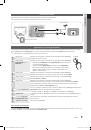
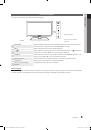
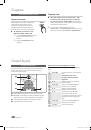
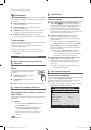
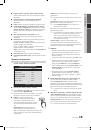
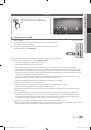
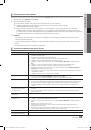
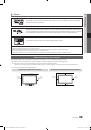
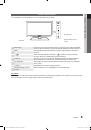
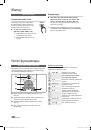
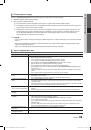
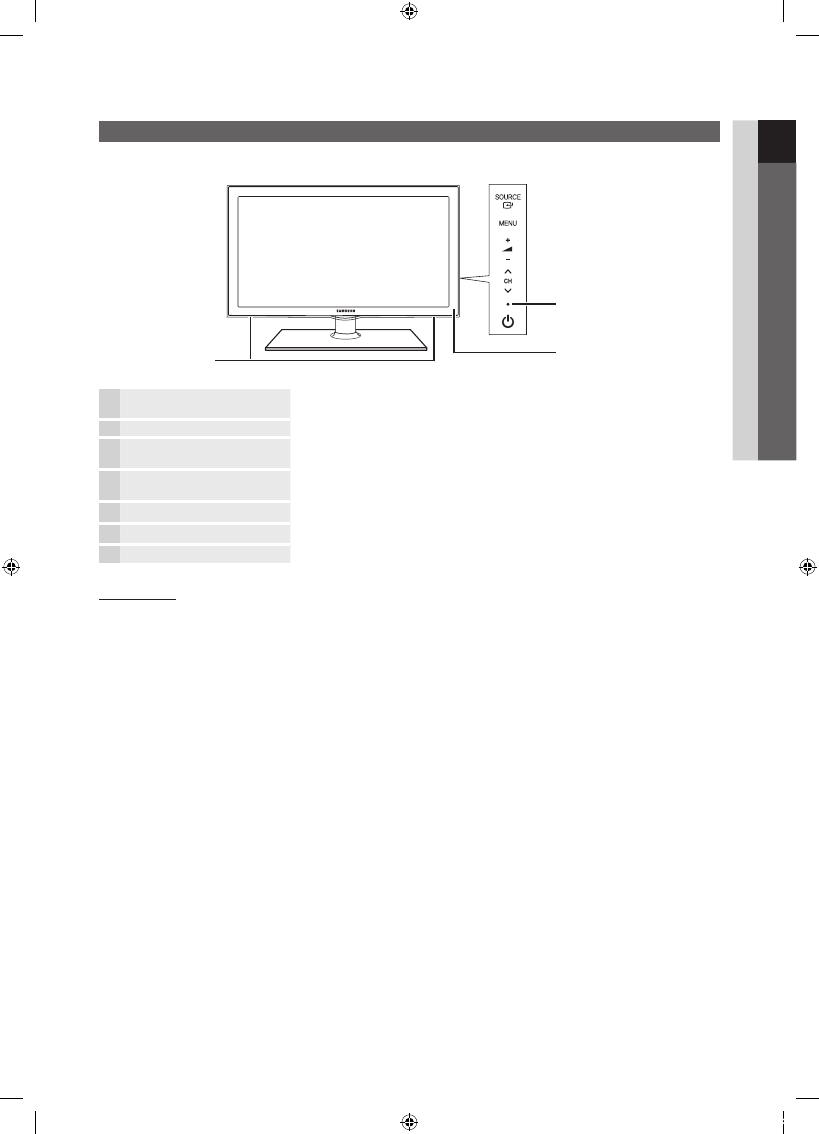
Viewing the Control Panel
✎
The product colour and shape may vary depending on the model.
SOURCE
E
Toggles between all the available input sources. In the on-screen menu, use this
button as you would use the
ENTER
E
button on the remote control.
MENU
Displays an on-screen menu, the OSD (on screen display) of your TV’s features.
Y
Adjusts the volume. In the OSD, use the
Y
buttons as you would use the
◄
and
►
buttons on the remote control.
z
Changes the channels. In the OSD, use the
z
buttons as you would use the
▼
and
▲
buttons on the remote control.
Power Indicator
Blinks and turns off when the power is on and lights up in standby mode.
P
(Power)
Turns the TV on or off.
Remote control sensor
Aim the remote control towards this spot on the TV.
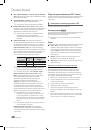
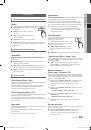
Standby mode
Do not leave your TV in standby mode for long periods of time (when you are away on a holiday, for example). A small amount
of electric power is still consumed even when the power button is turned off. It is best to unplug the power cord.
Speakers
Power Indicator
Remote control sensor
[450-Rus]BN68-02575B-01L04.indb 5
2010-03-02 오후 11:23:27