Инструкция для Samsung PS42C450B1W, PS50C450B1W
 1
 2
 3
 4
 5
 6
 7
 8
 9
 10
 11
 12
 13
 14
 15
 16
 17
 18
 19
 20
 21
 22
 23
 24
 25
 26
 27
 28
 29
 30
 31
 32
 33
 34
 35
 36
 37
 38
 39
 40
 41
 42
 43
 44
 45
 46
 47
 48
 49
 50
 51
 52
 53
 54
 55
 56
 57
 58
 59
 60
 61
 62
 63
 64
 65
 66
 67
 68
 69
 70
 71
 72
 73
 74
 75
 76
 77
 78
 79
 80
 81
 82
 83
 84
 85
 86
 87
 88
 89
 90
 91
 92
 93
 94
 95
 96
 97
 98
 99
 100
 101
 102
 103
 104
 105
 106
 107
 108
 109
 110
 111
 112
 113
 114
 115
 116
 117
 118
 119
 120
 121
 122
 123
 124
 125
 126
 127
 128
 129
 130
 131
 132
 133
 134
 135
 136
 137
 138
 139
 140
 141
 142
 143
 144
 145
 146
 147
 148
 149
 150
 151
 152
 153
 154
 155
 156
 157
 158
 159
 160
 161
10
English
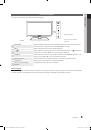
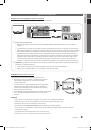
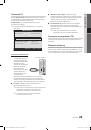
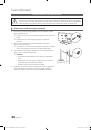
Connections
Basic Features
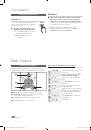
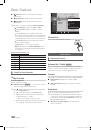
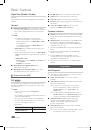
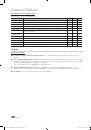
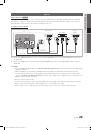
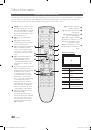
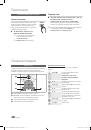
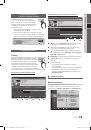
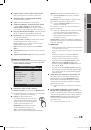
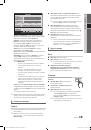
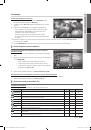
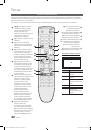
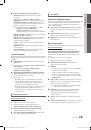
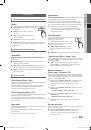
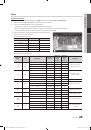
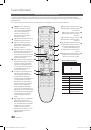
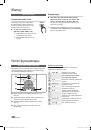
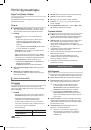
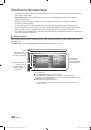
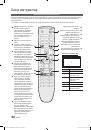
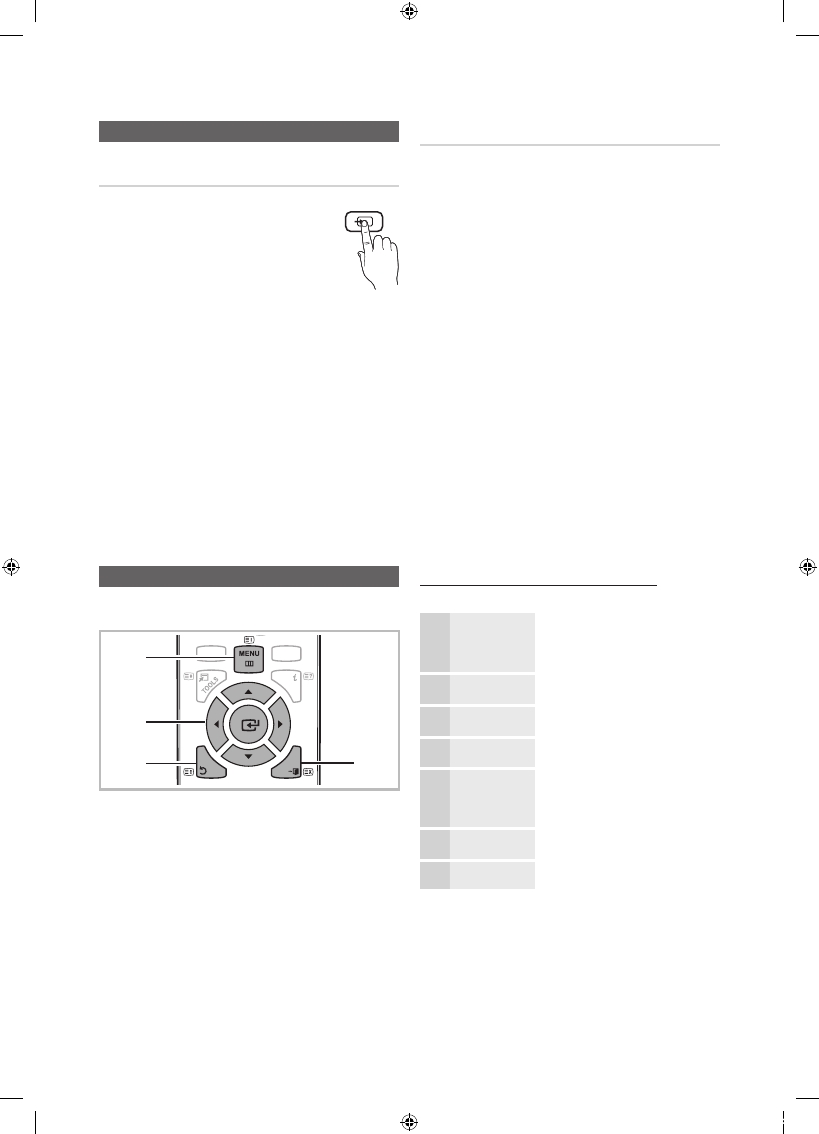
How to Navigate Menus
Before using the TV, follow the steps below to learn how to
navigate the menu and select and adjust different functions.
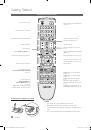
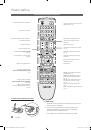
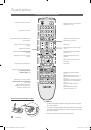
S.MODE
MEDIA.P
HDMI
RETUR
N
ΕΧΙΤ
INFO
SLEEP
DUAL
P.MODE
P.SIZE
E.SAVING
SOURCE
CH LIST
A
B
C
D
TTX/MIX
2
3
4
1
1
MENU
button: Displays the main on-screen menu.
2
ENTER
E
/ Direction button: Move the cursor and
select an item. Confirm the setting.
3
RETURN
button: Returns to the previous menu.
4
EXIT
button: Exits the on-screen menu.
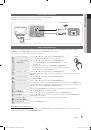
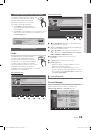
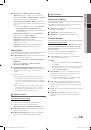
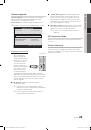
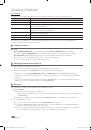
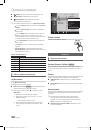
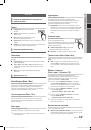
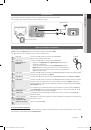
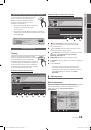
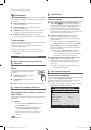
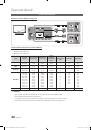
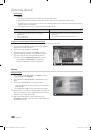
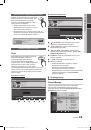
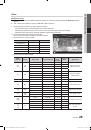
How to Operate the OSD (On Screen Display)
The access step may differ depending on the selected menu.
1
MENU
m
The main menu options appear on
the screen:
Picture, Sound, Channel, Setup,
Input, Application, Support
.
2
▲
/
▼
Select an icon with the
▲
or
▼
button.
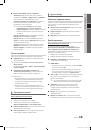
3
ENTER
E
Press
ENTER
E
to access the
sub-menu.
4
▲
/
▼
Select the desired submenu with
the
▲
or
▼
button.
5
◄
/
►
Adjust the value of an item with the
◄
or
►
button. The adjustment in
the OSD may differ depending on
the selected menu.
6
ENTER
E
Press
ENTER
E
to complete the
configuration.
7
EXIT
e
Press
EXIT
.
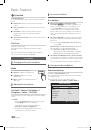
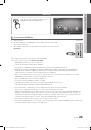
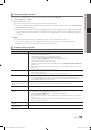
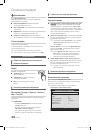
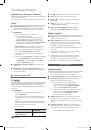
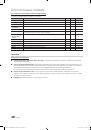
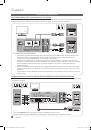
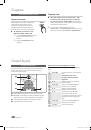
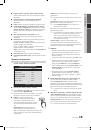
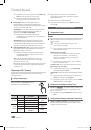
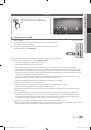
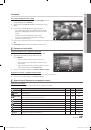
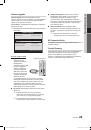
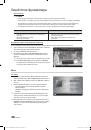
Changing the Input Source
Source List
Use to select TV or an external input sources
such as a DVD / Blu-ray player / cable box /
STB satellite receiver.
■
TV / Ext. / AV / Component / PC /
HDMI1/DVI / HDMI2 / HDMI3 / USB
✎
In the
Source List
, connected
inputs will be highlighted.
✎
Ext.
and
PC
always stay
activated.
SOURCE
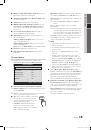
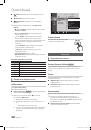
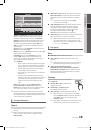
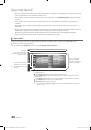
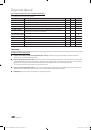
Edit Name
■
VCR / DVD / Cable STB / Satellite STB / PVR STB /
AV Receiver / Game / Camcorder / PC / DVI PC /
DVI Devices / TV / IPTV / Blu-ray / HD DVD / DMA
:
Name the device connected to the input jacks to make
your input source selection easier.
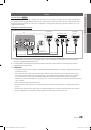
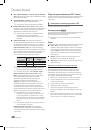
✎
When connecting an HDMI/DVI cable to the
HDMI IN 1(DVI)
port, you should set to
DVI PC
or
DVI Devices
mode under
Edit Name
.
[450-Rus]BN68-02575B-01L04.indb 10
2010-03-02 오후 11:23:34