Инструкция для Samsung PS42C450B1W, PS50C450B1W
 1
 2
 3
 4
 5
 6
 7
 8
 9
 10
 11
 12
 13
 14
 15
 16
 17
 18
 19
 20
 21
 22
 23
 24
 25
 26
 27
 28
 29
 30
 31
 32
 33
 34
 35
 36
 37
 38
 39
 40
 41
 42
 43
 44
 45
 46
 47
 48
 49
 50
 51
 52
 53
 54
 55
 56
 57
 58
 59
 60
 61
 62
 63
 64
 65
 66
 67
 68
 69
 70
 71
 72
 73
 74
 75
 76
 77
 78
 79
 80
 81
 82
 83
 84
 85
 86
 87
 88
 89
 90
 91
 92
 93
 94
 95
 96
 97
 98
 99
 100
 101
 102
 103
 104
 105
 106
 107
 108
 109
 110
 111
 112
 113
 114
 115
 116
 117
 118
 119
 120
 121
 122
 123
 124
 125
 126
 127
 128
 129
 130
 131
 132
 133
 134
 135
 136
 137
 138
 139
 140
 141
 142
 143
 144
 145
 146
 147
 148
 149
 150
 151
 152
 153
 154
 155
 156
 157
 158
 159
 160
 161
15
English
03
Basic
Featur
es
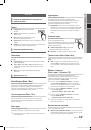
■
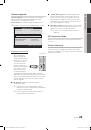
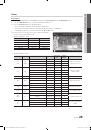
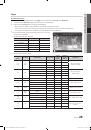
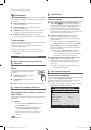
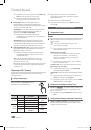
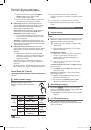
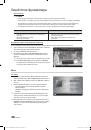
Black Tone (Off / Dark / Darker / Darkest)
: Select the
black level to adjust the screen depth.
■
Dynamic Contrast (Off / Low / Medium / High)
: Adjust
the screen contrast.
■
Gamma
: Adjust the primary colour intensity.
■
RGB Only Mode (Off / Red / Green / Blue)
: You can
adjust
Colour
or
Tint (G/R)
of
Red, Green
or
Blue
for
the picture from an external device (DVD player, home
theatre, etc.).
■
Colour Space (Auto / Native)
: Adjust the range of
colours available to create the image.
■
White Balance
: Adjust the colour temperature for a
more natural picture.
R-Offset / G-Offset / B-Offset
: Adjust each colour’s
(red, green, blue) darkness.
R-Gain / G-Gain / B-Gain
: Adjust each colour’s (red,
green, blue) brightness.
Reset
: Resets the
White Balance
to it’s default settings.
■
Flesh Tone
: Emphasize pink “Flesh Tone.”
■
Edge Enhancement (Off / On)
: Emphasize object
boundaries.
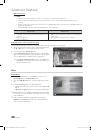
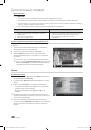
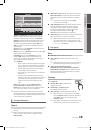
Picture Options
✎
In PC mode, you can only make changes to the
Colour Tone,
Size
and
Screen Burn Protection
.
■
Colour Tone (Cool / Normal / Warm1 / Warm2)
✎
Warm1
or
Warm2
will be deactivated when the picture
mode is
Dynamic
.
✎
Settings can be adjusted and stored for each external
device connected to an input on the TV.
■
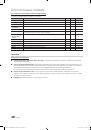
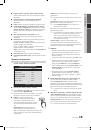
Size
: Your cable box/satellite receiver may
have its own set of screen sizes as well.
However, we highly recommend you use
16:9 mode most of the time.
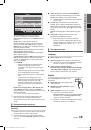
Auto Wide
: Automatically adjusts the
picture size to the 16:9 aspect ratio.
16:9
: Adjusts the picture size to 16:9 for
DVDs or wide broadcasting.
Wide Zoom
: Magnifies the picture size more than 4:3.
✎
Adjusts the
Position
by using
▲
,
▼
buttons.
Zoom
: Magnifies the 16:9 wide pictures vertically to fit
the screen size.
✎
Adjusts the
Position
or
Size
by using
▲
,
▼
button.
4:3
: The default setting for a movie or normal
broadcasting.
✎
Do not watch in 4:3 format for a long time. Traces
of borders displayed on the left, right and centre
of the screen may cause image retention(screen
burn) which are not covered by the warranty.
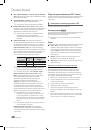
Screen Fit
: Displays the full image without any cut-off
when HDMI (720p / 1080i / 1080p) or Component
(1080i / 1080p) signals are inputted.
✎
NOTE
x
Depending on the input source, the picture size
options may vary.
x
The available items may differ depending on the
selected mode.
x
In PC mode, only
16:9
and
4:3
modes can be
adjusted.
x
Settings can be adjusted and stored for each
external device connected to an input on the TV.
x
After selecting
Screen Fit
in
HDMI
(1080i / 1080p)
or
Component
(1080i / 1080p) mode: Adjusts the
Position
or
Size
by using
▲
,
▼
,
◄
,
►
button.
x
If you use the
Screen Fit
function with HDMI 720p
input, 1 line will be cut at the top, bottom, left and
right as in the overscan function.
■
Screen Mode (16:9
/
Wide Zoom
/
Zoom
/
4:3
):
Available only when picture size is set to
Auto Wide
. You
can determine the desired picture size at the 4:3 WSS
(Wide Screen Service) size or the original size. Each
European country requires different picture size.
✎
Not available in PC, Component or HDMI mode.
■
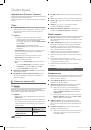
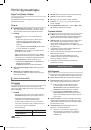
Digital Noise Filter (Off / Low / Medium / High / Auto
/ Auto Visualisation)
: When the broadcast signal is
weak, some static and ghosting may appear. Select one
of the options until the best picture is displayed.
Auto Visualisation
: When changing analogue channels,
displays the intensity of the current signal and defines
the screen noise filter.
✎
Only available for analogue channels.
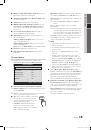
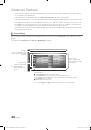
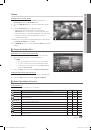
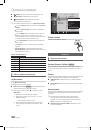
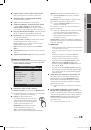
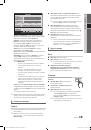
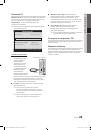
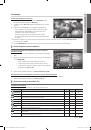
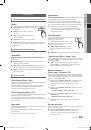
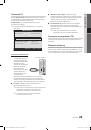
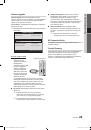
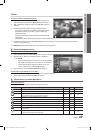
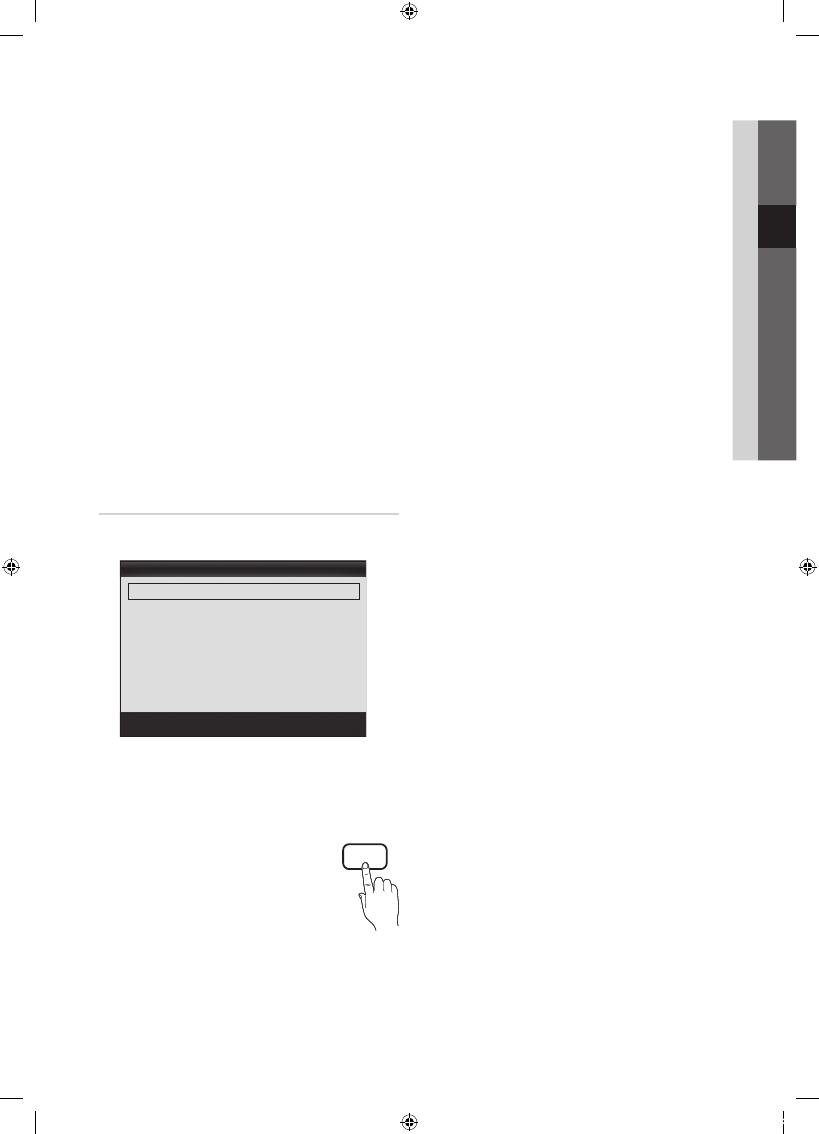
Picture Options
Colour Tone
: Normal
►
Size
: Auto Wide
Screen Mode
: 16:9
Digital Noise Filter
: Auto
MPEG Noise Filter
: Auto
HDMI Black Level
: Normal
Film Mode
: Off
▼
U
Move
E
Enter
R
Return
P.SIZE
[450-Rus]BN68-02575B-01L04.indb 15
2010-03-02 오후 11:23:40