Инструкция для Samsung PS42C450B1W, PS50C450B1W
 1
 2
 3
 4
 5
 6
 7
 8
 9
 10
 11
 12
 13
 14
 15
 16
 17
 18
 19
 20
 21
 22
 23
 24
 25
 26
 27
 28
 29
 30
 31
 32
 33
 34
 35
 36
 37
 38
 39
 40
 41
 42
 43
 44
 45
 46
 47
 48
 49
 50
 51
 52
 53
 54
 55
 56
 57
 58
 59
 60
 61
 62
 63
 64
 65
 66
 67
 68
 69
 70
 71
 72
 73
 74
 75
 76
 77
 78
 79
 80
 81
 82
 83
 84
 85
 86
 87
 88
 89
 90
 91
 92
 93
 94
 95
 96
 97
 98
 99
 100
 101
 102
 103
 104
 105
 106
 107
 108
 109
 110
 111
 112
 113
 114
 115
 116
 117
 118
 119
 120
 121
 122
 123
 124
 125
 126
 127
 128
 129
 130
 131
 132
 133
 134
 135
 136
 137
 138
 139
 140
 141
 142
 143
 144
 145
 146
 147
 148
 149
 150
 151
 152
 153
 154
 155
 156
 157
 158
 159
 160
 161
21
English
04
Advanced
Featur
es
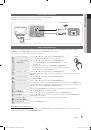
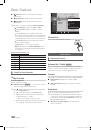
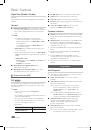
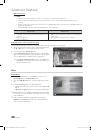
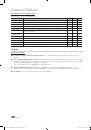
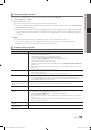
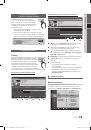
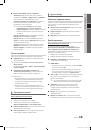
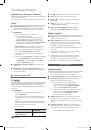
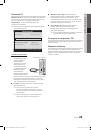
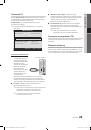
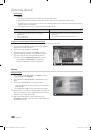
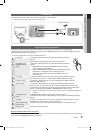
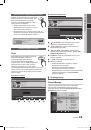
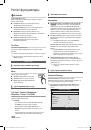
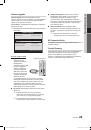
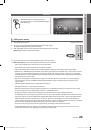
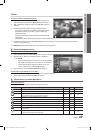
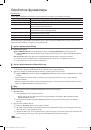
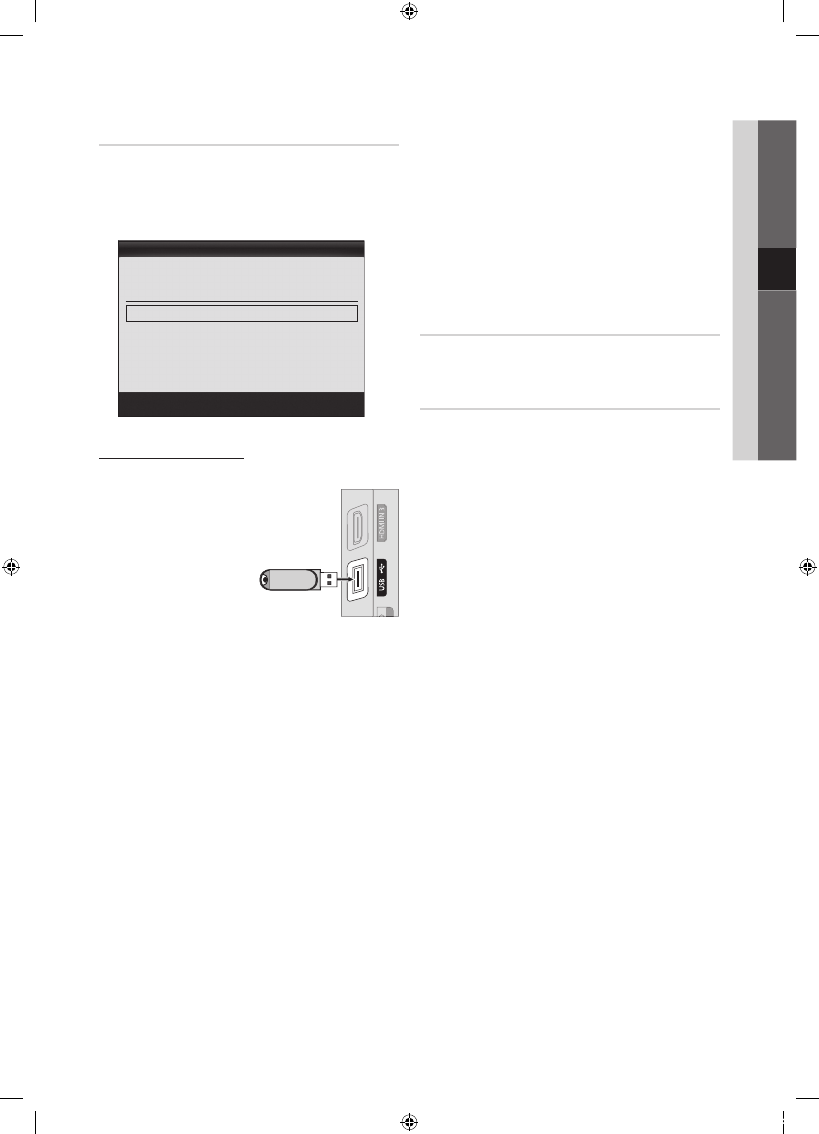
Software Upgrade
Software Upgrade
can be performed via a broadcasting
signal or downloading the latest firmware from “www.
samsung.com,” to a USB memory device.
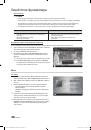
Current Version
the software already installed in the TV.
✎
Software is represented as “Year/Month/Day_Version.”
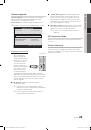
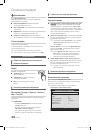
Installing the Latest Version
■
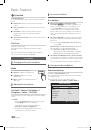
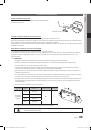
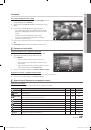
By USB
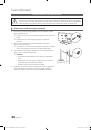
: Insert a USB
drive containing the
firmware upgrade file,
downloaded from “www.
samsung.com,” into the
TV. Please be careful
not to disconnect the
power or remove the
USB drive until upgrades
are complete. The TV
will be turned off and
on automatically after
completing the firmware upgrade. When software is
upgraded, video and audio settings you have made will
return to their default settings. We advise you to to write
down your settings so that you can easily reset them
after the upgrade.
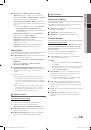
■
By Channel
: Upgrade the software using the
broadcasting signal.
✎
If the function is selected during the software
transmission period, software will be automatically
searched and downloaded.
✎
The time required to download the software is
determined by the signal status.
■
Standby Mode Upgrade
: A manual upgrade will be
automatically performed at selected time. Since the
power of the unit is turned on internally, the screen
may be turned on slightly for the PDP product. This
phenomenon may continue for more than 1 hour until
the software upgrade is complete.
■
Alternative Software
(backup): If there is an issue with
the new firmware and it is affecting operation, you can
change the software to the previous version.
✎
If software was changed, existing software is
displayed.
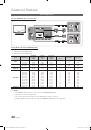
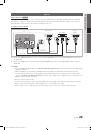
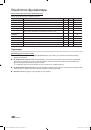
HD Connection Guide
Refer to this information when connecting external devices
to the TV.
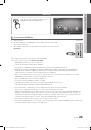
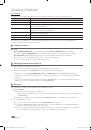
Contact Samsung
View this information when your TV does not work properly
or when you want to upgrade the software. You can find
information regarding our call centres, and how to download
products and software.
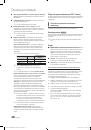
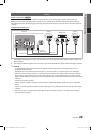
USB Drive
TV Side Panel
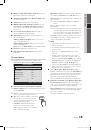
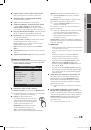
Software Upgrade
By USB
►
By Channel
Standby Mode Upgrade
: 2 Hours Later
Alternative Software
2010/01/15_00321
U
Move
E
Enter
R
Return
Current Version
2010/01/18_000322
[450-Rus]BN68-02575B-01L04.indb 21
2010-03-02 오후 11:23:44