Инструкция для Samsung PS42C450B1W, PS50C450B1W
 1
 2
 3
 4
 5
 6
 7
 8
 9
 10
 11
 12
 13
 14
 15
 16
 17
 18
 19
 20
 21
 22
 23
 24
 25
 26
 27
 28
 29
 30
 31
 32
 33
 34
 35
 36
 37
 38
 39
 40
 41
 42
 43
 44
 45
 46
 47
 48
 49
 50
 51
 52
 53
 54
 55
 56
 57
 58
 59
 60
 61
 62
 63
 64
 65
 66
 67
 68
 69
 70
 71
 72
 73
 74
 75
 76
 77
 78
 79
 80
 81
 82
 83
 84
 85
 86
 87
 88
 89
 90
 91
 92
 93
 94
 95
 96
 97
 98
 99
 100
 101
 102
 103
 104
 105
 106
 107
 108
 109
 110
 111
 112
 113
 114
 115
 116
 117
 118
 119
 120
 121
 122
 123
 124
 125
 126
 127
 128
 129
 130
 131
 132
 133
 134
 135
 136
 137
 138
 139
 140
 141
 142
 143
 144
 145
 146
 147
 148
 149
 150
 151
 152
 153
 154
 155
 156
 157
 158
 159
 160
 161
14
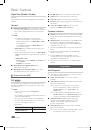
English
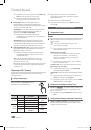
Basic Features
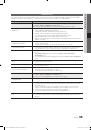
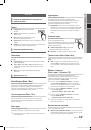
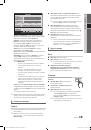
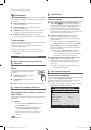
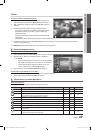
Scheduled
(in
Channel Manager
)
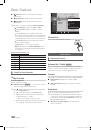
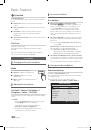
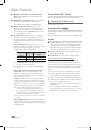
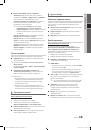
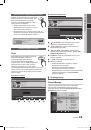
You can view, modify or delete a show you have reserved to
watch.
■
Change Info
: Change a show you have reserved to
watch.
■
Cancel Schedules
: Cancel a show you have reserved
to watch.
■
Information
: Display a show you have reserved
to watch. (You can also change the reservation
information.)
■
Select All / Deselect All
: Select or deselect all reserved
programmes.
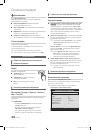
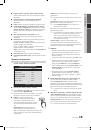
Fine Tune
(analogue channels only)
If the signal is weak or distorted, fine tune the channel
manually.
✎
Fine tuned channels are marked with an asterisk “*.”
✎
To reset the fine-tuning, select
Reset
.
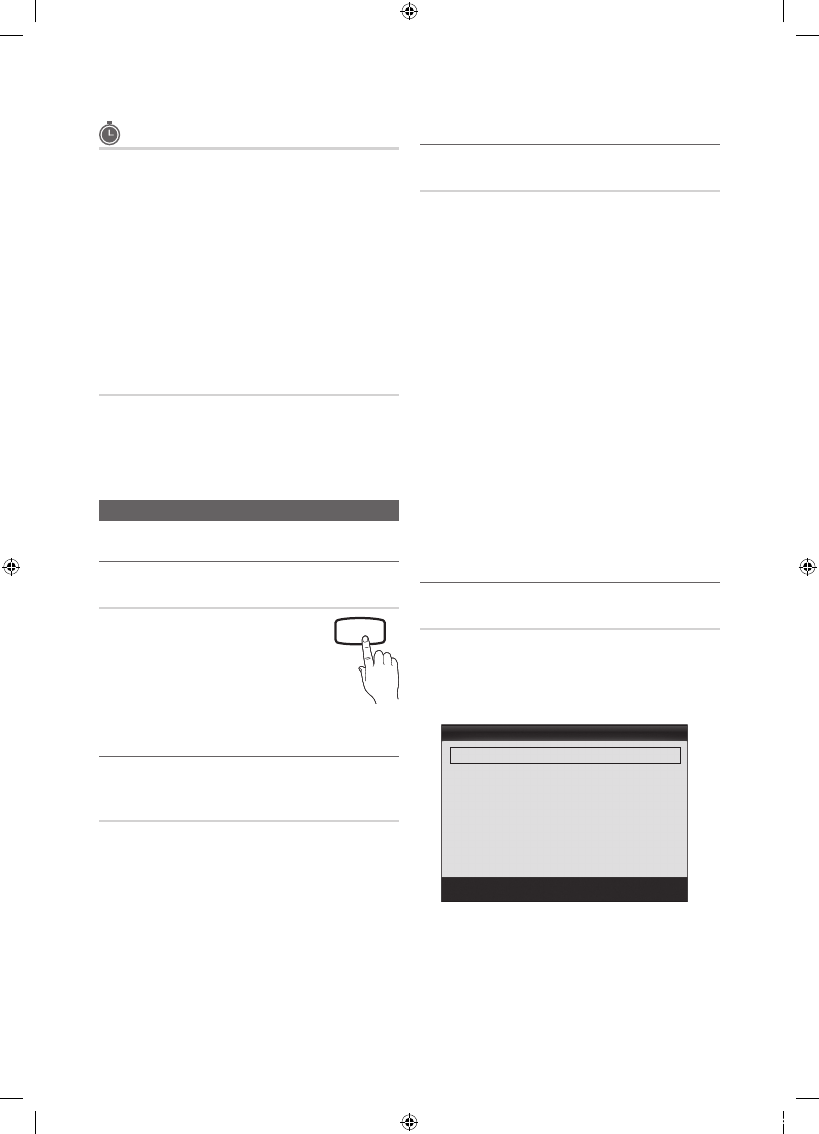
Picture Menu
¦
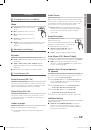
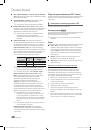
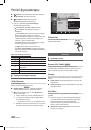
Changing the Preset Picture Mode
Mode
Select your preferred picture type.
■
Dynamic
: Suitable for a bright room.
■
Standard
: Suitable for a normal
environment.
■
Movie
: Suitable for watching movies in a
dark room.
¦
Adjusting Picture Settings
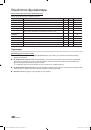
Cell Light / Contrast / Brightness /
Sharpness / Colour / Tint (G/R)
Your television has several setting options for picture quality
control.
✎
NOTE
x
In analogue
TV
,
Ext.
,
AV
modes of the PAL system,
the
Tint (G/R)
function is not available.
x
In PC mode, you can only make changes to
Cell Light
,
Contrast
and
Brightness
.
x
Settings can be adjusted and stored for each
external device connected to the TV.
¦
Economical Solutions
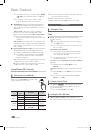
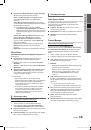
Eco Solution
■
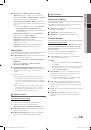
Energy Saving (Off / Low / Medium / High /
Picture Off)
t
: This adjusts the brightness of
the TV in order to reduce power consumption. If you
select
Picture Off
the screen is turned off, but the
sound remains on. Press any button except volume
button to turn on the screen. Until the screen turns on
again, a distorted picture will be displayed for about 4
seconds.
■
Eco Sensor (Off / On)
: To enhance your power savings;
the picture settings will automatically adapt to the light
in the room.
✎
If you adjust the
Cell Light
, the
Eco Sensor
will
be set to
Off
.
Min Cell Light
: When
Eco sensor
is
On
, the minimum
screen brightness can be adjusted manually.
✎
If
Eco Sensor
is
On
, the display brightness
may change (become slightly darker or brighter)
depending on the surrounding light intensity.
■
No-Signal Power Off (Off / 15 min / 30 min / 60 min)
:
To avoid unnecessary energy consumption, set how long
you want the TV to remain on if it's not receiving a signal.
✎
Disabled when the PC is in power saving mode.
¦
Changing the Picture Options
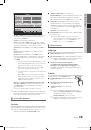
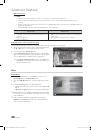
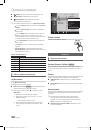
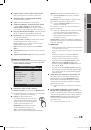
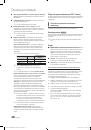
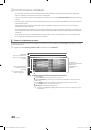
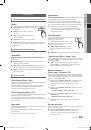
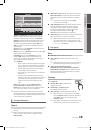
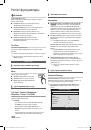
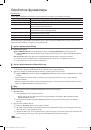
Advanced Settings
(available in
Standard / Movie
mode)
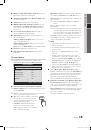
You can adjust the detailed setting for the screen including
colour and contrast.
✎
In PC mode, you can only make changes to
Dynamic Contrast
,
Gamma
and
White Balance
.
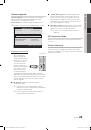
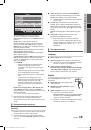
P.MODE
Advanced Settings
Black Tone
: Off
►
Dynamic Contrast
: Medium
Gamma
: 0
RGB Only Mode
: Off
Colour Space
: Native
White Balance
Flesh Tone
: 0
▼
U
Move
E
Enter
R
Return
[450-Rus]BN68-02575B-01L04.indb 14
2010-03-02 오후 11:23:39