Инструкция для Samsung PS42C450B1W, PS50C450B1W
 1
 2
 3
 4
 5
 6
 7
 8
 9
 10
 11
 12
 13
 14
 15
 16
 17
 18
 19
 20
 21
 22
 23
 24
 25
 26
 27
 28
 29
 30
 31
 32
 33
 34
 35
 36
 37
 38
 39
 40
 41
 42
 43
 44
 45
 46
 47
 48
 49
 50
 51
 52
 53
 54
 55
 56
 57
 58
 59
 60
 61
 62
 63
 64
 65
 66
 67
 68
 69
 70
 71
 72
 73
 74
 75
 76
 77
 78
 79
 80
 81
 82
 83
 84
 85
 86
 87
 88
 89
 90
 91
 92
 93
 94
 95
 96
 97
 98
 99
 100
 101
 102
 103
 104
 105
 106
 107
 108
 109
 110
 111
 112
 113
 114
 115
 116
 117
 118
 119
 120
 121
 122
 123
 124
 125
 126
 127
 128
 129
 130
 131
 132
 133
 134
 135
 136
 137
 138
 139
 140
 141
 142
 143
 144
 145
 146
 147
 148
 149
 150
 151
 152
 153
 154
 155
 156
 157
 158
 159
 160
 161
26
English
Advanced Features
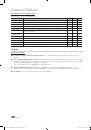
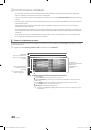
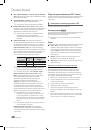
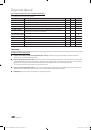
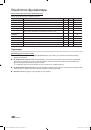
Other Restrictions
✎
NOTE
x
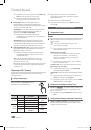
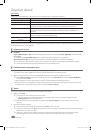
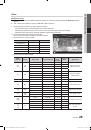
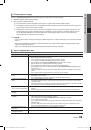
If there are problems with the contents of a codec, the codec will not be supported.
x
If the information for a Container is incorrect and the file is in error, the Container will not be able to play
correctly.
x
Sound or video may not work if the contents have a standard bitrate/frame rate above the compatible Frame/sec
listed in the table above.
x
If the Index Table is in error, the Seek (Jump) function is not supported.
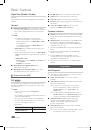
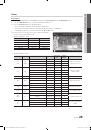
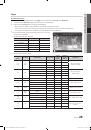
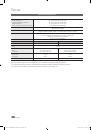
Video Decoder
Audio Decoder
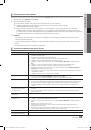
• Supports up to H.264, Level 4.1
• H.264 FMO / ASO / RS, VC1 SP / MP / AP L4 and AVCHD are not
supported.
• GMC is not supported.
• H.263 is not supported.
• Supports up to WMA 7, 8, 9, STD
• WMA 9 PRO does not support 2 channel excess multi channel or
lossless audio.
• WMA sampling rate 22050Hz mono is not supported.
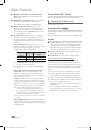
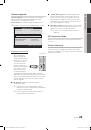
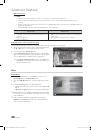
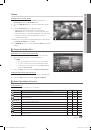
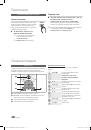
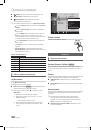
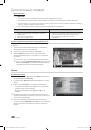
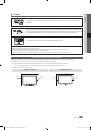
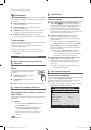
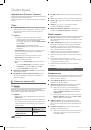
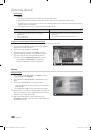
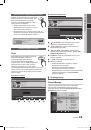
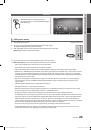
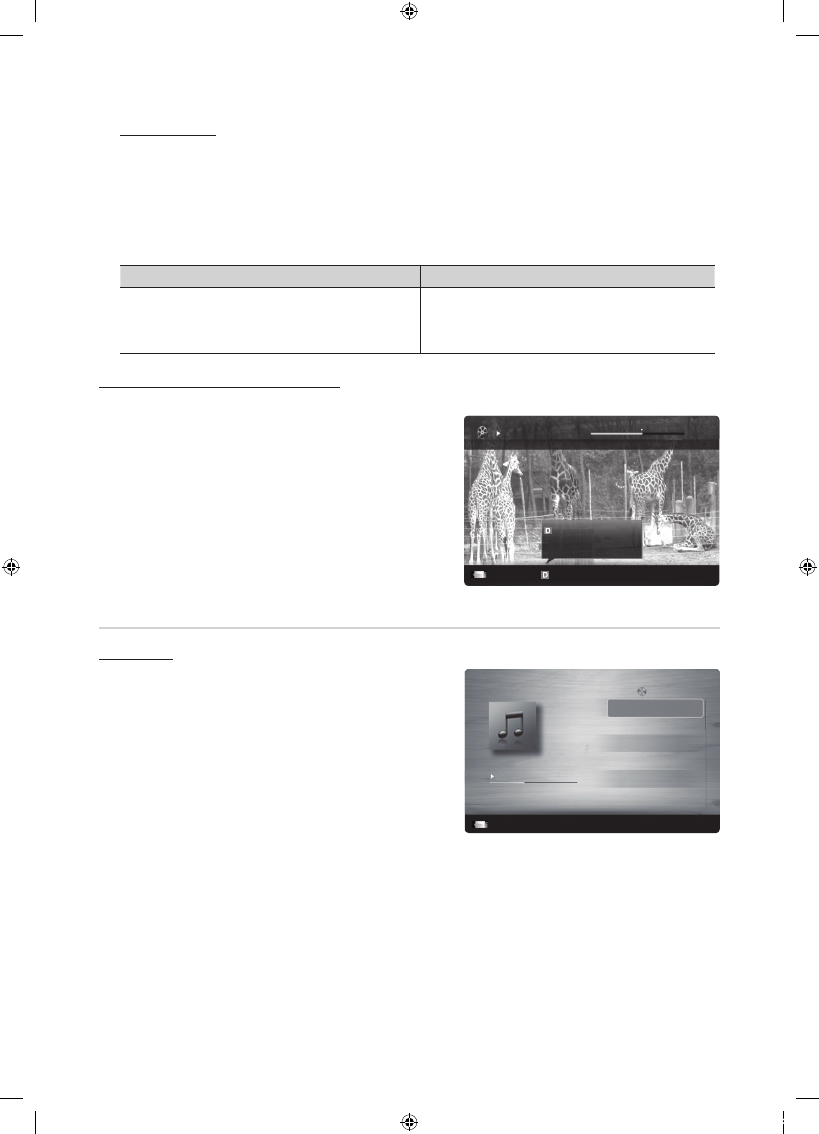
Playing movie file continuously (Resume Play)
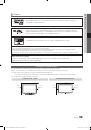
If you exit the playing videos function, it can be played later from the point where it was stopped.
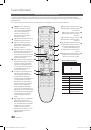
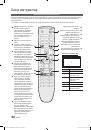
1.
Select the movie file you want to play continuously by pressing
the
◄
or
►
button to select it from the file list section.
2.
Press the
�
(Play) /
ENTER
E
button.
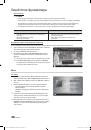
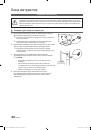
3.
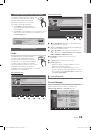
Select
Play Continuously
(Resume Play) by pressing the Blue
button. The Movie will begin to play from where it was stopped.
✎
The Blue button is available when resuming play.
✎
If the
Cont. movie play help
function is set to
On
in the
Settings
menu, a pop-up message will appear when you
resume play a movie file.
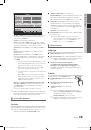
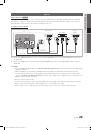
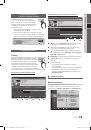
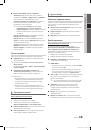
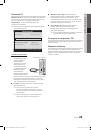
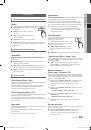
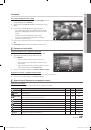
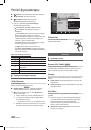
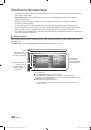
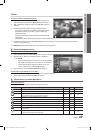
Music
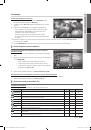
Playing Music
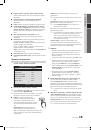
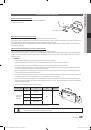
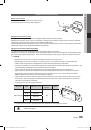
1.
Press the
◄
or
►
button to select
Music
, then press the
ENTER
E
button in the
Media Play
menu.
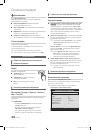
2.
Press the
◄
/
►
/
▲
/
▼
button to select the desired file in the file
list.
3.
Press the
ENTER
E
button or
�
(Play) button.
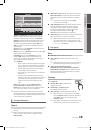
– During playing the music, you can search using the
◄
and
►
button.
–
�
(REW) and
µ
(FF) buttons do not function during play.
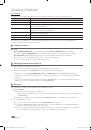
✎
Only displays the files with MP3 and PCM file extension. Other
file extensions are not displayed, even if they are saved on the
same USB device.
✎
If the sound is strange when playing MP3 files, adjust the
Equalizer
in the
Sound
menu. (An over-modulated MP3 file
may cause a sound problem.)
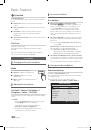
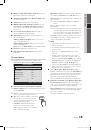
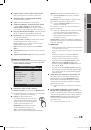
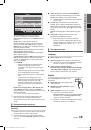
3/15
I Love you
Jhon
Music 1
No Singer
Music 2
No Singer
Music 3
No Singer
Music 4
No Singer
Music 5
No Singer
I Love You
Jhon
1st Album
Pop
2010
4.2MB
01:10 / 04:02
SUM
E
Pause
L
Jump
T
Tools
R
Return
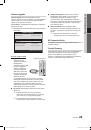
Playlist
Movie 01.avi
00:04:03 / 00:07:38
1/1
SUM
Play continuously
E
Pause
L
Jump
T
Tools
R
Return
Resumes playing from the last viewed
scene.
Play continuously
[450-Rus]BN68-02575B-01L04.indb 26
2010-03-02 오후 11:23:51