Инструкция для Samsung PS42C450B1W, PS50C450B1W
 1
 2
 3
 4
 5
 6
 7
 8
 9
 10
 11
 12
 13
 14
 15
 16
 17
 18
 19
 20
 21
 22
 23
 24
 25
 26
 27
 28
 29
 30
 31
 32
 33
 34
 35
 36
 37
 38
 39
 40
 41
 42
 43
 44
 45
 46
 47
 48
 49
 50
 51
 52
 53
 54
 55
 56
 57
 58
 59
 60
 61
 62
 63
 64
 65
 66
 67
 68
 69
 70
 71
 72
 73
 74
 75
 76
 77
 78
 79
 80
 81
 82
 83
 84
 85
 86
 87
 88
 89
 90
 91
 92
 93
 94
 95
 96
 97
 98
 99
 100
 101
 102
 103
 104
 105
 106
 107
 108
 109
 110
 111
 112
 113
 114
 115
 116
 117
 118
 119
 120
 121
 122
 123
 124
 125
 126
 127
 128
 129
 130
 131
 132
 133
 134
 135
 136
 137
 138
 139
 140
 141
 142
 143
 144
 145
 146
 147
 148
 149
 150
 151
 152
 153
 154
 155
 156
 157
 158
 159
 160
 161
18
English
Basic Features
✎
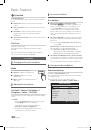
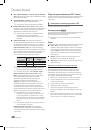
According to the type of broadcast signal,
MPEG
/
HE-AAC
can be adjusted between -10dB and
0dB.
✎
To increase or decrease the volume, adjust
between the range 0 and -10 respectively.
■
SPDIF Output
: SPDIF (Sony Philips Digital InterFace)
is used to provide digital sound, reducing interference
going to speakers and various digital devices such as a
DVD player.
Audio Format
: During the reception of a digital TV
broadcast, you can select the Digital Audio output
(SPDIF) format from the options
PCM
or
Dolby Digital
.
✎
By connecting to 5.1ch speakers in a Dolby
Digital setup, maximize your interactive 3D sound
experience.
Audio Delay
: Correct audio-video sync problems, when
watching TV or video, and when listening to digital audio
output using an external device such as an AV receiver
(0ms ~ 250ms).
■
Dolby Digital Comp (Line / RF)
: This function minimizes
signal disparity between a dolby digital signal and a
voice signal (i.e. MPEG Audio, HE-AAC, ATV Sound).
✎
Select
Line
to obtain dynamic sound, and
RF
to reduce the difference between loud and soft
sounds at night time.
Line
: Set the output level for signals greater or less than
-31dB (reference) to either -20dB or -31dB.
RF
: Set the output level for signals greater or less than
-20dB (reference) to either -10dB or -20dB.
Sound Reset (OK / Cancel)
Reset all sound settings to the factory defaults.
¦
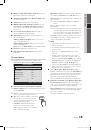
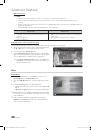
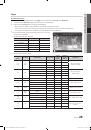
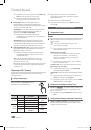
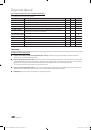
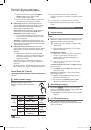
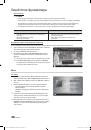
Selecting the Sound Mode
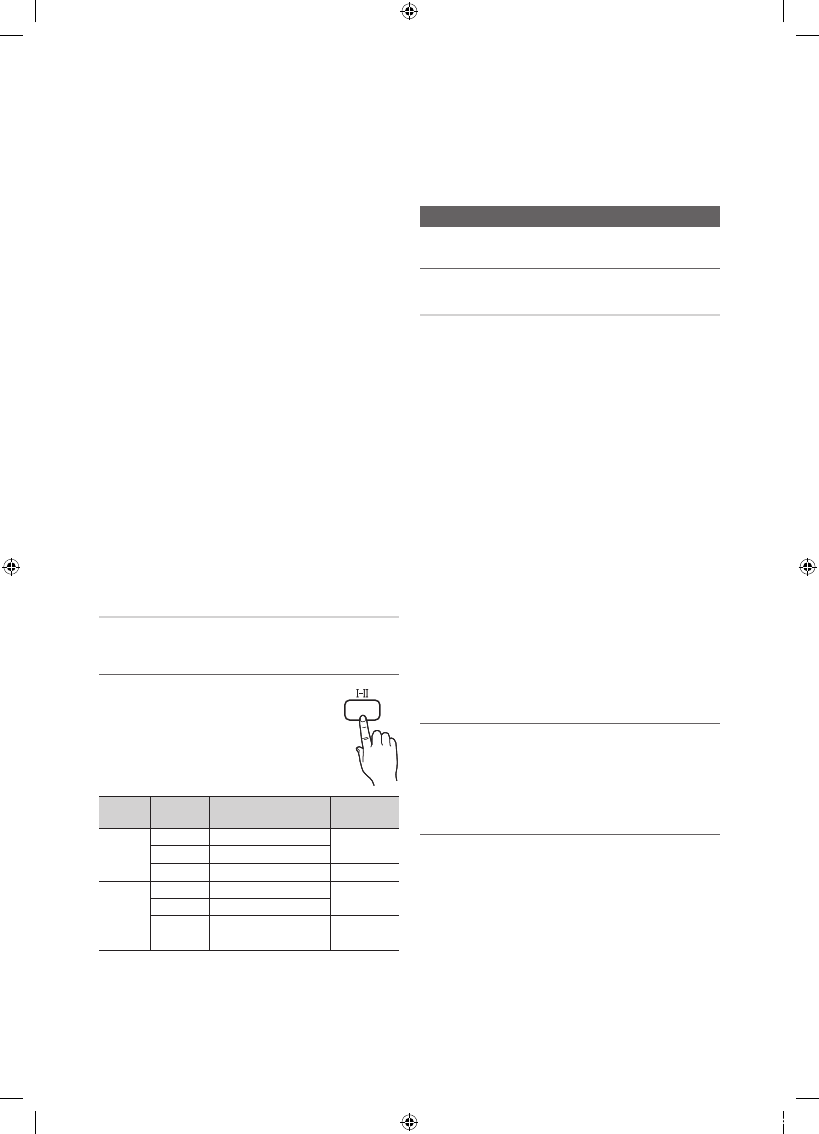
When you set to
Dual
f
-
g
, the current sound
mode is displayed on the screen.
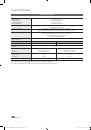
DUAL
Audio
Type
Dual
f
-
g
Default
A2
Stereo
Mono
Mono
Automatic
change
Stereo
Stereo
Mono
Dual
Dual
f
Dual
g
Dual
f
NICAM
Stereo
Mono
Mono
Automatic
change
Stereo
Mono
Stereo
Dual
Mono
Dual
f
Dual
g
Dual
f
✎
If the stereo signal is weak and an automatic switching
occurs, then switch to the mono.
✎
Only activated in stereo sound signal.
✎
Only available when the
Input
source is set to
TV
.
Setup Menu
¦
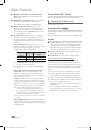
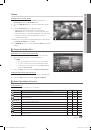
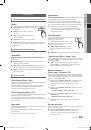
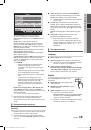
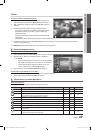
Setting the Time
Time
■
Clock
: Setting the clock is for using various timer
features of the TV.
O
The current time will appear every time you press
the
INFO
button.
✎
If you disconnect the power cord, you have to set
the clock again.
Clock Mode (Auto / Manual)
✎
Depending on the broadcast station and signal,
the auto time set up may not be correct. In this
case, set the time manually.
✎
The antenna must be connected in order to set
the time automatically.
Clock Set
: Set the
Day
,
Month
,
Year
,
Hour
and
Minute
manually.
✎
Available only when
Clock Mode
is set to
Manual
.
Time Zone
(depending on the country): Select your time
zone.
✎
When
Country
is set to
Others
, you can use this
function.
✎
This function is only available when the
Clock
Mode
is set to
Auto
.
¦
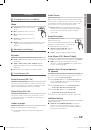
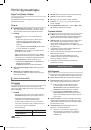
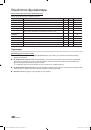
Using the Sleep Timer
■
Sleep Timer
t
: Automatically shuts down the
TV after a preset period of time. (Off, 30, 60, 90, 120,
150 and 180 minutes).
✎
To cancel
Sleep Timer
, select
Off
.
¦
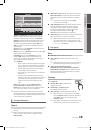
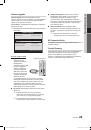
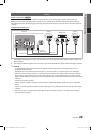
Setting the On / Off Timer
■
Timer 1 / Timer 2 / Timer 3
: Three different on / off
timer settings can be made. You must set the clock first.
[450-Rus]BN68-02575B-01L04.indb 18
2010-03-02 오후 11:23:42