Инструкция для Sony KDL-40(46)(52)Z4500
 1
 2
 3
 4
 5
 6
 7
 8
 9
 10
 11
 12
 13
 14
 15
 16
 17
 18
 19
 20
 21
 22
 23
 24
 25
 26
 27
 28
 29
 30
 31
 32
 33
 34
 35
 36
 37
 38
 39
 40
 41
 42
 43
 44
 45
 46
 47
 48
 49
 50
 51
 52
 53
 54
 55
 56
 57
 58
 59
 60
 61
 62
 63
 64
 65
 66
 67
 68
 69
 70
 71
 72
 73
 74
 75
 76
 77
 78
 79
 80
 81
 82
 83
 84
 85
 86
 87
 88
 89
 90
 91
 92
 93
 94
 95
 96
 97
 98
 99
 100
 101
 102
 103
 104
 105
 106
 107
 108
 109
 110
 111
 112
 113
 114
 115
 116
 117
 118
 119
 120
 121
 122
 123
 124
 125
 126
 127
 128
 129
 130
 131
 132
 133
 134
 135
 136
 137
 138
 139
 140
 141
 142
 143
 144
 145
 146
 147
 148
 149
 150
 151
 152
 153
 154
 155
 156
 157
 158
 159
 160
 161
 162
 163
 164
 165
 166
 167
 168
 169
 170
 171
 172
 173
 174
 175
 176
 177
 178
 179
 180
 181
 182
 183
 184
 185
 186
 187
 188
 189
 190
 191
 192
 193
 194
 195
38
GB
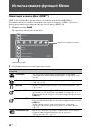
Using MENU Functions
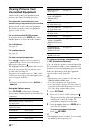
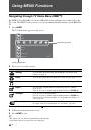
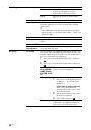
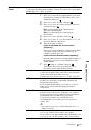
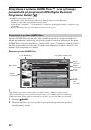
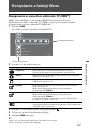
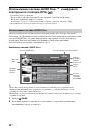
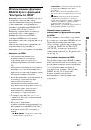
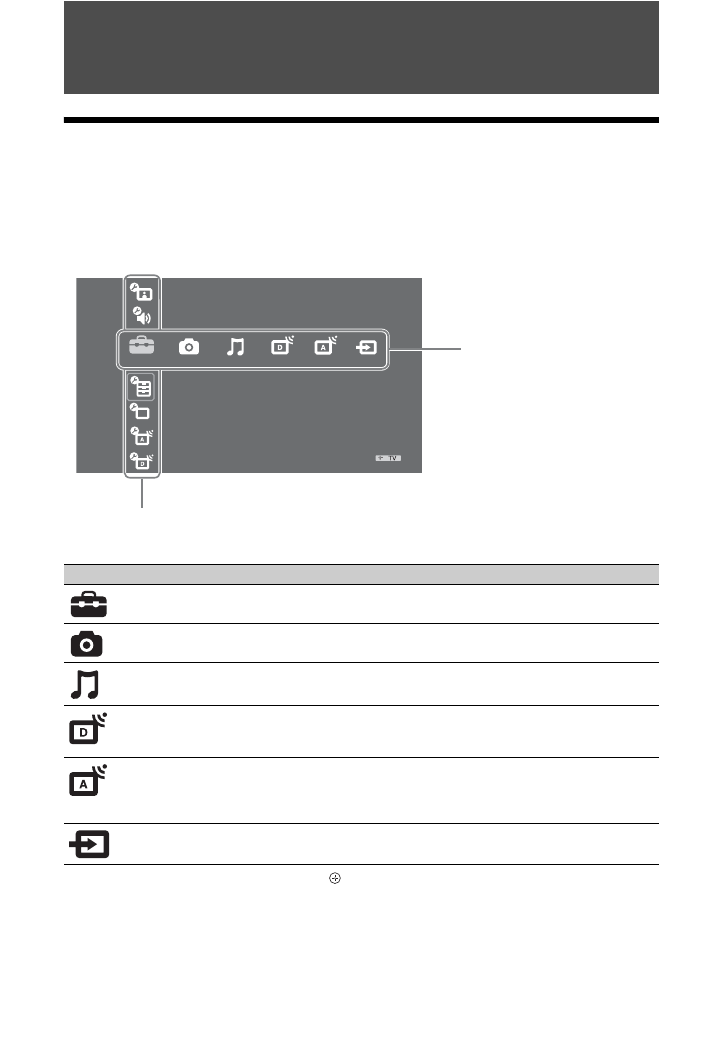
Navigating through TV Home Menu (XMB™)
The XMB™ (XrossMediaBar) is a menu of BRAVIA features and input sources displayed on the
TV screen. The XMB™ is an easy way to select programming and adjust settings on your BRAVIA
TV.
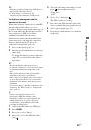
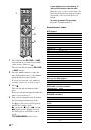
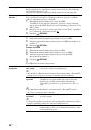
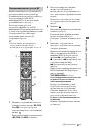
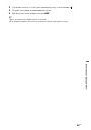
1
Press
HOME
.
The TV Home menu appears on the screen.
2
Press
G
/
g
to select the category.
3
Press
F
/
f
to select the item, then press
.
4
Follow the instructions on the screen.
5
Press
HOME
to exit.
~
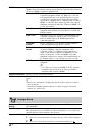
• The options you can adjust vary depending on the situation.
• Unavailable options are greyed out or not displayed.
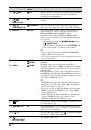
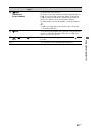
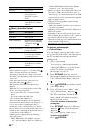
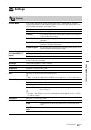
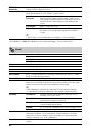
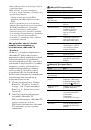
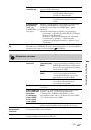
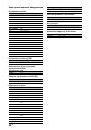
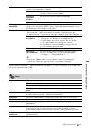
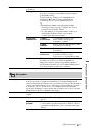
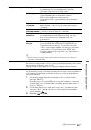
Media category icon
Description
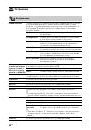
Settings
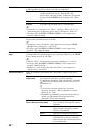
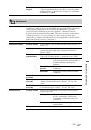
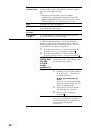
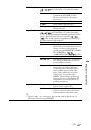
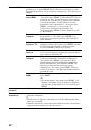
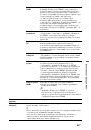
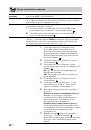
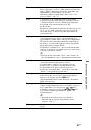
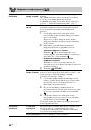
You can make advanced settings and adjustments. For details about
settings, see page 39.
Photo
You can enjoy photo files via USB devices or the network (page 27, 34).
Music
You can enjoy music files via USB devices or the network (page 27, 34).
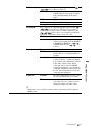
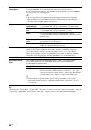
Digital
You can select a digital channel, favourite list (page 22), or Guide
(page 18, 21).
You can also select a channel using the number buttons or
PROG +/–
.
Analogue
You can select an analogue channel.
You can also select a channel using the number buttons or
PROG +/–
.
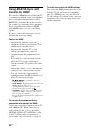
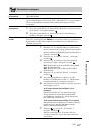
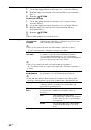
To hide the list of analogue channels, set “Programme List Display” to
“Off” (page 46).
External Inputs
You can select equipment connected to the TV.
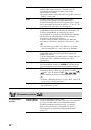
To assign a label to an external input, see “AV Preset” (page 44).
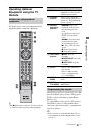
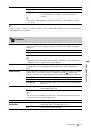
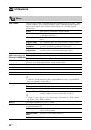
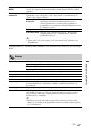
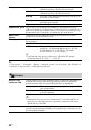
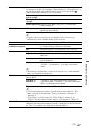
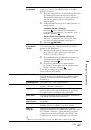
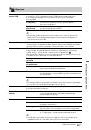
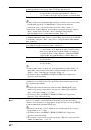
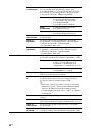
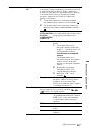
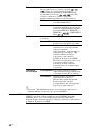
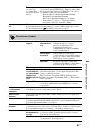
Picture
Digital Set-up
Analogue Set-up
Set-up
Features
Settings
Sound
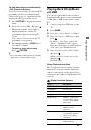
Media Category Bar
Category Object Bar
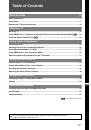
Оглавление инструкции
- GB
- PL
- RU