Инструкция для Sony KDL-40(46)(52)Z4500
 1
 2
 3
 4
 5
 6
 7
 8
 9
 10
 11
 12
 13
 14
 15
 16
 17
 18
 19
 20
 21
 22
 23
 24
 25
 26
 27
 28
 29
 30
 31
 32
 33
 34
 35
 36
 37
 38
 39
 40
 41
 42
 43
 44
 45
 46
 47
 48
 49
 50
 51
 52
 53
 54
 55
 56
 57
 58
 59
 60
 61
 62
 63
 64
 65
 66
 67
 68
 69
 70
 71
 72
 73
 74
 75
 76
 77
 78
 79
 80
 81
 82
 83
 84
 85
 86
 87
 88
 89
 90
 91
 92
 93
 94
 95
 96
 97
 98
 99
 100
 101
 102
 103
 104
 105
 106
 107
 108
 109
 110
 111
 112
 113
 114
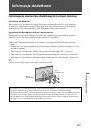 115
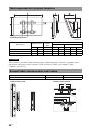 116
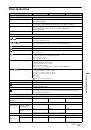 117
 118
 119
 120
 121
 122
 123
 124
 125
 126
 127
 128
 129
 130
 131
 132
 133
 134
 135
 136
 137
 138
 139
 140
 141
 142
 143
 144
 145
 146
 147
 148
 149
 150
 151
 152
 153
 154
 155
 156
 157
 158
 159
 160
 161
 162
 163
 164
 165
 166
 167
 168
 169
 170
 171
 172
 173
 174
 175
 176
 177
 178
 179
 180
 181
 182
 183
 184
 185
 186
 187
 188
 189
 190
 191
 192
 193
 194
 195
19
GB
Wa
tc
hi
n
g
TV
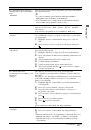
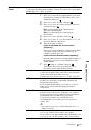
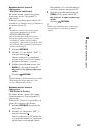
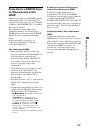
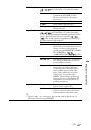
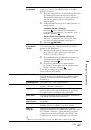
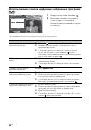
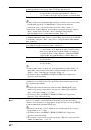
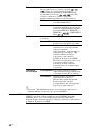
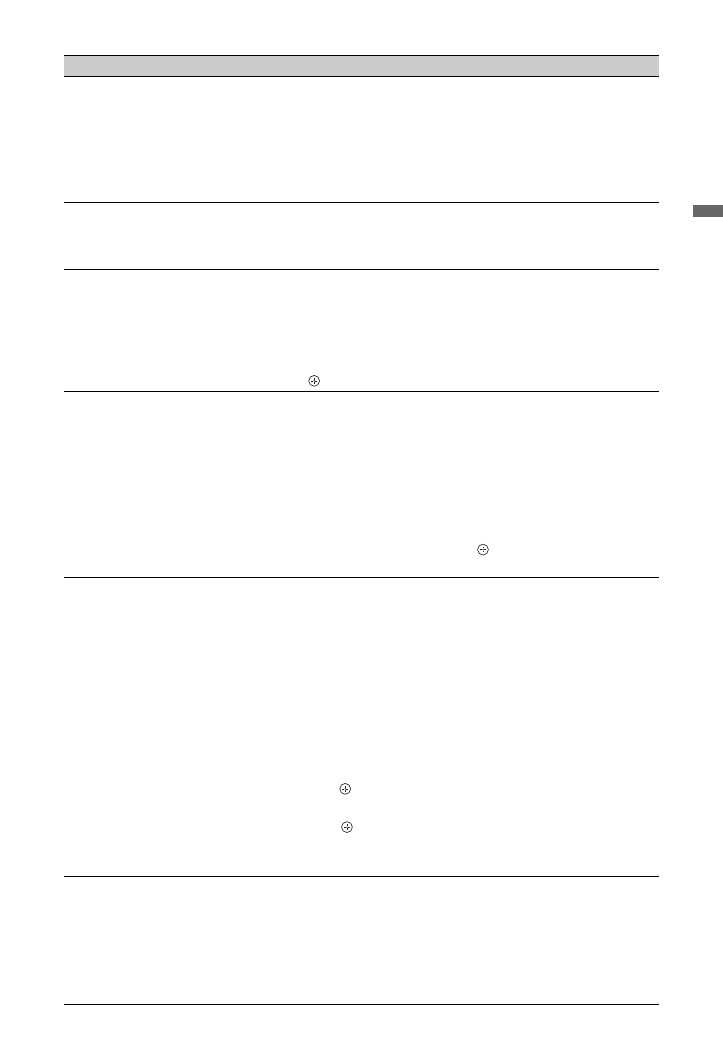
Set a programme to be displayed
automatically on the screen when it
starts
– Reminder
Press
F
/
f
/
G
/
g
to select a future programme you want to watch, then
press the green button.
~
• To cancel a reminder, press red button when the reminder is
highlighted or use “Schedule” on the menu bar.
• If you switch the TV to standby mode, it will automatically turn
itself on when the programme is about to start.
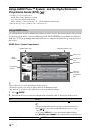
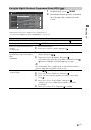
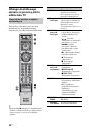
Menu bar
Press
F
repeatedly to access the menu bar.
Press
G
/
g
to select area. (“Grid”, “Search”, “My TV”, “Schedule”
and “Set-up”)
You can view a programme or set a reminder in “Grid” area.
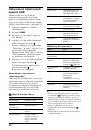
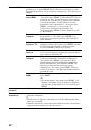
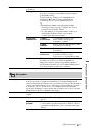
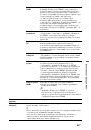
Search a programme
– Search
You can quickly and easily find something of interest to watch or to
set a reminder by category (e.g. Sport) or subcategory (e.g. Football)
of a programme.
1
Highlight “Search” on the menu bar, then, press
f
only one
time.
2
Press
F
/
f
/
G
/
g
to select a category or subcategory, then press
.
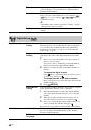
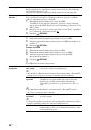
Search your own keyword
– My Choice
In addition to the standard categories and sub-categories, you can set
your own search keywords.
1
Highlight “My Choice” in the “Search” area on the menu bar.
2
Press yellow button to add a keyword, then the virtual keyboard
appears.
3
Use the virtual keyboard to enter your keyword.
4
Confirm with the green button.
5
Your personal keyword appears in the “My Choice.”
6
Select your keyword and press
to start a search according to
your personal keyword.
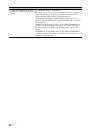
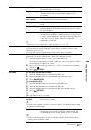
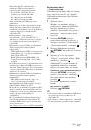
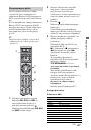
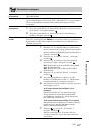
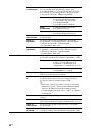
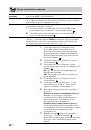
Set a Profile and receive
recommendations according to your
preferences
– My TV
The “My TV” area allows you to set up a personal profile.
You can define a personal profile by channels, categories and/or by
keywords.
The “My TV” area is making recommendations to you to quickly and
easily find something of interest to watch or to set a reminder.
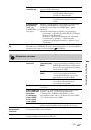
How to set your profile:
1
Highlight “My TV” on the menu bar, press the green button to
set your profile.
2
Press
F
/
f
to select channels, categories or keywords.
3
Press the yellow button to add a channel, a category or a
keyword to your profile.
4
Press
F
/
f
/
G
/
g
to select a channel, a category or a keyword, then
press .
5
Repeat step 2 to 4 to add more items.
6
Press
to activate your profile.
z
• You can delete or edit with the red and green buttons.
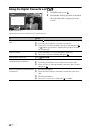
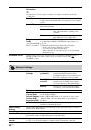
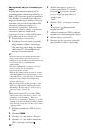
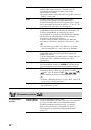
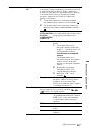
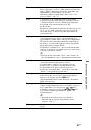
Delete and edit reminder
– Schedule
1
Highlight “Schedule” on the menu bar.
2
Press
F
/
f
to delete or edit with the red and green buttons.
z
• When no reminder is set, “No programmes” is displayed. Press
g
to
highlight “Frequency” (e.g.weekly) or “Timing” (e.g.reminder
timing:10 min early), you can change this settings by pressing
colour buttons.
To
Do this
(Continued)
Оглавление инструкции
- GB
- PL
- RU