Инструкция для Sony KDL-40(46)(52)Z4500
 1
 2
 3
 4
 5
 6
 7
 8
 9
 10
 11
 12
 13
 14
 15
 16
 17
 18
 19
 20
 21
 22
 23
 24
 25
 26
 27
 28
 29
 30
 31
 32
 33
 34
 35
 36
 37
 38
 39
 40
 41
 42
 43
 44
 45
 46
 47
 48
 49
 50
 51
 52
 53
 54
 55
 56
 57
 58
 59
 60
 61
 62
 63
 64
 65
 66
 67
 68
 69
 70
 71
 72
 73
 74
 75
 76
 77
 78
 79
 80
 81
 82
 83
 84
 85
 86
 87
 88
 89
 90
 91
 92
 93
 94
 95
 96
 97
 98
 99
 100
 101
 102
 103
 104
 105
 106
 107
 108
 109
 110
 111
 112
 113
 114
 115
 116
 117
 118
 119
 120
 121
 122
 123
 124
 125
 126
 127
 128
 129
 130
 131
 132
 133
 134
 135
 136
 137
 138
 139
 140
 141
 142
 143
 144
 145
 146
 147
 148
 149
 150
 151
 152
 153
 154
 155
 156
 157
 158
 159
 160
 161
 162
 163
 164
 165
 166
 167
 168
 169
 170
 171
 172
 173
 174
 175
 176
 177
 178
 179
 180
 181
 182
 183
 184
 185
 186
 187
 188
 189
 190
 191
 192
 193
 194
 195
36
GB
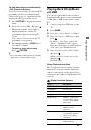
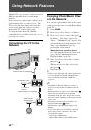
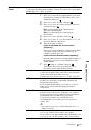
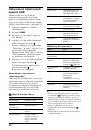
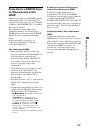
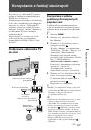
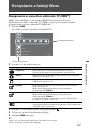
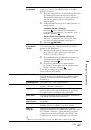
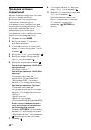
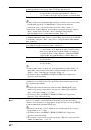
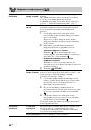
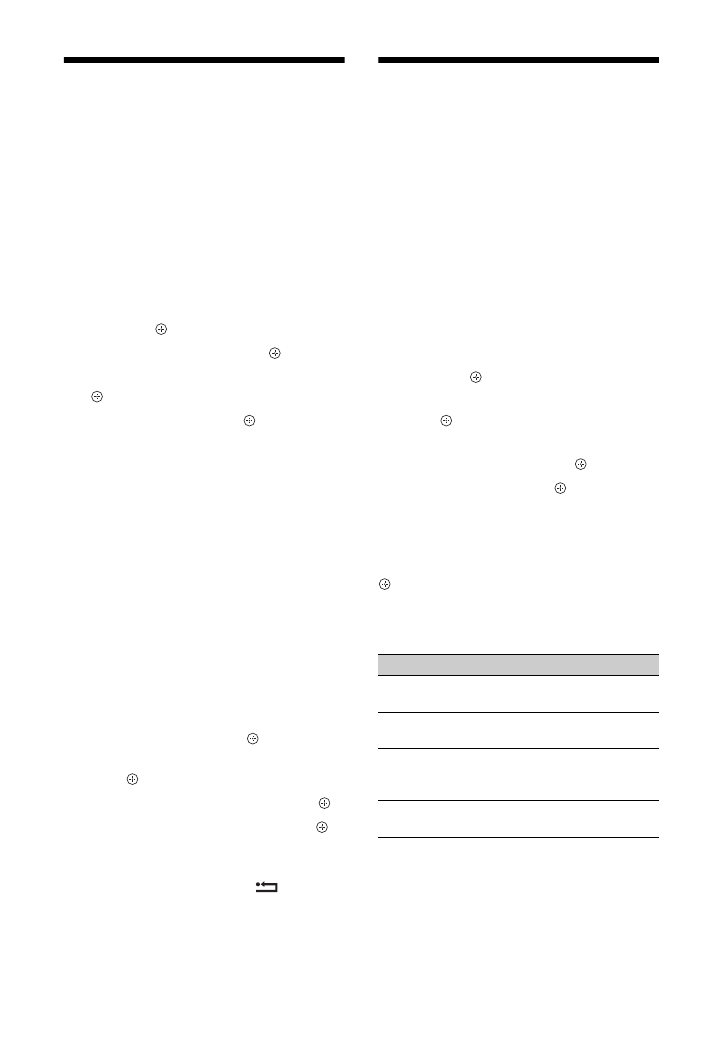
Checking the Network
Connection
Enter the respective (alphanumeric) values for
your router. The items that need to be set may
differ, depending on the Internet service
provider or the router. For details, refer to the
instruction manuals that have been provided
by your Internet service provider or supplied
with the router.
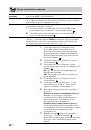
1
Press
HOME
.
2
Press
G
to select “Settings.”
3
Press
F
/
f
to select “Network Settings”,
then press .
4
Select “Network”, then press .
5
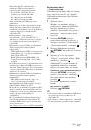
Select “IP Address settings”, then press
.
6
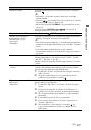
Select an item, and press .
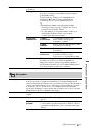
When you select “DHCP (DNS
automatic)”
Go to step 7.
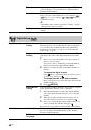
When you select “DHCP (DNS manual)”
Set “Primary DNS”/“Secondary DNS”
using
F
/
f
/
g
and the number buttons.
When you select “Manual”
Set the following items using
F
/
f
/
g
and
the number buttons.
• IP Address
• Subnet Mask
• Default Gateway
• Primary DNS/Secondary DNS
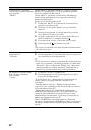
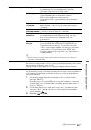
If your ISP has a specific proxy server
setting
Press
OPTIONS
, then press
F
/
f
to select
“Proxy Set-up” and press . Then enter
the settings.
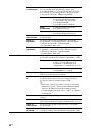
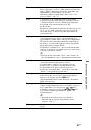
7
Press .
8
Press
F
/
f
to select “Test”, then press .
9
Press
G
/
g
to select “Yes”, then press .
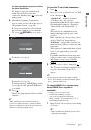
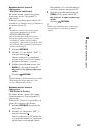
The network diagnostic starts.
When the message “Connection
successful.” appears, press
RETURN
repeatedly to exit.
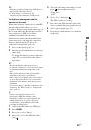
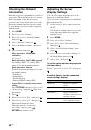
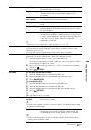
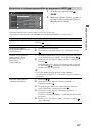
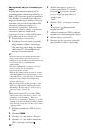
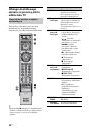
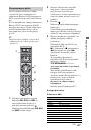
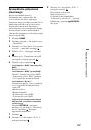
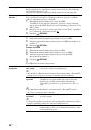
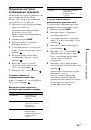
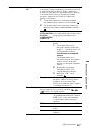
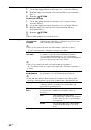
Adjusting the Server
Display Settings
You can select home network servers to be
displayed on the Home Menu.
Up to 10 servers can be displayed on the Home
Menu automatically.
1
Set the server to allow connections from
the TV.
For details on settings on the server, refer
to the Operating Instructions supplied
with the server.
2
Press
HOME
.
3
Press
G
/
g
to select “Settings.”
4
Press
F
/
f
to select “Network Settings”,
then press .
5
Select “Server Display Settings”, then
press .
6
Select the server you want to display on
the Home Menu, then press .
7
Select “Yes”, then press .
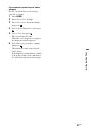
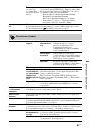
To set the server not to be displayed on
the Home Menu
In step 7, press
F
/
f
to select “No”, then press
.
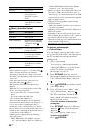
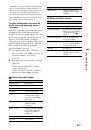
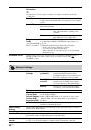
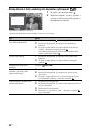
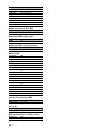
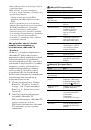
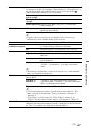
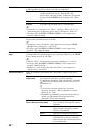
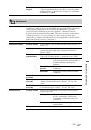
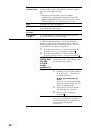
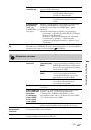
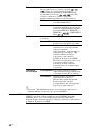
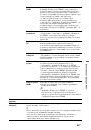
Available Options (on the connected
server settings display)
Option
Description
Delete All
Deletes all connected
servers.
Update List
Updates the server list to
the latest information.
Information
Displays information
about the connected server
currently selected.
Delete
Deletes the connected
server currently selected.
Оглавление инструкции
- GB
- PL
- RU