Инструкция для Sony KDL-40(46)(52)Z4500
 1
 2
 3
 4
 5
 6
 7
 8
 9
 10
 11
 12
 13
 14
 15
 16
 17
 18
 19
 20
 21
 22
 23
 24
 25
 26
 27
 28
 29
 30
 31
 32
 33
 34
 35
 36
 37
 38
 39
 40
 41
 42
 43
 44
 45
 46
 47
 48
 49
 50
 51
 52
 53
 54
 55
 56
 57
 58
 59
 60
 61
 62
 63
 64
 65
 66
 67
 68
 69
 70
 71
 72
 73
 74
 75
 76
 77
 78
 79
 80
 81
 82
 83
 84
 85
 86
 87
 88
 89
 90
 91
 92
 93
 94
 95
 96
 97
 98
 99
 100
 101
 102
 103
 104
 105
 106
 107
 108
 109
 110
 111
 112
 113
 114
 115
 116
 117
 118
 119
 120
 121
 122
 123
 124
 125
 126
 127
 128
 129
 130
 131
 132
 133
 134
 135
 136
 137
 138
 139
 140
 141
 142
 143
 144
 145
 146
 147
 148
 149
 150
 151
 152
 153
 154
 155
 156
 157
 158
 159
 160
 161
 162
 163
 164
 165
 166
 167
 168
 169
 170
 171
 172
 173
 174
 175
 176
 177
 178
 179
 180
 181
 182
 183
 184
 185
 186
 187
 188
 189
 190
 191
 192
 193
 194
 195
6
GB
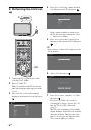
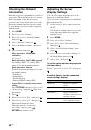
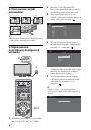
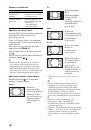
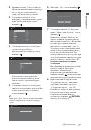
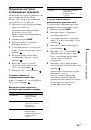
5: Performing the initial set-
up
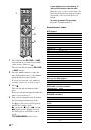
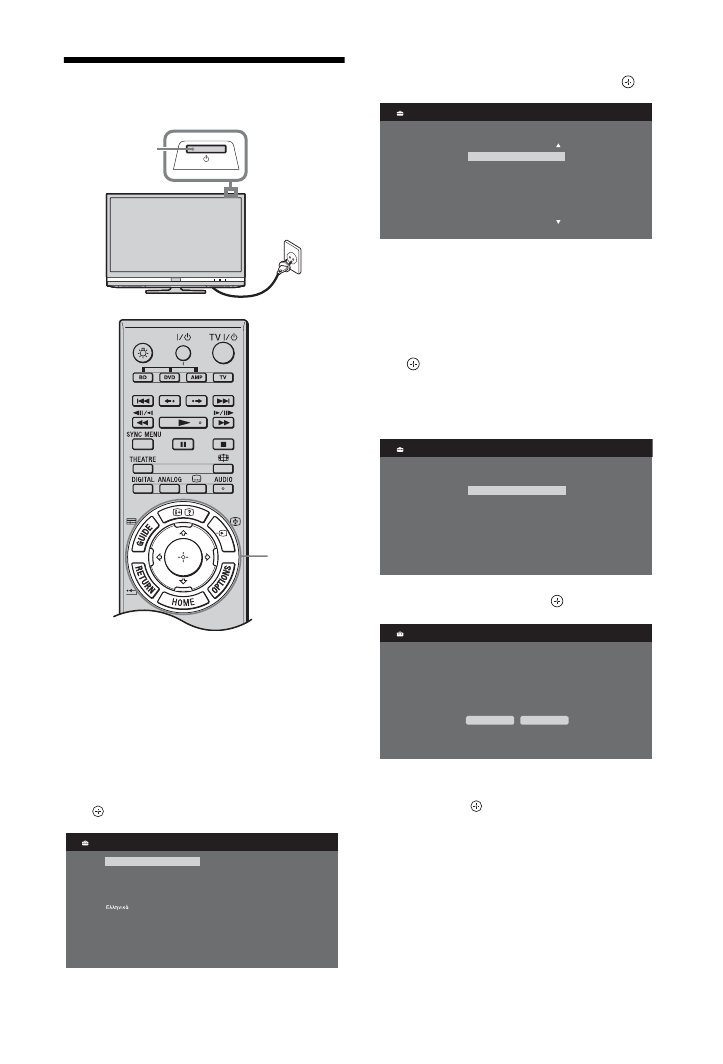
1
Connect the TV to your mains socket
(220-240V AC, 50Hz).
2
Press
1
on the TV.
When you switch on the TV for the first
time, the Language menu appears on the
screen.
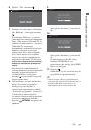
3
Press
F
/
f
/
G
/
g
to select the language
displayed on the menu screens, then press
.
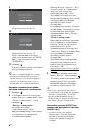
4
Press
F
/
f
to select the country in which
you will operate the TV, then press
.
If the country in which you want to use
the TV does not appear in the list, select
“-” instead of a country.
5
Press
F
/
f
to select the location type in
which you will operate the TV, then press
.
~
• Select “Home” for the best TV settings to use the
TV in the home.
6
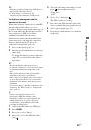
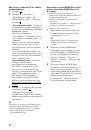
Select “Yes” then press
.
7
Press
F
/
f
to select “Antenna” or “Cable”,
then press
.
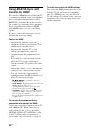
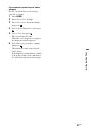
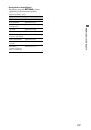
If you select “Cable”, the screen for
selecting the scan type appears. See “To
tune the TV for Cable connection”
(page 7).
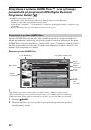
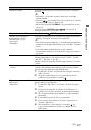
The TV starts searching for all available
digital channels, followed by all available
analogue channels. This may take some
time, so do not press any buttons on the
TV or remote while proceeding.
2
1
3-11
Česky
Magyar
Русский
Б
Б
лгар
ски
Suomi
Dansk
Svenska
Norsk
Sloven
čina
Rom
ână
English
Nederlands
Français
Italiano
Deutsch
Türkçe
Español
Català
Português
Polski
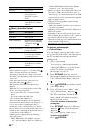
Language
United Kingdom
Ireland
Nederland
Select country.
België/Belgique
Luxembourg
France
Italia
-
Country
Location
Home
Select location.
Shop
Auto Tuning
Yes
No
Do you want to start Auto Tuning?
Оглавление инструкции
- GB
- PL
- RU