Инструкция для Sony KDL-40(46)(52)Z4500
 1
 2
 3
 4
 5
 6
 7
 8
 9
 10
 11
 12
 13
 14
 15
 16
 17
 18
 19
 20
 21
 22
 23
 24
 25
 26
 27
 28
 29
 30
 31
 32
 33
 34
 35
 36
 37
 38
 39
 40
 41
 42
 43
 44
 45
 46
 47
 48
 49
 50
 51
 52
 53
 54
 55
 56
 57
 58
 59
 60
 61
 62
 63
 64
 65
 66
 67
 68
 69
 70
 71
 72
 73
 74
 75
 76
 77
 78
 79
 80
 81
 82
 83
 84
 85
 86
 87
 88
 89
 90
 91
 92
 93
 94
 95
 96
 97
 98
 99
 100
 101
 102
 103
 104
 105
 106
 107
 108
 109
 110
 111
 112
 113
 114
 115
 116
 117
 118
 119
 120
 121
 122
 123
 124
 125
 126
 127
 128
 129
 130
 131
 132
 133
 134
 135
 136
 137
 138
 139
 140
 141
 142
 143
 144
 145
 146
 147
 148
 149
 150
 151
 152
 153
 154
 155
 156
 157
 158
 159
 160
 161
 162
 163
 164
 165
 166
 167
 168
 169
 170
 171
 172
 173
 174
 175
 176
 177
 178
 179
 180
 181
 182
 183
 184
 185
 186
 187
 188
 189
 190
 191
 192
 193
 194
 195
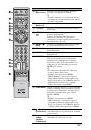
14
GB
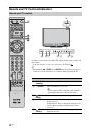
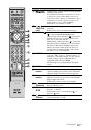
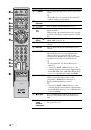
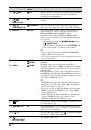
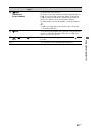
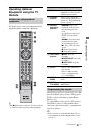
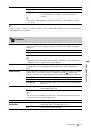
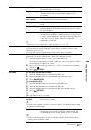
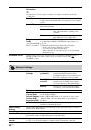
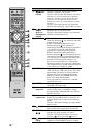
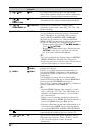
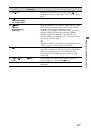
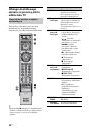
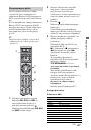
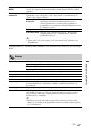
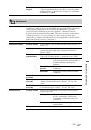
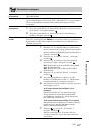
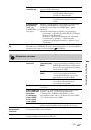
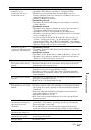
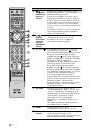
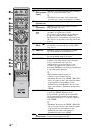
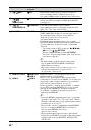
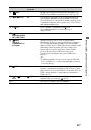
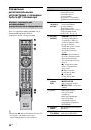
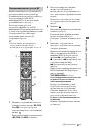
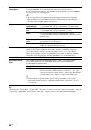
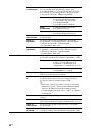
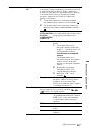
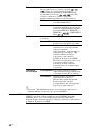
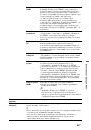
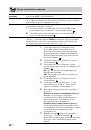
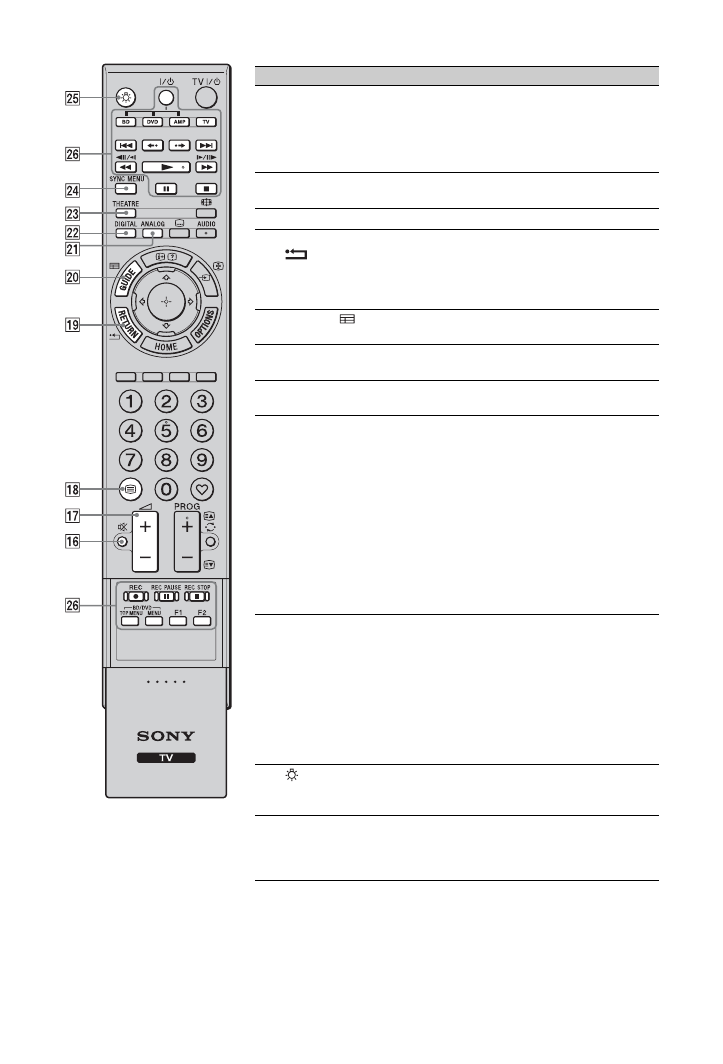
Button
Description
qh
%
(Mute)
Press to mute the sound. Press again to restore the
sound.
z
• In standby mode, if you want to turn on the TV
without sound, press this button.
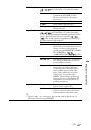
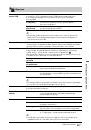
qj
2
+/–
(Volume)
Press to adjust the volume.
qk
/
(Text)
Press to display text information (page 17).
ql
RETURN /
Press to return to the previous screen of the
displayed menu.
When playing a photo/music file: Press to stop the
playback. (The display returns to the file or folder
list.)
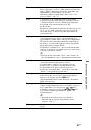
w;
GUIDE /
(EPG)
Press to display the Digital Electronic Programme
Guide (EPG) (page 18, 21).
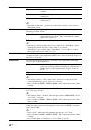
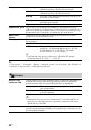
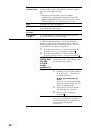
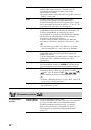
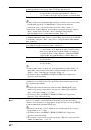
wa
ANALOG
Press to display the analogue channel that was last
viewed.
ws
DIGITAL
Press to display the digital channel that was last
viewed.
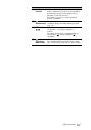
wd
THEATRE
You can set Theatre Mode to on or off. When
Theatre Mode is set to on, the optimum audio
output (if the TV is connected with an audio
system using an HDMI cable) and picture quality
for film-based contents are automatically set.
z
• If you turn the TV off, Theatre Mode is also
turned off.
• “Control for HDMI” (BRAVIA Sync) is only
available with the connected Sony equipment that
has the BRAVIA Sync or BRAVIA Theatre Sync
logo or is compatible with control for HDMI.
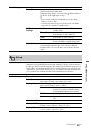
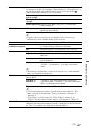
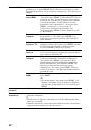
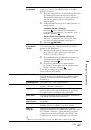
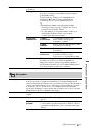
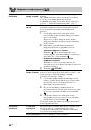
wf
SYNC MENU
Displays the menu of connected HDMI equipment.
While viewing other input screens or TV
programmes, “HDMI Device Selection” is
displayed when the button is pressed.
z
• “Control for HDMI” (BRAVIA Sync) is only
available with the connected Sony equipment that
has the BRAVIA Sync logo or is compatible with
control for HDMI.
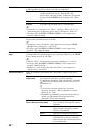
wg
(Light)
Press to illuminate the buttons on the remote so
that you can see them easily even if the room is
dark.
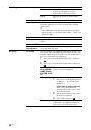
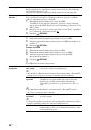
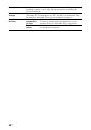
wh
Buttons for
using
optional
equipment
You can operate the equipment connected to the
TV (page 24, 30, 31).
Оглавление инструкции
- GB
- PL
- RU


