Инструкция для Sony KDL-40(46)(52)Z4500
 1
 2
 3
 4
 5
 6
 7
 8
 9
 10
 11
 12
 13
 14
 15
 16
 17
 18
 19
 20
 21
 22
 23
 24
 25
 26
 27
 28
 29
 30
 31
 32
 33
 34
 35
 36
 37
 38
 39
 40
 41
 42
 43
 44
 45
 46
 47
 48
 49
 50
 51
 52
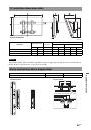 53
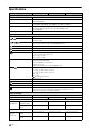 54
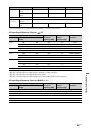 55
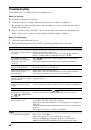 56
 57
 58
 59
 60
 61
 62
 63
 64
 65
 66
 67
 68
 69
 70
 71
 72
 73
 74
 75
 76
 77
 78
 79
 80
 81
 82
 83
 84
 85
 86
 87
 88
 89
 90
 91
 92
 93
 94
 95
 96
 97
 98
 99
 100
 101
 102
 103
 104
 105
 106
 107
 108
 109
 110
 111
 112
 113
 114
 115
 116
 117
 118
 119
 120
 121
 122
 123
 124
 125
 126
 127
 128
 129
 130
 131
 132
 133
 134
 135
 136
 137
 138
 139
 140
 141
 142
 143
 144
 145
 146
 147
 148
 149
 150
 151
 152
 153
 154
 155
 156
 157
 158
 159
 160
 161
 162
 163
 164
 165
 166
 167
 168
 169
 170
 171
 172
 173
 174
 175
 176
 177
 178
 179
 180
 181
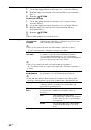 182
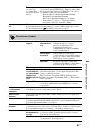 183
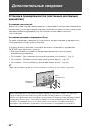 184
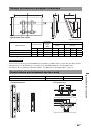 185
 186
 187
 188
 189
 190
 191
 192
 193
 194
 195
31
GB
Usin
g O
p
tion
al Eq
uipm
ent
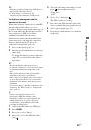
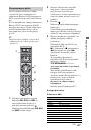
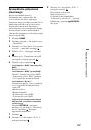
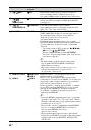
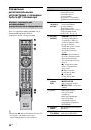
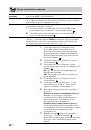
Operating Optional
Equipment using the TV
Remote
For details, refer to the operating instructions
supplied with the connected equipment.
z
• The
N
button has a tactile dot. Use the tactile dot
as a reference when operating other equipment.
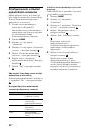
This remote is preset to operate Sony TVs, and
most Sony Blu-ray disc players, DVD players,
DVD recorders, and audio systems (Home
Theatre, etc.).
To control Blu-ray disc players, DVD players,
and DVD recorders of other manufacturers
(and some other Sony models), programme the
remote as follows.
~
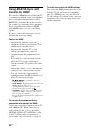
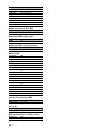
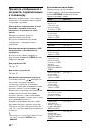
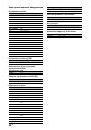
• Before you start, look up the three-digit code of
your equipment from the “Manufacturer’s codes”
on page 32.
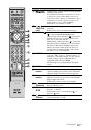
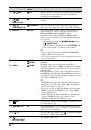
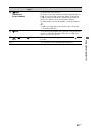
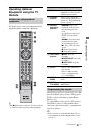
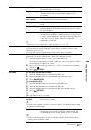
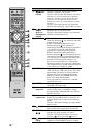
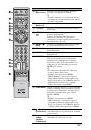
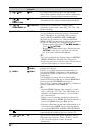
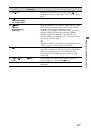
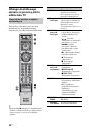
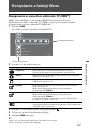
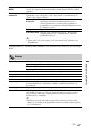
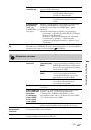
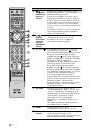
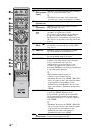
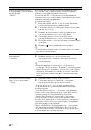
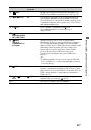
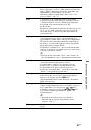
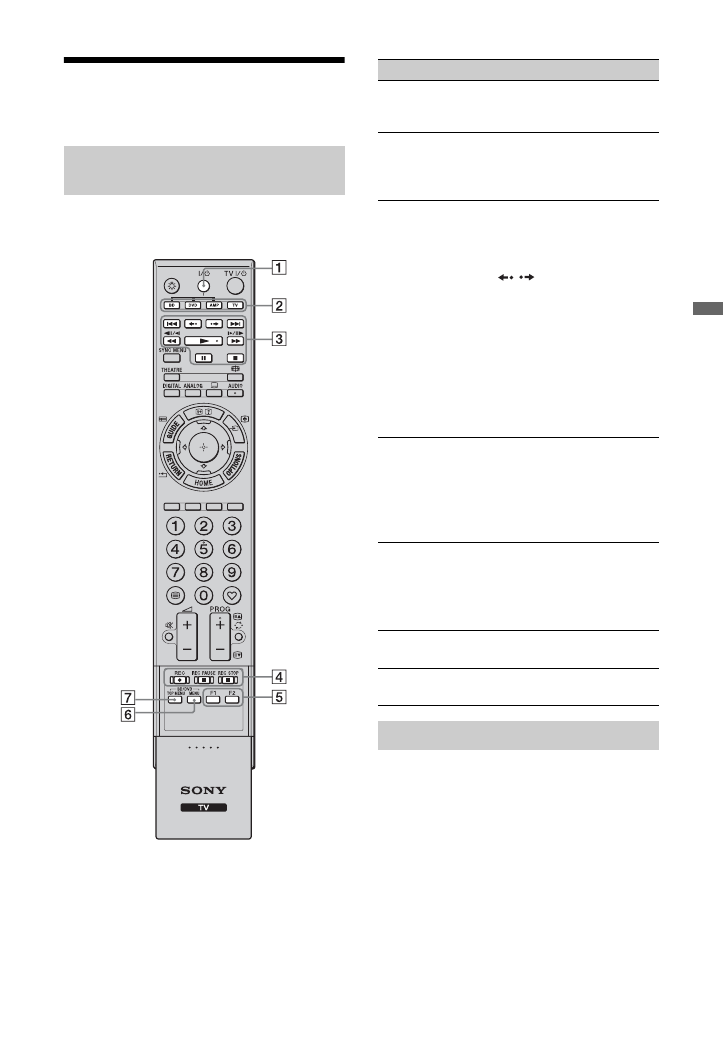
Buttons for using optional
equipment
Item
Description
1
"/1
Turns on or off the optional
equipment you have selected
with the function buttons.
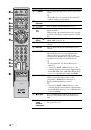
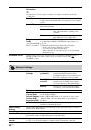
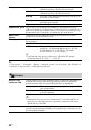
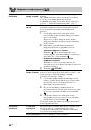
2
Function
buttons
Allows you to operate the
corresponding equipment. For
details, see “Programming the
remote” on page 31.
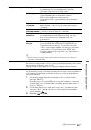
3
BD/DVD
operating
buttons
•
.
/
>
: Goes to the
beginning of the previous/
next title/chapter/scene/
track.
•
/
: Replays the scene/
briefly fast forwards the
scene.
•
m
/
M
: Fast reverses/fast
forwards the disc when
pressed during playback.
•
N
: Plays a disc at normal
speed.
•
X
: Pauses the playback.
•
x
: Stops the playback.
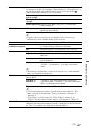
4
DVD record
buttons
•
z
REC
: Starts the
recording.
•
X
REC PAUSE
: Pauses the
recording.
•
x
REC STOP
: Stops the
recording.
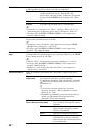
5
F1/F2
• Selects a disc when using a
disc changer.
• Selects a function when
using a combination unit
(e.g. a DVD/HDD).
6
BD/DVD
MENU
Displays the BD/DVD disc
menu.
7
BD/DVD
TOP MENU
Displays the top menu of the
BD/DVD disc.
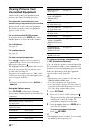
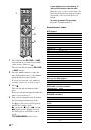
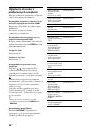
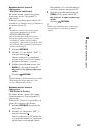
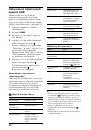
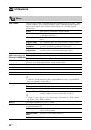
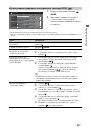
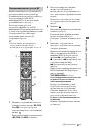
Programming the remote
(Continued)
Оглавление инструкции
- GB
- PL
- RU


