Инструкция для Sony KDL-40(46)(52)Z4500
Инструкция в формате - PDF
Количество страниц - 195 страниц
Размер - 3.8 МБ
Доступно - Бесплатное скачивание
Доступно - Онлайн чтение
 1
 2
 3
 4
 5
 6
 7
 8
 9
 10
 11
 12
 13
 14
 15
 16
 17
 18
 19
 20
 21
 22
 23
 24
 25
 26
 27
 28
 29
 30
 31
 32
 33
 34
 35
 36
 37
 38
 39
 40
 41
 42
 43
 44
 45
 46
 47
 48
 49
 50
 51
 52
 53
 54
 55
 56
 57
 58
 59
 60
 61
 62
 63
 64
 65
 66
 67
 68
 69
 70
 71
 72
 73
 74
 75
 76
 77
 78
 79
 80
 81
 82
 83
 84
 85
 86
 87
 88
 89
 90
 91
 92
 93
 94
 95
 96
 97
 98
 99
 100
 101
 102
 103
 104
 105
 106
 107
 108
 109
 110
 111
 112
 113
 114
 115
 116
 117
 118
 119
 120
 121
 122
 123
 124
 125
 126
 127
 128
 129
 130
 131
 132
 133
 134
 135
 136
 137
 138
 139
 140
 141
 142
 143
 144
 145
 146
 147
 148
 149
 150
 151
 152
 153
 154
 155
 156
 157
 158
 159
 160
 161
 162
 163
 164
 165
 166
 167
 168
 169
 170
 171
 172
 173
 174
 175
 176
 177
 178
 179
 180
 181
 182
 183
 184
 185
 186
 187
 188
 189
 190
 191
 192
 193
 194
 195
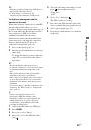
37
GB
U
s
ing
N
e
tw
or
k F
eatu
res
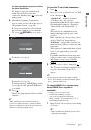
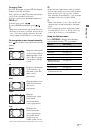
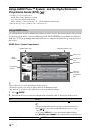
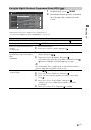
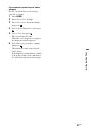
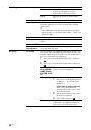
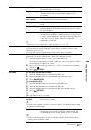
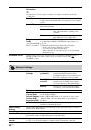
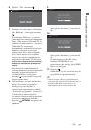
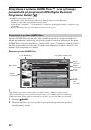
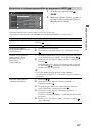
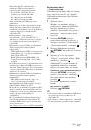
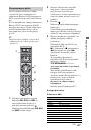
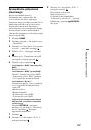
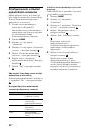
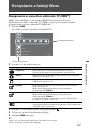
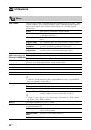
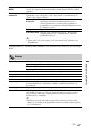
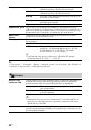
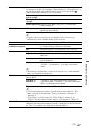
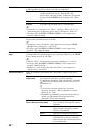
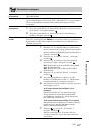
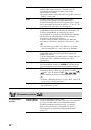
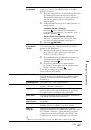
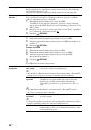
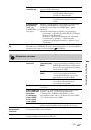
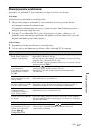
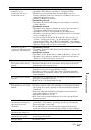
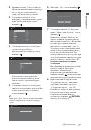
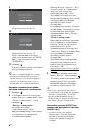
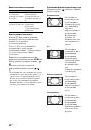
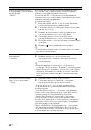
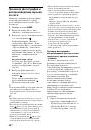
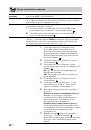
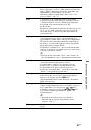
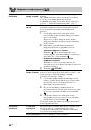
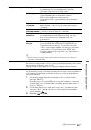
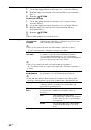
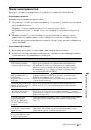
If you cannot connect to your home
network
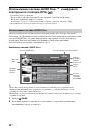
The TV can check if the server is being
correctly recognised.
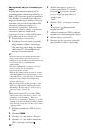
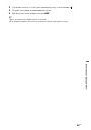
1
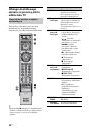
Press
HOME
.
2
Press
G
/
g
to select “Settings.”
3
Press
F
/
f
to select “Network Settings”,
then press .
4
Select “Server Diagnostics”, then press
.
5
Select “Yes”, then press .
The server diagnostic starts.
When the server diagnostic is complete,
the diagnostic result list appears.
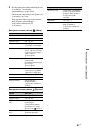
6
Select the server you want to confirm,
then press .
The diagnostic results of the selected
server appear.
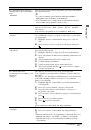
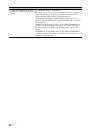
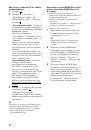
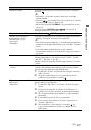
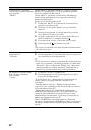
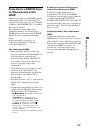
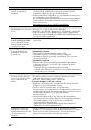
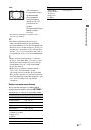
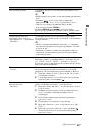
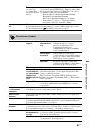
If the diagnostic results indicate a failure,
look up the possible causes and what to
do, and check connections and settings.
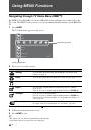
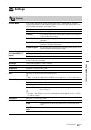
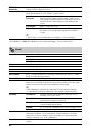
Оглавление инструкции
- GB
- PL
- RU


