Инструкция для Sony KDL-40(46)(52)Z4500
 1
 2
 3
 4
 5
 6
 7
 8
 9
 10
 11
 12
 13
 14
 15
 16
 17
 18
 19
 20
 21
 22
 23
 24
 25
 26
 27
 28
 29
 30
 31
 32
 33
 34
 35
 36
 37
 38
 39
 40
 41
 42
 43
 44
 45
 46
 47
 48
 49
 50
 51
 52
 53
 54
 55
 56
 57
 58
 59
 60
 61
 62
 63
 64
 65
 66
 67
 68
 69
 70
 71
 72
 73
 74
 75
 76
 77
 78
 79
 80
 81
 82
 83
 84
 85
 86
 87
 88
 89
 90
 91
 92
 93
 94
 95
 96
 97
 98
 99
 100
 101
 102
 103
 104
 105
 106
 107
 108
 109
 110
 111
 112
 113
 114
 115
 116
 117
 118
 119
 120
 121
 122
 123
 124
 125
 126
 127
 128
 129
 130
 131
 132
 133
 134
 135
 136
 137
 138
 139
 140
 141
 142
 143
 144
 145
 146
 147
 148
 149
 150
 151
 152
 153
 154
 155
 156
 157
 158
 159
 160
 161
 162
 163
 164
 165
 166
 167
 168
 169
 170
 171
 172
 173
 174
 175
 176
 177
 178
 179
 180
 181
 182
 183
 184
 185
 186
 187
 188
 189
 190
 191
 192
 193
 194
 195
44
GB
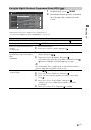
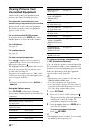
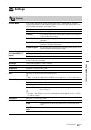
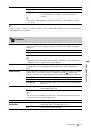
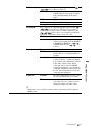
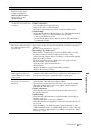
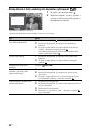
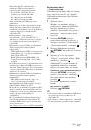
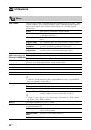
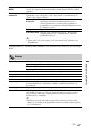
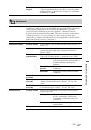
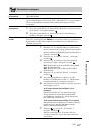
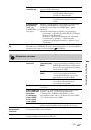
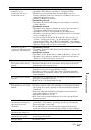
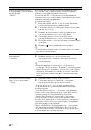
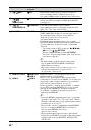
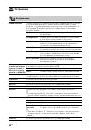
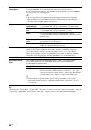
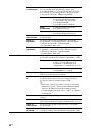
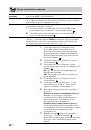
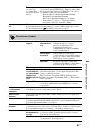
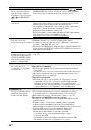
PC Settings
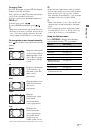
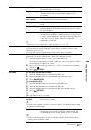
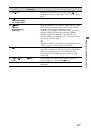
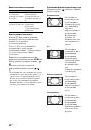
Screen Format
Selects a screen format for displaying input from your PC.
Full 1
Enlarges the picture to fill the vertical
display area, keeping its original
horizontal-to-vertical aspect ratio.
Full 2
Enlarges the picture to fill the display
area.
Reset
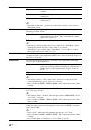
Resets the PC screen settings to the factory settings.
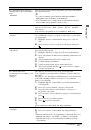
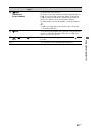
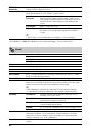
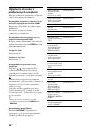
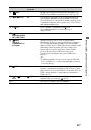
Auto Adjustment
Automatically adjusts the display position, phase and pitch of
the picture when the TV receives an input signal from the
connected PC.
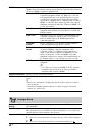
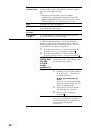
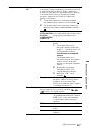
z
• “Auto Adjustment” may not work well with certain input
signals. In such cases, manually adjust “Phase”, “Pitch” and
“Horizontal Shift.”
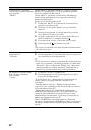
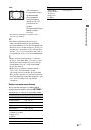
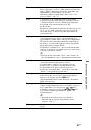
Phase
Adjusts the phase when the screen flickers.
Pitch
Adjusts the pitch when the picture has unwanted vertical
stripes.
Horizontal Shift
Adjusts the horizontal position of the picture.
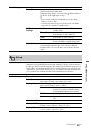
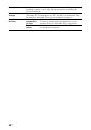
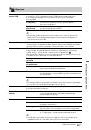
Power
Management
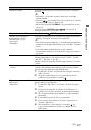
Switches the TV to standby mode if no signal is received for
30 seconds in the PC input.
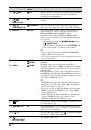
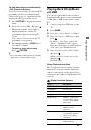
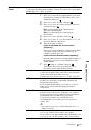
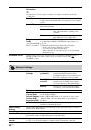
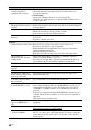
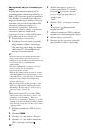
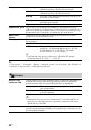
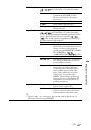
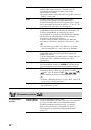
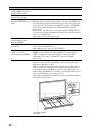
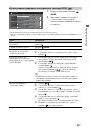
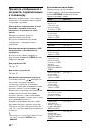
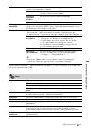
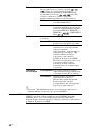
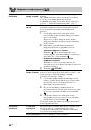
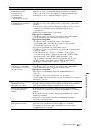
AV Set-up
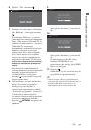
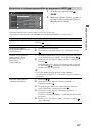
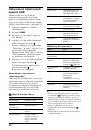
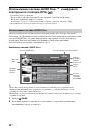
AV Preset
Assigns a name to any equipment connected to the side and
rear sockets. The name will be displayed briefly on the screen
when the equipment is selected. You can skip an input source
that is not connected to any equipment.
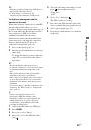
1
Press
F
/
f
to select the desired input source, then press
.
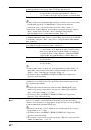
2
Press
F
/
f
to select the desired option below, then press
.
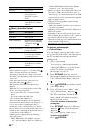
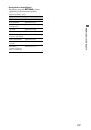
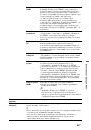
-, CABLE, SAT,
VCR, DVD/BD,
GAME, AUDIO
SYSTEM, CAM,
PC
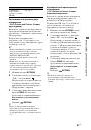
Uses one of the preset labels to assign a
name to connected equipment.
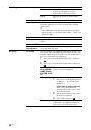
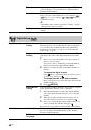
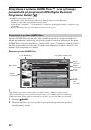
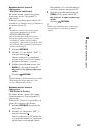
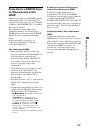
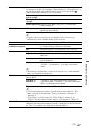
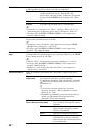
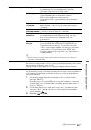
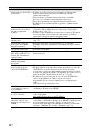
Edit
Creates your own label.
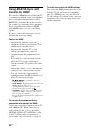
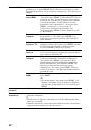
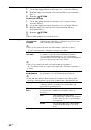
1
Press
F
/
f
to select the desired letter
or number (“_” for a blank space),
then press
g
.
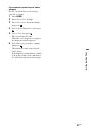
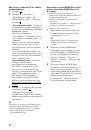
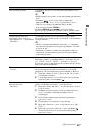
If you input a wrong character
Press
G
/
g
to select the wrong
character. Then, press
F
/
f
to select
the correct character.
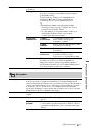
2
Repeat the procedure in step 1 until
the name is completed.
3
Select “OK”, then press
.
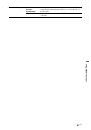
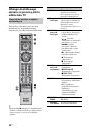
Skip
Skips an input source that is not
connected to any equipment when you
press
F
/
f
to select the input source.
Оглавление инструкции
- GB
- PL
- RU


