Инструкция для GIGABYTE GA-P67A-UD3P-B3 (rev. 1.1), GA P67A UD3P B3 rev 1 1
Инструкция в формате - PDF
Количество страниц - 104 страницы
Размер - 27 МБ
Доступно - Бесплатное скачивание
Доступно - Онлайн чтение
 1
 2
 3
 4
 5
 6
 7
 8
 9
 10
 11
 12
 13
 14
 15
 16
 17
 18
 19
 20
 21
 22
 23
 24
 25
 26
 27
 28
 29
 30
 31
 32
 33
 34
 35
 36
 37
 38
 39
 40
 41
 42
 43
 44
 45
 46
 47
 48
 49
 50
 51
 52
 53
 54
 55
 56
 57
 58
 59
 60
 61
 62
 63
 64
 65
 66
 67
 68
 69
 70
 71
 72
 73
 74
 75
 76
 77
 78
 79
 80
 81
 82
 83
 84
 85
 86
 87
 88
 89
 90
 91
 92
 93
 94
 95
 96
 97
 98
 99
 100
 101
 102
 103
 104
Appendix
- 96 -
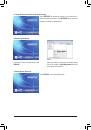
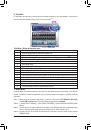
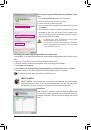
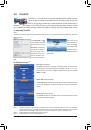
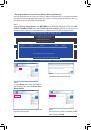
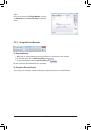
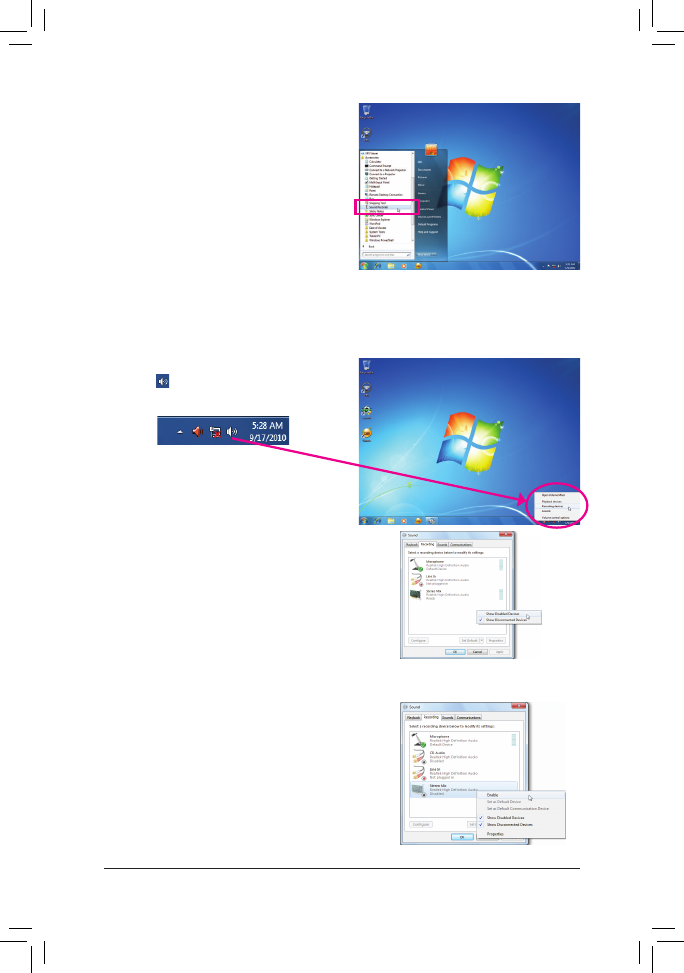
Step 5:
After completing the settings above, click
Start
, point
to
All Programs
, point to
Accessories
, and then click
Sound Recorder
to begin the sound recording.
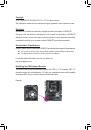
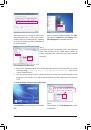
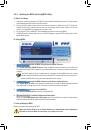
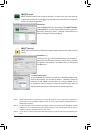
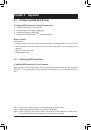
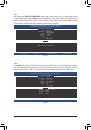
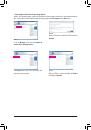
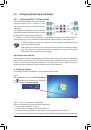
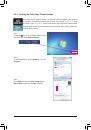
Step 1:
Locate the icon in the notification area and right-
click on this icon. Select
Recording Devices
.
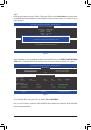
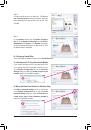
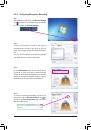
Step 2:
On the
Recording
tab, right-click on an empty space
and select
Show Disabled Devices
.
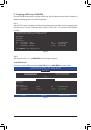
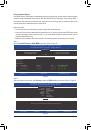
* Enabling Stereo Mix
If the HD Audio Manager does not display the recording device you wish to use, refer to the steps below. The
following steps explain how to enable Stereo Mix (which may be needed when you want to record sound from
your computer).
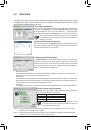
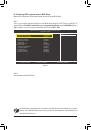
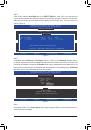
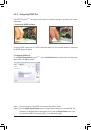
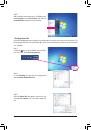
Step 3:
When the
Stereo Mix
item appears, right-click on this
item and select
Enable
. Then set it as the default de-
vice.
Оглавление инструкции
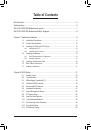
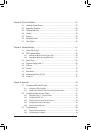
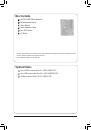
- Box Contents
- Optional Items
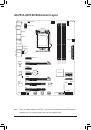
- GA-P67A-UD3P-B3 Motherboard Layout
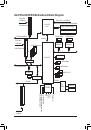
- GA-P67A-UD3P-B3 Motherboard Block Diagram
- Chapter 1 Hardware Installation
- Chapter 2 BIOS Setup
- 2-1 Startup Screen
- 2-2 The Main Menu
- 2-3 MB Intelligent Tweaker(M.I.T.)
- 2-4 Standard CMOS Features
- 2-5 Advanced BIOS Features
- 2-6 Integrated Peripherals
- 2-7 Power Management Setup
- 2-8 PC Health Status
- 2-9 Load Fail-Safe Defaults
- 2-10 Load Optimized Defaults
- 2-11 Set Supervisor/User Password
- 2-12 Save & Exit Setup
- 2-13 Exit Without Saving
- Chapter 3 Drivers Installation
- Chapter 4 Unique Features
- Chapter 5 Appendix





