Инструкция для GIGABYTE GA-P67A-UD3P-B3 (rev. 1.1), GA P67A UD3P B3 rev 1 1
 1
 2
 3
 4
 5
 6
 7
 8
 9
 10
 11
 12
 13
 14
 15
 16
 17
 18
 19
 20
 21
 22
 23
 24
 25
 26
 27
 28
 29
 30
 31
 32
 33
 34
 35
 36
 37
 38
 39
 40
 41
 42
 43
 44
 45
 46
 47
 48
 49
 50
 51
 52
 53
 54
 55
 56
 57
 58
 59
 60
 61
 62
 63
 64
 65
 66
 67
 68
 69
 70
 71
 72
 73
 74
 75
 76
 77
 78
 79
 80
 81
 82
 83
 84
 85
 86
 87
 88
 89
 90
 91
 92
 93
 94
 95
 96
 97
 98
 99
 100
 101
 102
 103
 104
- 75 -
Unique Features
(Note 1) When launching Smart 6
™
for the first time, the system will request you to set up a password. This password is
required when you activate SMART DualBIOS or when you want to make changes to the SMART Recorder or
SMART TimeLock settings.
(Note 2) You will not be able to use the "Safely Remove Hardware" feature in the operating system with SMART Recorder
enabled. To remove an external storage device, unplug it directly from your computer (please note that doing so
may result in damage to the hardware device or loss of data).
(Note 3) You can set the User Password in the system BIOS Setup program to prevent the system time being changed by other
users.
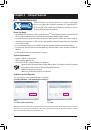
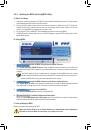
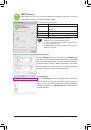
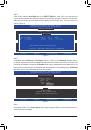
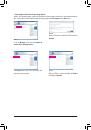
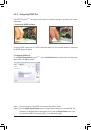
Instructions:
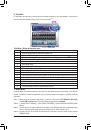
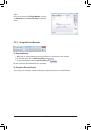
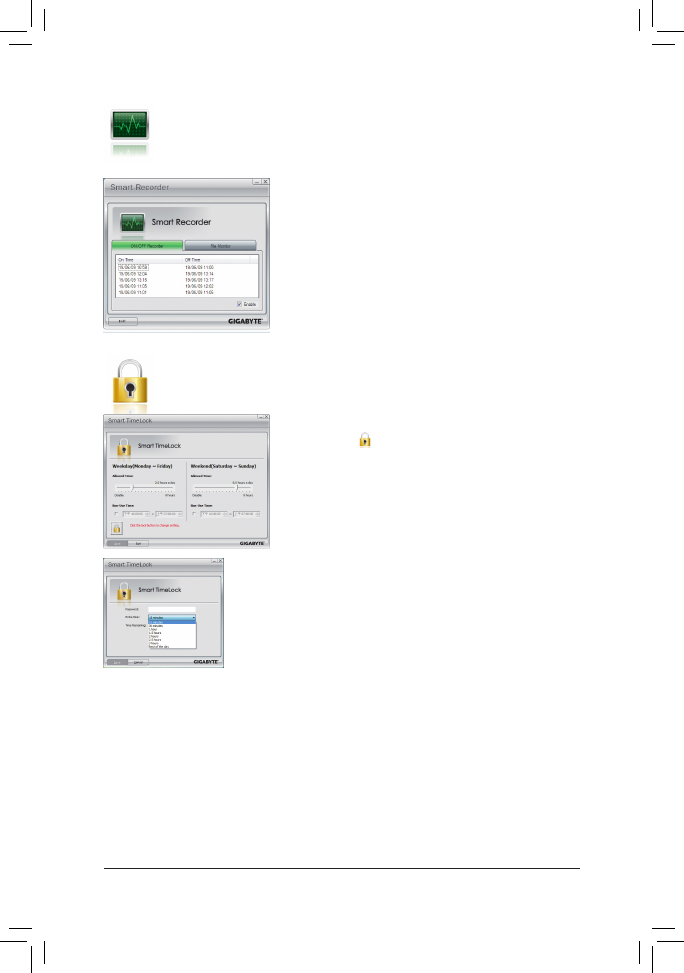
Select the
Enable
check box at the bottom of the
ON/OFF Recorder
or
File Monitor
tab to enable the recording of system on/off time or
files copying. Entering the Smart 6
™
password is required before you
make any changes to the previous settings.
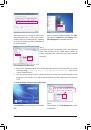
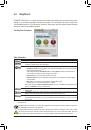
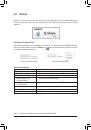
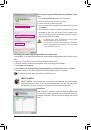
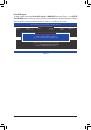
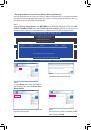
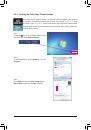
Instructions
(Note 3)
:
Click the lock icon on the bottom left corner and enter the Smart 6
™
password. Set the time when a user can or cannot use your computer
for weekdays and weekends. Click
Save
to save the settings and
click
Exit
to exit.
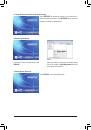
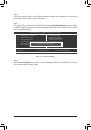
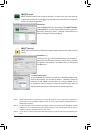
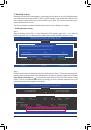
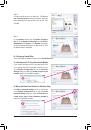
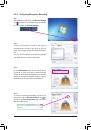
The
Smart TimeLock
Alert:
An alert will appear 15 minutes and 1 minute prior to the default shutdown time.
When the alert appears, you can enter the Smart 6
™
password to extend the
usage time or click
Cancel
to close the alert. If you respond
Cancel
, you will
be requested to enter the password to extend the usage time again when the
default shutdown time arrives, or the computer will shutdown right away.
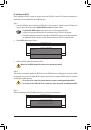
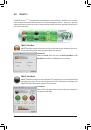
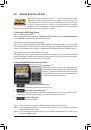
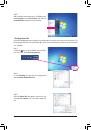
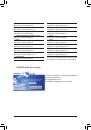
SMART Recorder
SMART Recorder monitors and records the activities in a system such as the time when the
computer was turned on/off or even when large data files were moved within the hard drive or
copied to an external storage device
(Note 2)
.
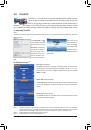
SMART TimeLock
SMART TimeLock allows users to effectively manage computer usage time with simple rules and
options.
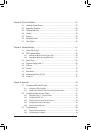
Оглавление инструкции
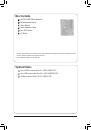
- Box Contents
- Optional Items
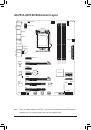
- GA-P67A-UD3P-B3 Motherboard Layout
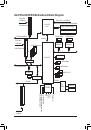
- GA-P67A-UD3P-B3 Motherboard Block Diagram
- Chapter 1 Hardware Installation
- Chapter 2 BIOS Setup
- 2-1 Startup Screen
- 2-2 The Main Menu
- 2-3 MB Intelligent Tweaker(M.I.T.)
- 2-4 Standard CMOS Features
- 2-5 Advanced BIOS Features
- 2-6 Integrated Peripherals
- 2-7 Power Management Setup
- 2-8 PC Health Status
- 2-9 Load Fail-Safe Defaults
- 2-10 Load Optimized Defaults
- 2-11 Set Supervisor/User Password
- 2-12 Save & Exit Setup
- 2-13 Exit Without Saving
- Chapter 3 Drivers Installation
- Chapter 4 Unique Features
- Chapter 5 Appendix






