Инструкция для GIGABYTE GA-P67A-UD3P-B3 (rev. 1.1), GA P67A UD3P B3 rev 1 1
 1
 2
 3
 4
 5
 6
 7
 8
 9
 10
 11
 12
 13
 14
 15
 16
 17
 18
 19
 20
 21
 22
 23
 24
 25
 26
 27
 28
 29
 30
 31
 32
 33
 34
 35
 36
 37
 38
 39
 40
 41
 42
 43
 44
 45
 46
 47
 48
 49
 50
 51
 52
 53
 54
 55
 56
 57
 58
 59
 60
 61
 62
 63
 64
 65
 66
 67
 68
 69
 70
 71
 72
 73
 74
 75
 76
 77
 78
 79
 80
 81
 82
 83
 84
 85
 86
 87
 88
 89
 90
 91
 92
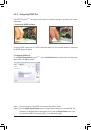 93
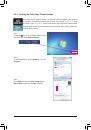 94
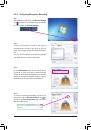 95
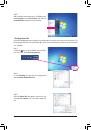 96
 97
 98
 99
 100
 101
 102
 103
 104
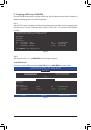
Appendix
- 82 -
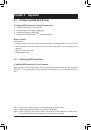
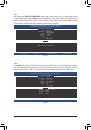
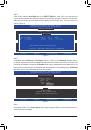
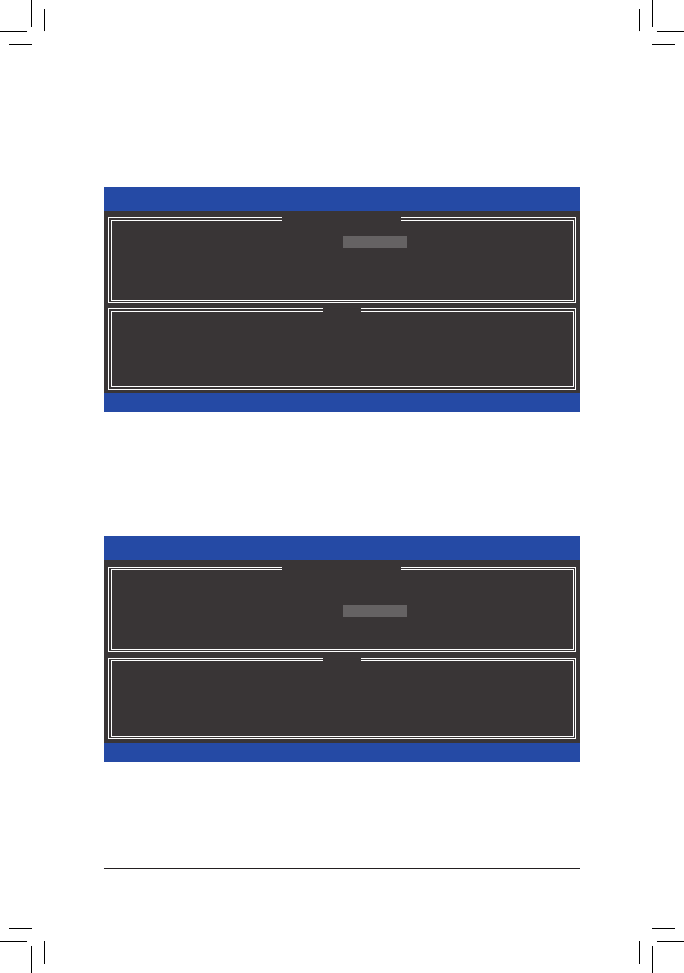
Step 3:
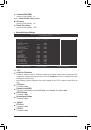
After entering the
CREATE VOLUME MENU
screen, enter a volume name with 1~16 letters (letters cannot
be special characters) under the
Name
item and press <Enter>. Then, select a RAID level (Figure 4). RAID
levels supported include RAID 0, RAID 1, Recovery, RAID 10, and RAID 5 (the selections available depend
on the number of the hard drives being installed). Press <Enter> to proceed.
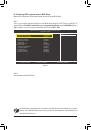
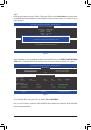
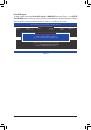
Step 4:
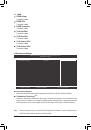
Under
Disks
item, select the hard drives to be included in the RAID array. If only two hard drives are installed,
they will be automatically assigned to the array. Set the stripe block size (Figure 5) if necessary. The stripe
block size can be set from 4 KB to 128 KB. Once you have selected the stripe block size, press <Enter>.
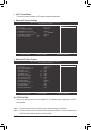
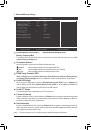
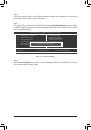
Figure 4
Figure 5
Intel(R) Rapid Storage Technology - Option ROM - 10.0.0.1046
Copyright(C) 2003-10 Intel Corporation. All Rights Reserved.
RAID0: Stripes data (performance).
[
hi
]-Change
[TAB]-Next
[ESC]-Previous Menu
[ENTER]-Select
[ HELP ]
Name : Volume0
RAID Level : RAID0(Stripe)
Disks :
Select Disks
Strip Size : 128KB
Capacity : 111.7 GB
Sync : N/A
Create Volume
[ CREATE VOLUME MENU ]
Intel(R) Rapid Storage Technology - Option ROM - 10.0.0.1046
Copyright(C) 2003-10 Intel Corporation. All Rights Reserved.
The following are typical values:
RAID0 - 128KB
RAID10 - 64KB
RAID5 - 64KB
[
hi
]-Change
[TAB]-Next
[ESC]-Previous Menu
[ENTER]-Select
[ HELP ]
[ CREATE VOLUME MENU ]
Name : Volume0
RAID Level : RAID0(Stripe)
Disks :
Select Disks
Strip Size :
128KB
Capacity : 111.7 GB
Sync : N/A
Create Volume
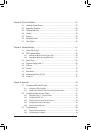
Оглавление инструкции
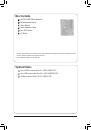
- Box Contents
- Optional Items
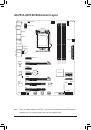
- GA-P67A-UD3P-B3 Motherboard Layout
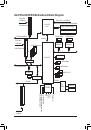
- GA-P67A-UD3P-B3 Motherboard Block Diagram
- Chapter 1 Hardware Installation
- Chapter 2 BIOS Setup
- 2-1 Startup Screen
- 2-2 The Main Menu
- 2-3 MB Intelligent Tweaker(M.I.T.)
- 2-4 Standard CMOS Features
- 2-5 Advanced BIOS Features
- 2-6 Integrated Peripherals
- 2-7 Power Management Setup
- 2-8 PC Health Status
- 2-9 Load Fail-Safe Defaults
- 2-10 Load Optimized Defaults
- 2-11 Set Supervisor/User Password
- 2-12 Save & Exit Setup
- 2-13 Exit Without Saving
- Chapter 3 Drivers Installation
- Chapter 4 Unique Features
- Chapter 5 Appendix





