Инструкция для GIGABYTE GA-P67A-UD3P-B3 (rev. 1.1), GA P67A UD3P B3 rev 1 1
 1
 2
 3
 4
 5
 6
 7
 8
 9
 10
 11
 12
 13
 14
 15
 16
 17
 18
 19
 20
 21
 22
 23
 24
 25
 26
 27
 28
 29
 30
 31
 32
 33
 34
 35
 36
 37
 38
 39
 40
 41
 42
 43
 44
 45
 46
 47
 48
 49
 50
 51
 52
 53
 54
 55
 56
 57
 58
 59
 60
 61
 62
 63
 64
 65
 66
 67
 68
 69
 70
 71
 72
 73
 74
 75
 76
 77
 78
 79
 80
 81
 82
 83
 84
 85
 86
 87
 88
 89
 90
 91
 92
 93
 94
 95
 96
 97
 98
 99
 100
 101
 102
 103
 104
- 39 -
BIOS Setup
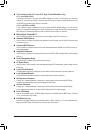
(Note) This item is present only if you install a memory module that supports this feature.
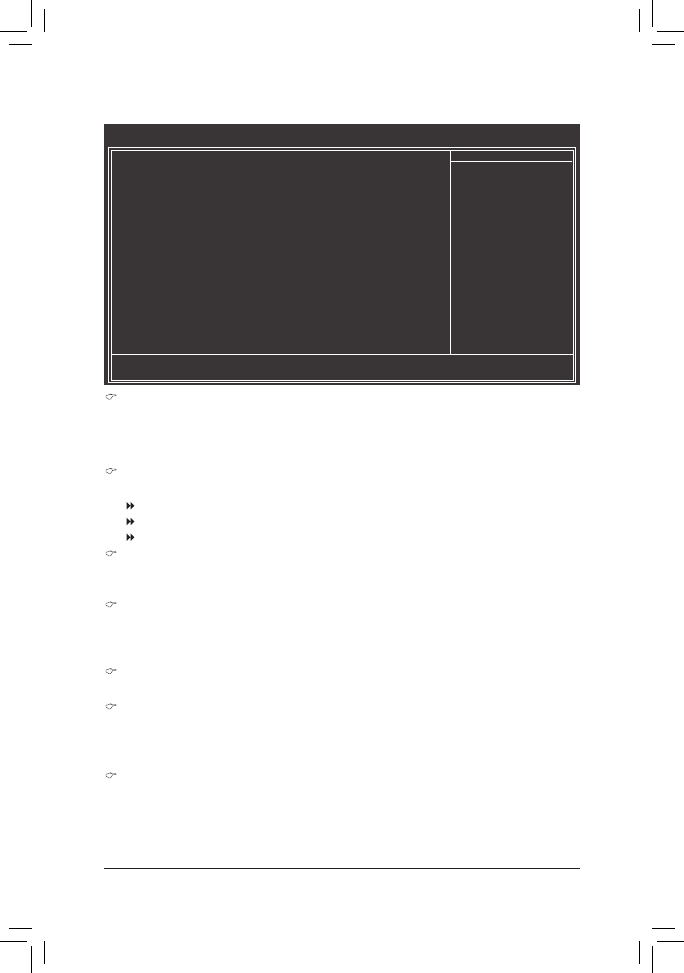
Extreme Memory Profile (X.M.P.)
(Note)
, System Memory Multiplier (SPD),
Memory Frequency(Mhz)
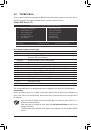
The settings under the three items above are synchronous to those under the same items on the
Ad-
vanced Frequency Settings
menu.
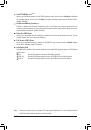
Performance Enhance
Allows the system to operate at three different performance levels.
Standard
Lets the system operate at its basic performance level.
Turbo
Lets the system operate at its good performance level. (Default)
Extreme
Lets the system operate at its best performance level.
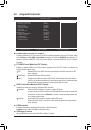
DRAM Timing Selectable (SPD)
Quick
and
Expert
allows the
Channel Interleaving
,
Rank Interleaving
,
Channel A Timing Settings
,
and
Channel B Timing Settings
items to be configurable. Options are: Auto (default), Quick, Expert.
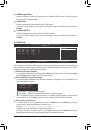
Profile DDR Voltage
When using a non-XMP memory module or
Extreme Memory Profile (X.M.P.)
is set to
Disabled
, this
item will display as
1.5V
. When
Extreme Memory Profile (X.M.P.)
is set to
Profile1
or
Profile2
, this
item will display the value based on the SPD data on the XMP memory.
Profile VTT Voltage
The value displayed here is dependent on the CPU being used.
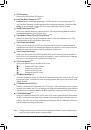
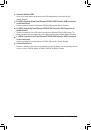
Channel Interleaving
Enables or disables memory channel interleaving.
Enabled
allows the system to simultaneously access
different channels of the memory to increase memory performance and stability.
Auto
lets the BIOS au-
tomatically configure this setting.
(Default: Auto)
Rank Interleaving
Enables or disables memory rank interleaving.
Enabled
allows the system to simultaneously access dif-
ferent ranks of the memory to increase memory performance and stability.
Auto
lets the BIOS automati-
cally configure this setting.
(Default: Auto)
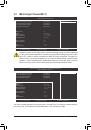
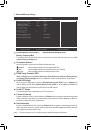
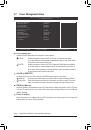
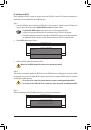
Advanced Memory Settings
CMOS Setup Utility-Copyright (C) 1984-2010 Award Software
Advanced Memory Settings
higf
: Move
Enter: Select
+/-/PU/PD: Value
F10: Save
ESC: Exit
F1: General Help
F5: Previous Values
F6: Fail-Safe Defaults
F7: Optimized Defaults
Item Help
Menu Level
Extreme Memory Profile (X.M.P.)
(Note)
[Disabled]
System Memory Multiplier
(SPD)
[Auto]
Memory Frequency (Mhz)
1333
1333
Performance Enhance
[Turbo]
DRAM Timing Selectable
(SPD)
[Auto]
Profile DDR Voltage
1.5V
Profile VTT Voltage
1.05V
x Channel Interleaving
6
Auto
x Rank Interleaving
4
Auto
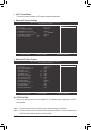
>>>>> Channel A
Channel A Timing Settings
[Press Enter]
>>>>> Channel B
Channel B Timing Settings
[Press Enter]
Оглавление инструкции
- Box Contents
- Optional Items
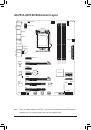
- GA-P67A-UD3P-B3 Motherboard Layout
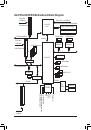
- GA-P67A-UD3P-B3 Motherboard Block Diagram
- Chapter 1 Hardware Installation
- Chapter 2 BIOS Setup
- 2-1 Startup Screen
- 2-2 The Main Menu
- 2-3 MB Intelligent Tweaker(M.I.T.)
- 2-4 Standard CMOS Features
- 2-5 Advanced BIOS Features
- 2-6 Integrated Peripherals
- 2-7 Power Management Setup
- 2-8 PC Health Status
- 2-9 Load Fail-Safe Defaults
- 2-10 Load Optimized Defaults
- 2-11 Set Supervisor/User Password
- 2-12 Save & Exit Setup
- 2-13 Exit Without Saving
- Chapter 3 Drivers Installation
- Chapter 4 Unique Features
- Chapter 5 Appendix





