Инструкция для GIGABYTE GA-P67A-UD3P-B3 (rev. 1.1), GA P67A UD3P B3 rev 1 1
 1
 2
 3
 4
 5
 6
 7
 8
 9
 10
 11
 12
 13
 14
 15
 16
 17
 18
 19
 20
 21
 22
 23
 24
 25
 26
 27
 28
 29
 30
 31
 32
 33
 34
 35
 36
 37
 38
 39
 40
 41
 42
 43
 44
 45
 46
 47
 48
 49
 50
 51
 52
 53
 54
 55
 56
 57
 58
 59
 60
 61
 62
 63
 64
 65
 66
 67
 68
 69
 70
 71
 72
 73
 74
 75
 76
 77
 78
 79
 80
 81
 82
 83
 84
 85
 86
 87
 88
 89
 90
 91
 92
 93
 94
 95
 96
 97
 98
 99
 100
 101
 102
 103
 104
Appendix
- 90 -
•
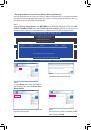
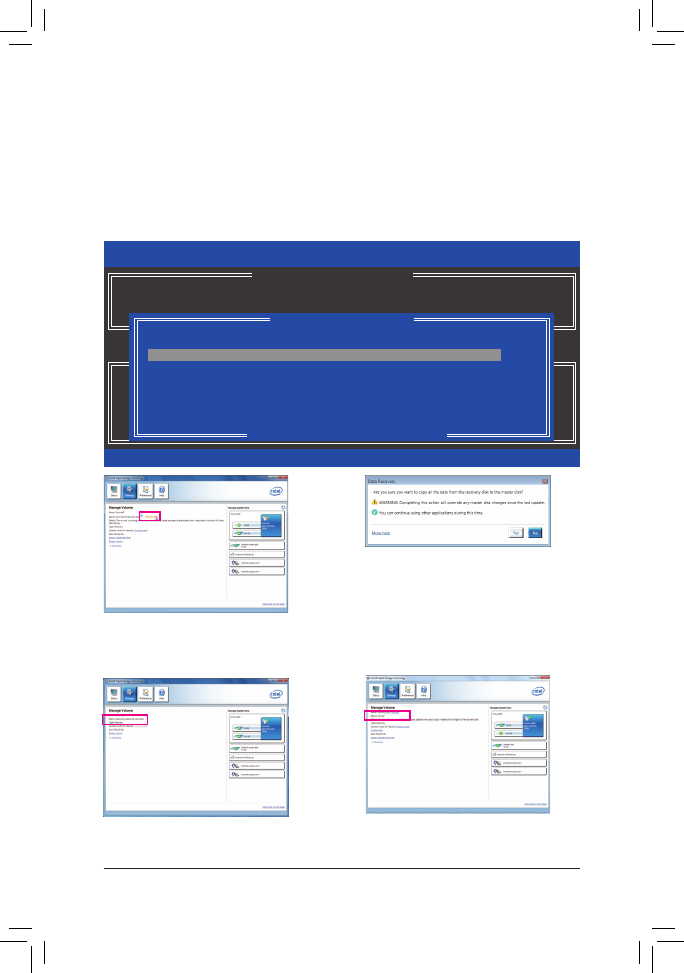
Restoring the Master Drive to a Previous State (for Recovery Volume only)
When two hard drives are set to Recovery Volume in Update on Request mode, you can restore the master
drive data to the last backup state when needed. For example, in case the master drive detects a virus, you
can restore the recovery drive data to the master drive.
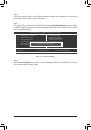
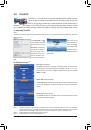
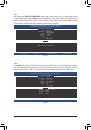
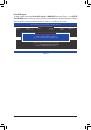
Step 1:
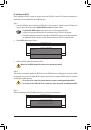
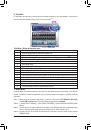
Select
4. Recovery Volume Options
in the
MAIN MENU
of the Intel RAID Configuration Utility. On the
RE-
COVERY VOLUMES OPTIONS
menu, select
Enable Only Recovery Disk
to show the recovery drive in the
operating system. Follow the on-screen instructions to complete and exit the RAID Configuration Utility.
Intel(R) Rapid Storage Technology - Option ROM - 10.0.0.1046
Copyright(C) 2003-10 Intel Corporation. All Rights Reserved.
Choose the RAID level:
RAID0: Stripes data (performance).
RAID1: Mirrors data (redundancy).
Recovery: Copies data between a master and a recovery disk.
RAID10: Mirrors data and stripes the mirror.
RAID5: Stripes data and parity.
[
hi
]-select
[ESC]-Previous Menu
[ENTER]-Select
[ HELP ]
[ RECOVERY VOLUME OPTIONS ]
1. Enable Only Recovery Disk
2. Enable Only Master Disk
[
SELECT RECOVERY VOLUME
]
[
hi
]-Up/Down [SPACE]-Selects [ENTER]-Done
Name
Level
Capacity
Status
Bootable
Volume0
Recovery(OnReq)
111.7GB
NeedsUpdate Yes
Select a Recovery volume to do the operation.
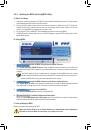
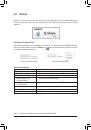
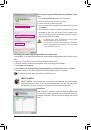
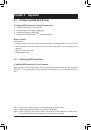
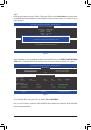
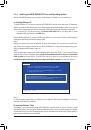
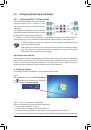
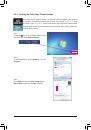
Step 2:
Go to the
Manage
menu
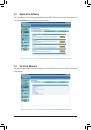
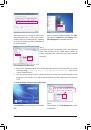
of the Intel Rapid Stor-
age Technology utility and click
Recover data
in
Manage Volume
.
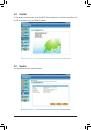
The
Status
item on the left of the screen dis-
plays the rebuild progress.
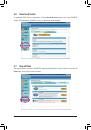
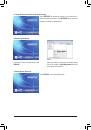
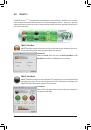
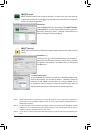
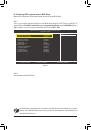
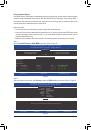
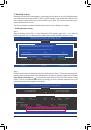
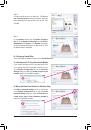
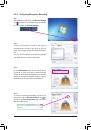
Step 3:
Click
Yes
to begin the data recovery.
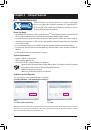
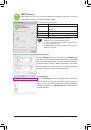
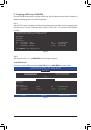
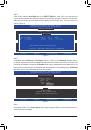
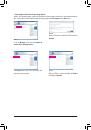
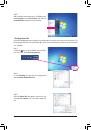
Step 4:
After the recovery volume is completed, the
Sta-
tus
will display as
Normal
.
Оглавление инструкции
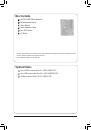
- Box Contents
- Optional Items
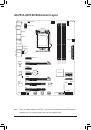
- GA-P67A-UD3P-B3 Motherboard Layout
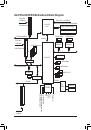
- GA-P67A-UD3P-B3 Motherboard Block Diagram
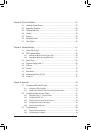
- Chapter 1 Hardware Installation
- Chapter 2 BIOS Setup
- 2-1 Startup Screen
- 2-2 The Main Menu
- 2-3 MB Intelligent Tweaker(M.I.T.)
- 2-4 Standard CMOS Features
- 2-5 Advanced BIOS Features
- 2-6 Integrated Peripherals
- 2-7 Power Management Setup
- 2-8 PC Health Status
- 2-9 Load Fail-Safe Defaults
- 2-10 Load Optimized Defaults
- 2-11 Set Supervisor/User Password
- 2-12 Save & Exit Setup
- 2-13 Exit Without Saving
- Chapter 3 Drivers Installation
- Chapter 4 Unique Features
- Chapter 5 Appendix





