Инструкция для GIGABYTE GA-P67A-UD3P-B3 (rev. 1.1), GA P67A UD3P B3 rev 1 1
 1
 2
 3
 4
 5
 6
 7
 8
 9
 10
 11
 12
 13
 14
 15
 16
 17
 18
 19
 20
 21
 22
 23
 24
 25
 26
 27
 28
 29
 30
 31
 32
 33
 34
 35
 36
 37
 38
 39
 40
 41
 42
 43
 44
 45
 46
 47
 48
 49
 50
 51
 52
 53
 54
 55
 56
 57
 58
 59
 60
 61
 62
 63
 64
 65
 66
 67
 68
 69
 70
 71
 72
 73
 74
 75
 76
 77
 78
 79
 80
 81
 82
 83
 84
 85
 86
 87
 88
 89
 90
 91
 92
 93
 94
 95
 96
 97
 98
 99
 100
 101
 102
 103
 104
- 71 -
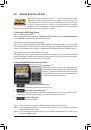
Unique Features
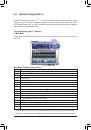
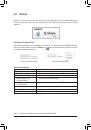
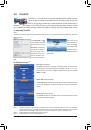
4-5 Q-Share
Q-Share is an easy and convenient data sharing too
l. After configuring your LAN connection settings and
Q-Share, you are able to share your data with computers on the same network, making full use of Internet
resources.
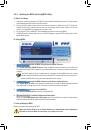
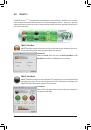
Directions for using Q-Share
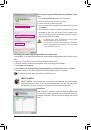
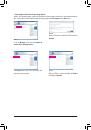
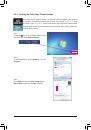
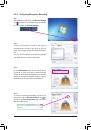
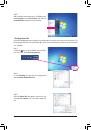
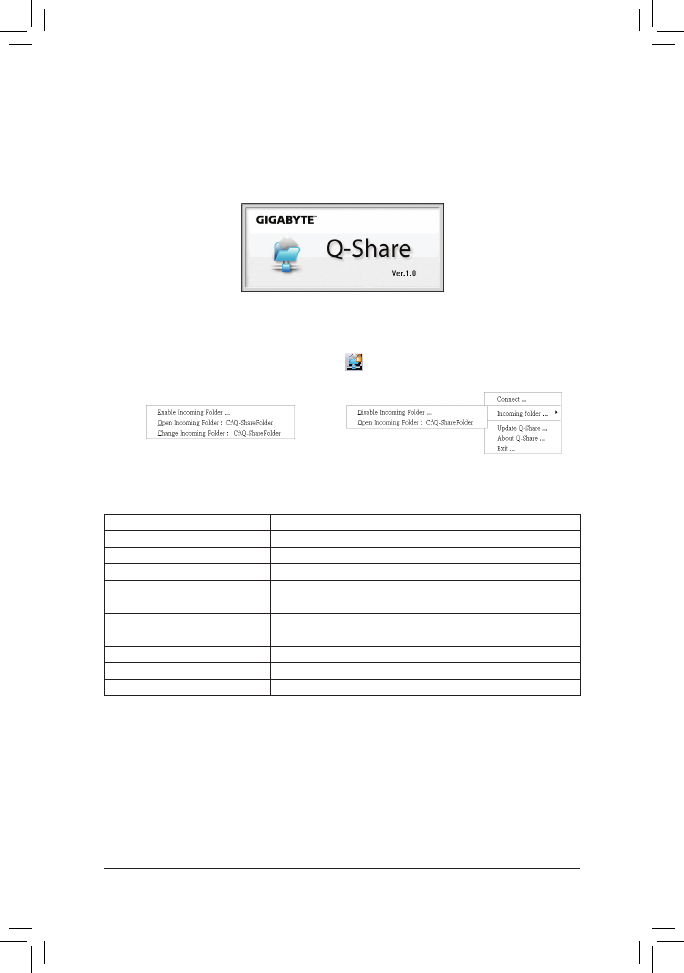
After installing Q-Share from the motherboard driver disk, go to Start>All Programs>GIGABYTE>Q-Share.
exe to launch the Q-Share tool. Find the
Q-Share
icon
in the notification area and right-click on this icon
to configure the data sharing settings.
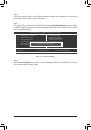
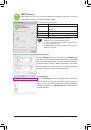
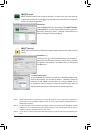
(Note) This option is available only when data sharing is NOT enabled.
Figure 1. Data Sharing Disabled
Figure 2. Data Sharing Enabled
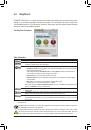
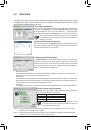
Options Descriptions
Option
Description
Connect ...
Displays the computers with data sharing enabled
Enable Incoming Folder ...
Enables data sharing
Disable Incoming Folder ...
Disables data sharing
Open Incoming Folder :
Accesses the shared data folder
C:\Q-ShareFolder
Change Incoming Folder :
Changes the data folder to be shared
(Note)
C:\Q-ShareFolder
Update Q-Share ...
Updates Q-Share online
About Q-Share ...
Displays the current Q-Share version
Exit...
Exits Q-Share
Оглавление инструкции
- Box Contents
- Optional Items
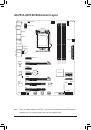
- GA-P67A-UD3P-B3 Motherboard Layout
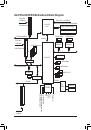
- GA-P67A-UD3P-B3 Motherboard Block Diagram
- Chapter 1 Hardware Installation
- Chapter 2 BIOS Setup
- 2-1 Startup Screen
- 2-2 The Main Menu
- 2-3 MB Intelligent Tweaker(M.I.T.)
- 2-4 Standard CMOS Features
- 2-5 Advanced BIOS Features
- 2-6 Integrated Peripherals
- 2-7 Power Management Setup
- 2-8 PC Health Status
- 2-9 Load Fail-Safe Defaults
- 2-10 Load Optimized Defaults
- 2-11 Set Supervisor/User Password
- 2-12 Save & Exit Setup
- 2-13 Exit Without Saving
- Chapter 3 Drivers Installation
- Chapter 4 Unique Features
- Chapter 5 Appendix






