Инструкция для GIGABYTE GA-P67A-UD3P-B3 (rev. 1.1), GA P67A UD3P B3 rev 1 1
 1
 2
 3
 4
 5
 6
 7
 8
 9
 10
 11
 12
 13
 14
 15
 16
 17
 18
 19
 20
 21
 22
 23
 24
 25
 26
 27
 28
 29
 30
 31
 32
 33
 34
 35
 36
 37
 38
 39
 40
 41
 42
 43
 44
 45
 46
 47
 48
 49
 50
 51
 52
 53
 54
 55
 56
 57
 58
 59
 60
 61
 62
 63
 64
 65
 66
 67
 68
 69
 70
 71
 72
 73
 74
 75
 76
 77
 78
 79
 80
 81
 82
 83
 84
 85
 86
 87
 88
 89
 90
 91
 92
 93
 94
 95
 96
 97
 98
 99
 100
 101
 102
 103
 104
Appendix
- 92 -
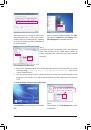
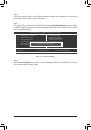
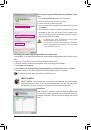
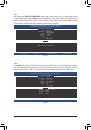
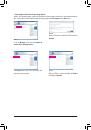
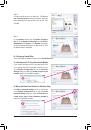
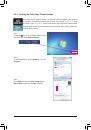
Step 2:
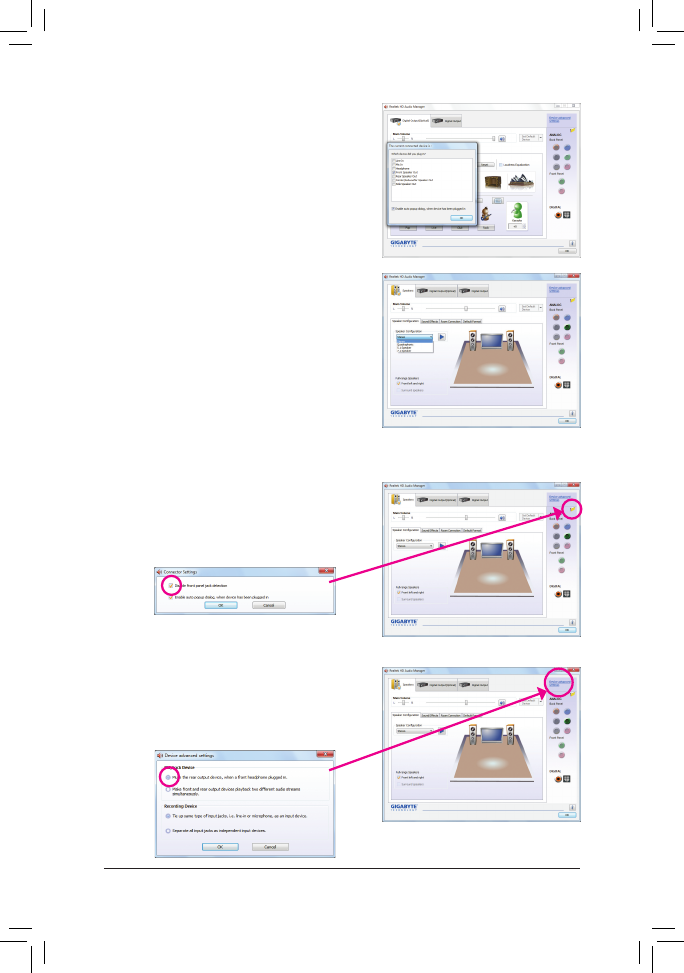
Connect an audio device to an audio jack. The
The cur-
rent connected device is
dialog box appears. Select the
device according to the type of device you connect. Then
click
OK
.
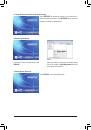
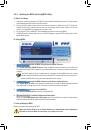
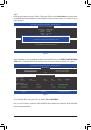
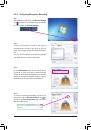
Step 3:
On the
Speakers
screen, click the
Speaker Configura
-
tion
tab. In the
Speaker Configuration
list, select
Stereo
,
Quadraphonic
,
5.1 Speaker
, or
7.1 Speaker
according to
the type of speaker configuration you wish to set up. Then
the speaker setup is completed.
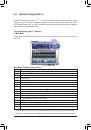
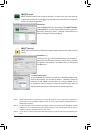
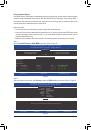
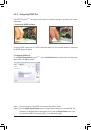
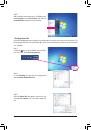
If your chassis provides an AC'97 front panel audio mod-
ule, to activate the AC'97 functionality, click the tool icon
on the
Speaker Configuration
tab. On the
Connector
Settings
dialog box, select the
Disable front panel jack
detection
check box. Click
OK
to complete.
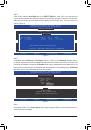
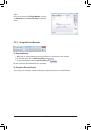
Click
Device advanced settings
on the top right corner
on the
Speaker Configuration
tab to open the
Device
advanced settings
dialog box. Select the
Mute the rear
output device, when a front headphone plugged in
check box. Click
OK
to complete.
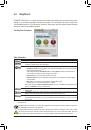
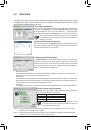
B. Configuring Sound Effect
You may configure an audio environment on the
Sound Effects
tab.
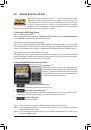
C. Activating an AC'97 Front Panel Audio Module
D. Muting the Back Panel Audio (For HD Audio Only)
Оглавление инструкции
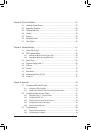
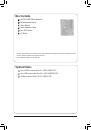
- Box Contents
- Optional Items
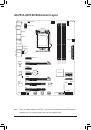
- GA-P67A-UD3P-B3 Motherboard Layout
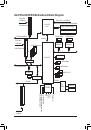
- GA-P67A-UD3P-B3 Motherboard Block Diagram
- Chapter 1 Hardware Installation
- Chapter 2 BIOS Setup
- 2-1 Startup Screen
- 2-2 The Main Menu
- 2-3 MB Intelligent Tweaker(M.I.T.)
- 2-4 Standard CMOS Features
- 2-5 Advanced BIOS Features
- 2-6 Integrated Peripherals
- 2-7 Power Management Setup
- 2-8 PC Health Status
- 2-9 Load Fail-Safe Defaults
- 2-10 Load Optimized Defaults
- 2-11 Set Supervisor/User Password
- 2-12 Save & Exit Setup
- 2-13 Exit Without Saving
- Chapter 3 Drivers Installation
- Chapter 4 Unique Features
- Chapter 5 Appendix






