Инструкция для Samsung LE40B620R3W, LE46B620R3W, LE52B620R3W
 1
 2
 3
 4
 5
 6
 7
 8
 9
 10
 11
 12
 13
 14
 15
 16
 17
 18
 19
 20
 21
 22
 23
 24
 25
 26
 27
 28
 29
 30
 31
 32
 33
 34
 35
 36
 37
 38
 39
 40
 41
 42
 43
 44
 45
 46
 47
 48
 49
 50
 51
 52
 53
 54
 55
 56
 57
 58
 59
 60
 61
 62
 63
 64
 65
 66
 67
 68
 69
 70
 71
 72
 73
 74
 75
 76
 77
 78
 79
 80
 81
 82
 83
 84
 85
 86
 87
 88
 89
 90
 91
 92
 93
English - 35
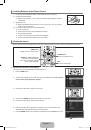
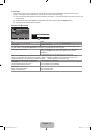
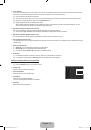
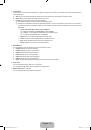
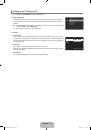
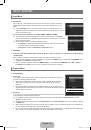
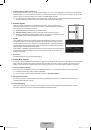
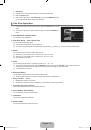
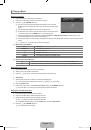
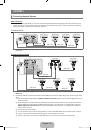
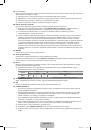
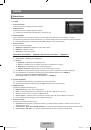
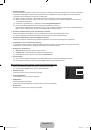
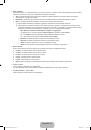
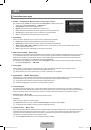
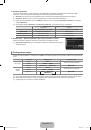
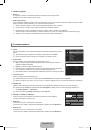
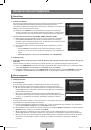
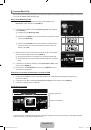
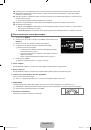
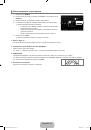
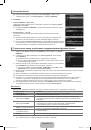
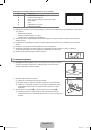
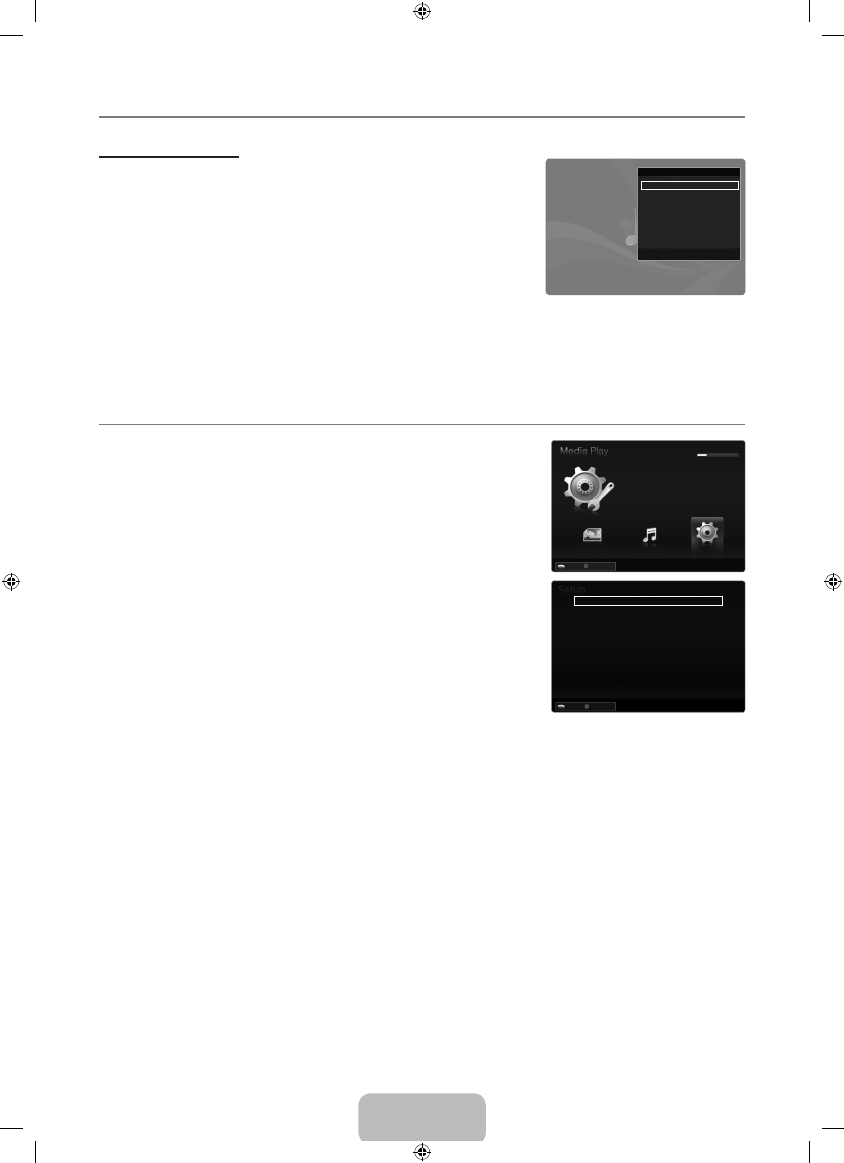
Music Play option Menu
Music Play option Menu
Repeat Mode → On / Off
You can play music files repeatedly.
Picture Setting / Sound Setting
You can configure the picture and sound settings.
Information
The music file information is displayed.
remove Safely
You can remove the device safely from the TV.
¦
❑
❑
❑
❑
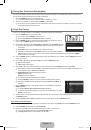
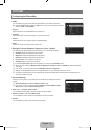
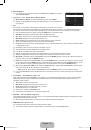
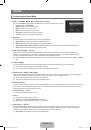
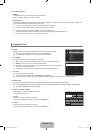
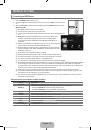
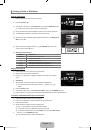
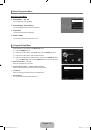
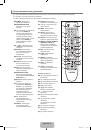
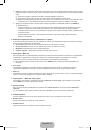
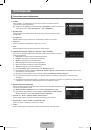
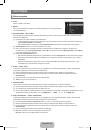
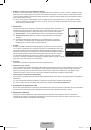
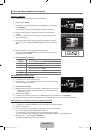
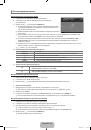
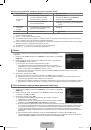
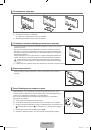
using the Setup Menu
Setup displays the user settings of the
Media Play
menu.
1.
Press the
MEDIA.P
button.
2.
Press the ◄ or ► button to select
Setup
, then press the
ENTEr
E
button.
3.
Press the ▲ or ▼ button to select the desired option.
4.
Press the ◄ or ► button to select the option, then press the
ENTEr
E
button.
To exit
Media Play
mode, press the
MEDIA.P
button on the remote control.
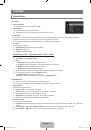
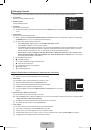
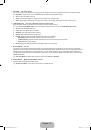
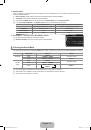
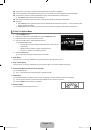
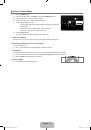
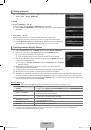
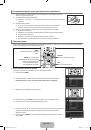
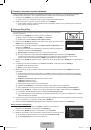
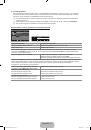
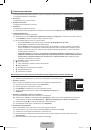
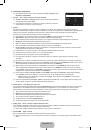
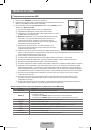
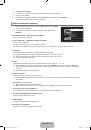
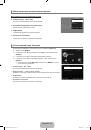
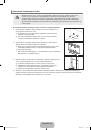
Music Repeat Mode → On / Off
Select to repeatedly play music files.
Screen Saver Run Time → 2 hours / 4 hours / 8 hours
Select to set the waiting time before the screen saver appears.
Information
Select to viewing the information of the connected device.
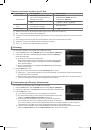
remove Safely
You can remove the device safely from the TV.
¦
N
■
■
■
■
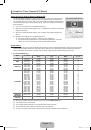
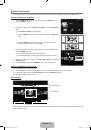
Repeat Mode
◀ On ▶
Picture Setting
Sound Setting
Information
Remove Safely
U
Move
L
Adjust
e
Exit
Tools
851.86MB/993.02MB Free
Photo
SUM
SUM
Device
SETUP
e
Exit
Music
Setup
Music Repeat Mode
◀ On ▶
Screen Saver Run Time : 4 hours
Information
Remove Safely
U
Move
L
Adjust
R
Return
SUM
Device
BN68-02097D-Eng.indd 35
2009-03-19 �� 8:15:47
Оглавление инструкции
- Cover
- Eng
- Setting up Your TV
- Viewing the Control Panel
- Accessories
- Viewing the Connection Panel
- Viewing the Remote Control
- Installing Batteries in the Remote Control
- Viewing the menus
- Placing Your Television in Standby Mode
- Plug & Play Feature
- CHANNEL
- PICTURE
- SOUND
- SETUP
- INPUT / SUPPORT
- Media Play (USB)
- ANYNET+
- RECOMMENDATIONS
- Setting up Your TV
- Rus


