Инструкция для Samsung LE40B620R3W, LE46B620R3W, LE52B620R3W
 1
 2
 3
 4
 5
 6
 7
 8
 9
 10
 11
 12
 13
 14
 15
 16
 17
 18
 19
 20
 21
 22
 23
 24
 25
 26
 27
 28
 29
 30
 31
 32
 33
 34
 35
 36
 37
 38
 39
 40
 41
 42
 43
 44
 45
 46
 47
 48
 49
 50
 51
 52
 53
 54
 55
 56
 57
 58
 59
 60
 61
 62
 63
 64
 65
 66
 67
 68
 69
 70
 71
 72
 73
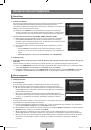 74
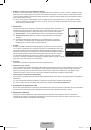 75
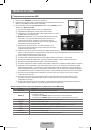 76
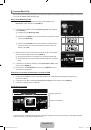 77
 78
 79
 80
 81
 82
 83
 84
 85
 86
 87
 88
 89
 90
 91
 92
 93
English - 13
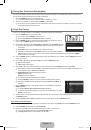
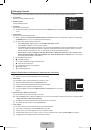
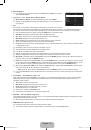
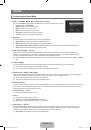
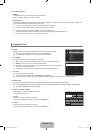
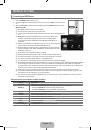
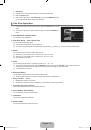
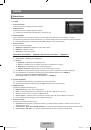
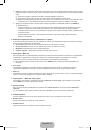
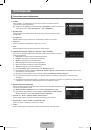
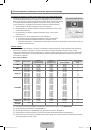
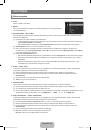
Timer Viewing
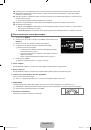
If you reserve a programme you want to watch, the channel is automatically switched to the reserved channel in the Channel List;
even when you are watching another channel. To reserve a programme, set the current time first.
Only memorized channels can be reserved.
You can set the channel, day, month, year, hour and minute directly by pressing the number buttons on the remote control.
Reserving a programme will be shown in the
Programmed
menu.
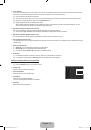
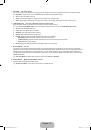
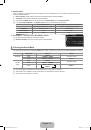
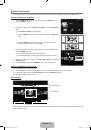
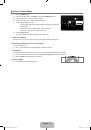
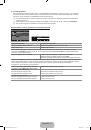
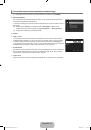
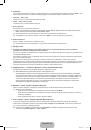
Digital Programme Guide and Viewing Reservation
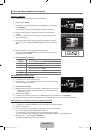
When a digital channel is selected, and you press the ► button, the Programme Guide for the channel appears. You can
reserve a programme according to the procedures described above.
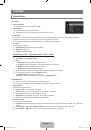
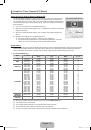
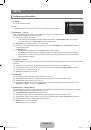
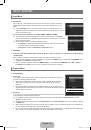
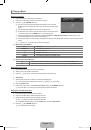
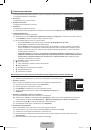
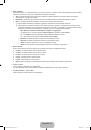
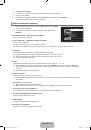
Edit Channel Name (analogue channels only)
Channels can labelled so that their call letters appear whenever the channel is selected.
The names of digital broadcasting channels are automatically assigned and cannot be renamed.
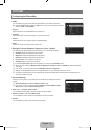
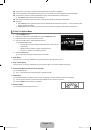
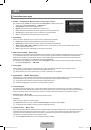
Edit Channel Number (digital channels only)
You can also edit the channel number by pressing the number buttons on the remote control.
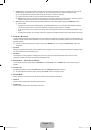
Sort (analogue channels only)
This operation allows you to change the programme numbers of the stored channels. This operation may be necessary after using
the auto store.
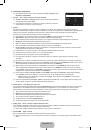
Select All / Deselect All
Select All
: You can select all the channels in the channel list.
Deselect All
: You can deselect all the selected channels.
You can only select
Deselect All
when there is a selected channel.
Auto Store
For detailed procedures on setting up options, refer to the ‘Channel Menu’ instructions.
If a channel is locked using the
Child Lock
function, the PIN input window appears.
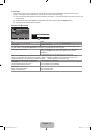
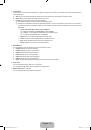
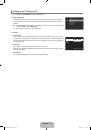
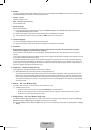
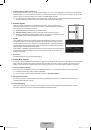
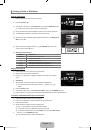
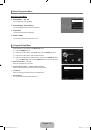
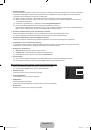
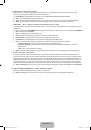
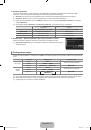
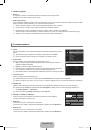
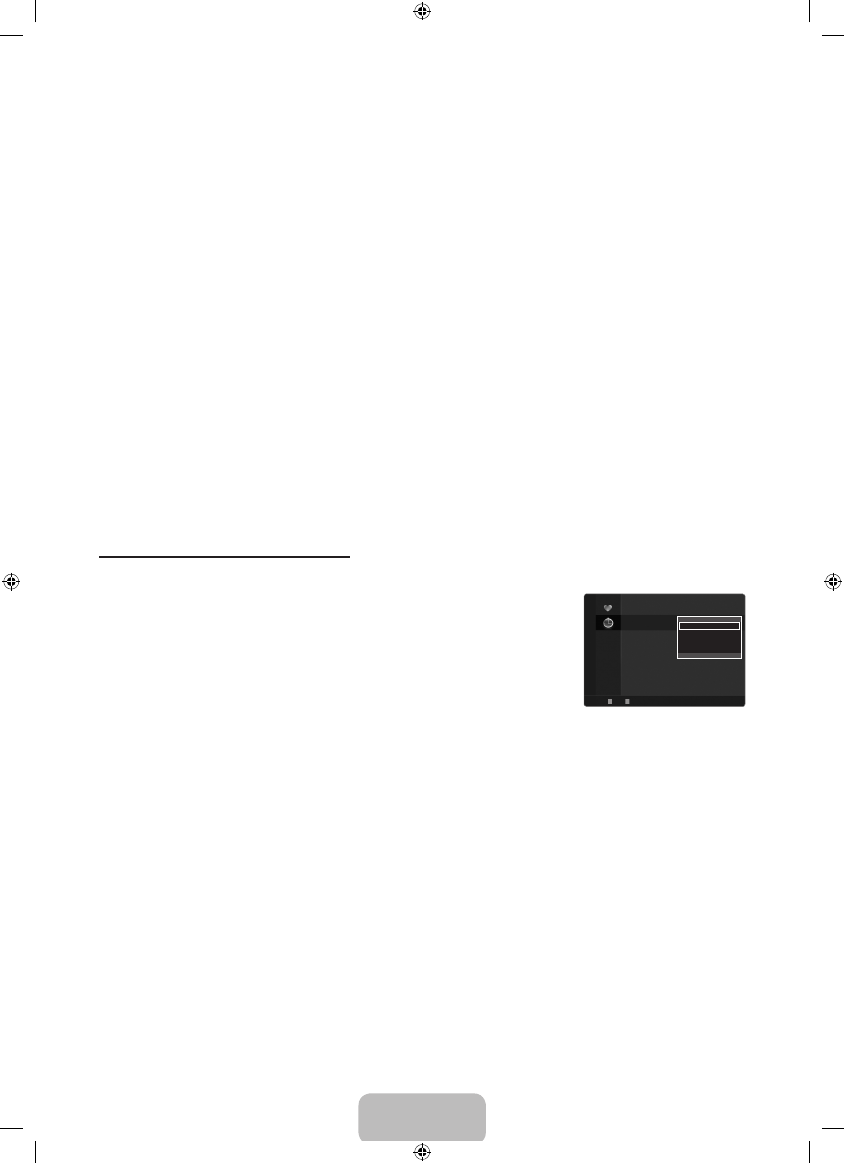
Channel List option Menu (in Programmed)
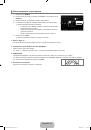
You can view, modify or delete a reservation.
Press the
TooLS
button to use the option menu.
Change Info
Select to change a viewing reservation.
Cancel Schedules
Select to cancel a viewin`g reservation.
Information
Select to view a viewing reservation.
(You can also change the reservation information.)
Select All
Select all reserved programmes.
■
N
N
N
N
■
N
■
■
■
●
●
N
■
N
N
N
■
■
■
■
Programmed
1 / 1 / 2009
13:59 5 TV1
)
18:59 2 TV3
)
The Equalizer
20:59 2 TV3
)
McMillan & Wife
21:59 2 TV3
)
M.Spillane’s mike
All Zoom Select
T
Tools
E
Information
Change Info
Cancel Schedules
Information
Select All
BN68-02097D-Eng.indd 13
2009-03-19 �� 8:15:34
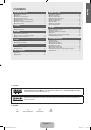
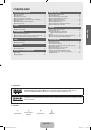
Оглавление инструкции
- Cover
- Eng
- Setting up Your TV
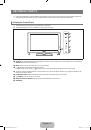
- Viewing the Control Panel
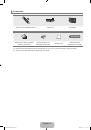
- Accessories
- Viewing the Connection Panel
- Viewing the Remote Control
- Installing Batteries in the Remote Control
- Viewing the menus
- Placing Your Television in Standby Mode
- Plug & Play Feature
- CHANNEL
- PICTURE
- SOUND
- SETUP
- INPUT / SUPPORT
- Media Play (USB)
- ANYNET+
- RECOMMENDATIONS
- Setting up Your TV
- Rus