Инструкция для Samsung LE40B620R3W, LE46B620R3W, LE52B620R3W
 1
 2
 3
 4
 5
 6
 7
 8
 9
 10
 11
 12
 13
 14
 15
 16
 17
 18
 19
 20
 21
 22
 23
 24
 25
 26
 27
 28
 29
 30
 31
 32
 33
 34
 35
 36
 37
 38
 39
 40
 41
 42
 43
 44
 45
 46
 47
 48
 49
 50
 51
 52
 53
 54
 55
 56
 57
 58
 59
 60
 61
 62
 63
 64
 65
 66
 67
 68
 69
 70
 71
 72
 73
 74
 75
 76
 77
 78
 79
 80
 81
 82
 83
 84
 85
 86
 87
 88
 89
 90
 91
 92
 93
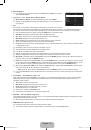
English - 32
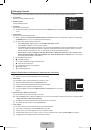
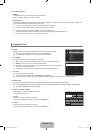
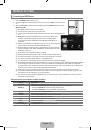
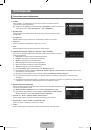
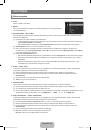
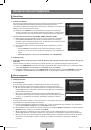
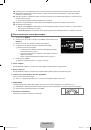
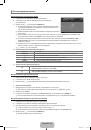
Alternatively
1.
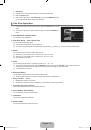
In the Photo List, press the Yellow buttons to select the desired photos.
2.
Press the
TooLS
button.
3.
Press the ▲ or ▼ button to select
Slide Show
, then press the
ENTEr
E
button.
The selected files will be used for the Slide Show.
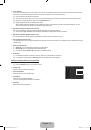
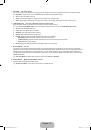
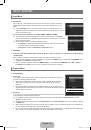
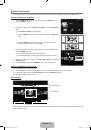
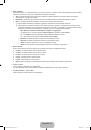
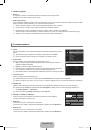
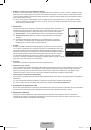
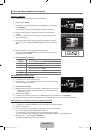
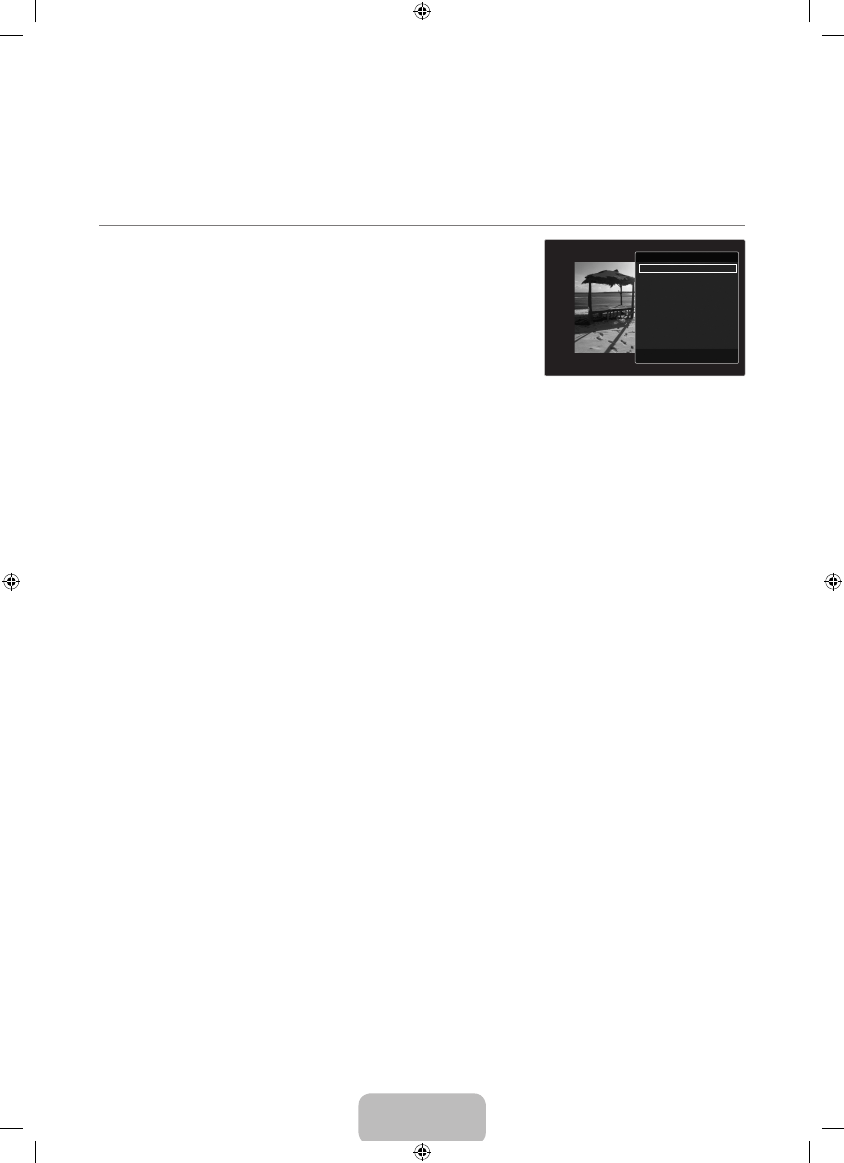
Slide Show option Menu
1.
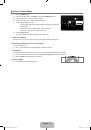
During a slide show (or when viewing a photo), press the
TooLS
button to set the
option.
2.
Press the ▲ or ▼ button to select the desired option, then press the
ENTEr
E
button.
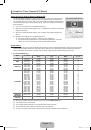
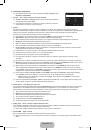
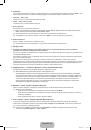
Stop Slide Show / Start Slide Show
You can start or stop a SlideShow.
Slide Show Speed → Slow / Normal / Fast
You can select the slide show speed.
This function is available only during a slide show.
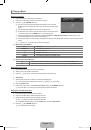
You can also change the speed of the Slide Show by pressing the
π
(REW) or
μ
(FF) button during the Slide Show.
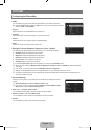
rotate
You can rotate photos saved on a USB memory device.
Whenever you press the ◄ button, it rotates by 270˚, 180˚, 90˚, and 0˚.
Whenever you press the ► button, it rotates by 90˚, 180˚, 270˚, and 0˚.
The rotated file is not saved.
Zoom
You can magnify photos saved on a USB memory device. (x1 → x2 → x4)
To move the enlarged photo image, press the
ENTEr
E
button, then press the ▲/▼/◄/► buttons. Note that when the
enlarged picture is smaller than the original screen size, the location change function doesn’t work.
The enlarged file is not saved.
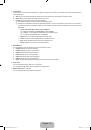
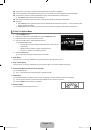
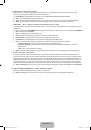
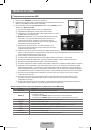
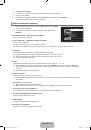
Background Music
You can select background music when watching a Slide Show.
To use this feature, there must be music and photo files stored on the USB device.
Background Music → Off / On
off
: Background music is not played.
on
: When the background music is available, if you select
on
, the music is played back.
Select Music File (0 File(s) Selected)
Only the selected music file is set as the background music.
Picture Setting / Sound Setting
You can select the picture and sound settings.
Information
The photo file information is displayed.
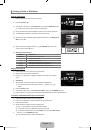
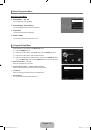
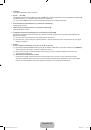
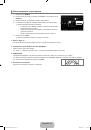
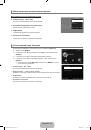
remove Safely
You can remove the device safely from the TV.
●
N
¦
❑
❑
N
N
❑
N
N
N
❑
N
N
❑
N
■
●
●
■
❑
❑
❑
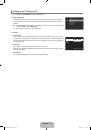
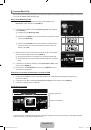
Stop Slide Show
Slide Show Speed
:
Normal
Rotate
Zoom
Background Music
Picture Setting
Sound Setting
Information
Remove Safely
U
Move
E
Enter
e
Exit
Tools
BN68-02097D-Eng.indd 32
2009-03-19 �� 8:15:46
Оглавление инструкции
- Cover
- Eng
- Setting up Your TV
- Viewing the Control Panel
- Accessories
- Viewing the Connection Panel
- Viewing the Remote Control
- Installing Batteries in the Remote Control
- Viewing the menus
- Placing Your Television in Standby Mode
- Plug & Play Feature
- CHANNEL
- PICTURE
- SOUND
- SETUP
- INPUT / SUPPORT
- Media Play (USB)
- ANYNET+
- RECOMMENDATIONS
- Setting up Your TV
- Rus