Инструкция для Samsung LE40B620R3W, LE46B620R3W, LE52B620R3W
 1
 2
 3
 4
 5
 6
 7
 8
 9
 10
 11
 12
 13
 14
 15
 16
 17
 18
 19
 20
 21
 22
 23
 24
 25
 26
 27
 28
 29
 30
 31
 32
 33
 34
 35
 36
 37
 38
 39
 40
 41
 42
 43
 44
 45
 46
 47
 48
 49
 50
 51
 52
 53
 54
 55
 56
 57
 58
 59
 60
 61
 62
 63
 64
 65
 66
 67
 68
 69
 70
 71
 72
 73
 74
 75
 76
 77
 78
 79
 80
 81
 82
 83
 84
 85
 86
 87
 88
 89
 90
 91
 92
 93
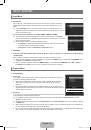
English - 29
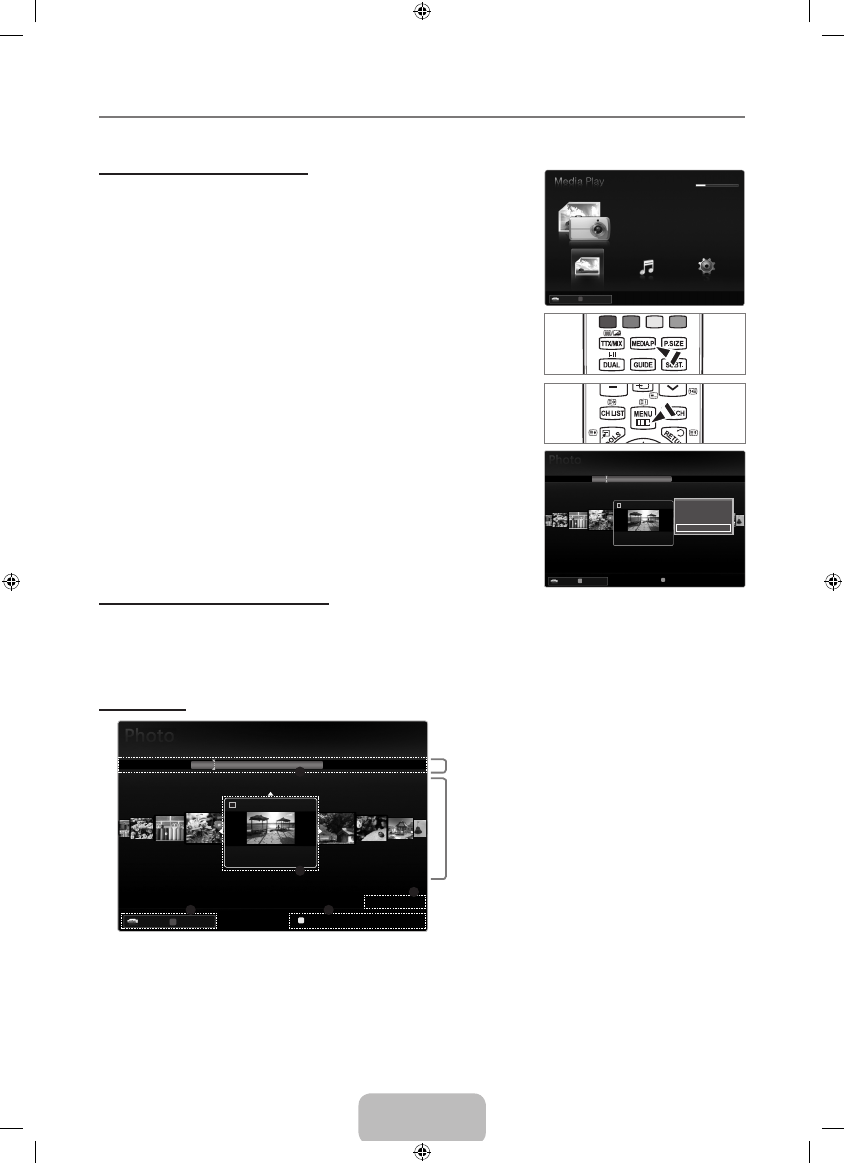
Media Play Function
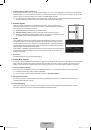
This function enables you to view and listen to photo and/or music files saved on a USB Mass Storage Class (MSC) device.
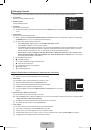
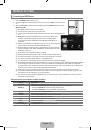
Entering the Media Play (uSB) Menu
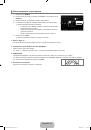
1.
Press the
MENu
button. Press the ▲ or ▼ button to select
Application
, then
press the
ENTEr
E
button.
2.
Press the ▲ or ▼ button to select
Media Play (uSB)
, then press the
ENTEr
E
button.
The
Media Play (uSB)
menu is displayed.
Press the
MEDIA.P
button on the remote control to display the
Media Play
menu.
Press the
SourCE
button on the remote control to view the source list.
Then Press the ▲ or ▼ button to select
uSB
.
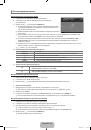
3.
Press the Red button, then press the ▲ or ▼ button to select the USB Memory.
Press the
ENTEr
E
button.
This function differs depending on the USB Memory.
The selected USB device name appears at the bottom left of the screen.
4.
Press the ◄ or ► button to select an icon (
Photo, Music, Setup
), then press the
ENTEr
E
button.
To exit
Media Play
mode, press the
MEDIA.P
button on the remote control.
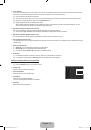
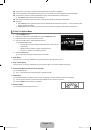
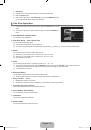
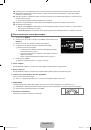
removing a uSB Memory Device Safely
You can remove the device safely from the TV.
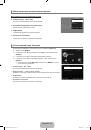
1.
Press the
TooLS
button in the Media Play file list screen, or while a Slide Show or music is being played.
2.
Press the ▲ or ▼ button to select
remove Safely
, then press the
ENTEr
E
button.
3.
Remove the USB device from the TV.
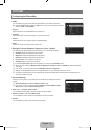
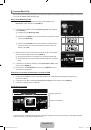
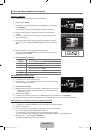
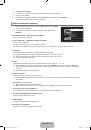
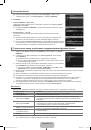
Screen Display
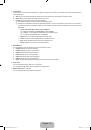
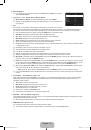
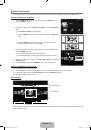
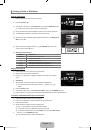
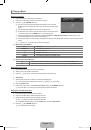
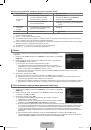
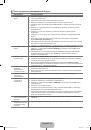
Move to either ‘Group List Section’ or ‘File List Section’ using the Up and Down buttons. After selecting a section, press the ◄ or ►
buttons to select an item.
¦
N
O
O
N
N
N
851.86MB/993.02MB Free
Photo
SUM
SUM
Device
PHOTO
R
Return
Music
Setup
SUM
Device
Select
T
Tools
R
Upper Folder
1234.jpg
1235.jpg
1236.jpg
1237.jpg
1233.jpg
1232.jpg
1231.jpg
Slide Show
Play Current Group
Information
Remove Safely
5/15
1
2
../Photo/
Group List Section
File List Section
SUM
Device
Select
T
Tools
R
Upper Folder
1234.jpg
1235.jpg
1236.jpg
1237.jpg
1233.jpg
1232.jpg
1231.jpg
1File(s) Selected
2
3
5
4
1
2
1
5/15
c
../Photo/
BN68-02097D-Eng.indd 29
2009-03-19 �� 8:15:40
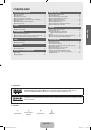
Оглавление инструкции
- Cover
- Eng
- Setting up Your TV
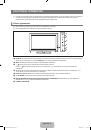
- Viewing the Control Panel
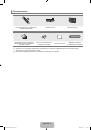
- Accessories
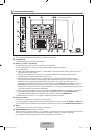
- Viewing the Connection Panel
- Viewing the Remote Control
- Installing Batteries in the Remote Control
- Viewing the menus
- Placing Your Television in Standby Mode
- Plug & Play Feature
- CHANNEL
- PICTURE
- SOUND
- SETUP
- INPUT / SUPPORT
- Media Play (USB)
- ANYNET+
- RECOMMENDATIONS
- Setting up Your TV
- Rus


