Инструкция для Samsung LE40B620R3W, LE46B620R3W, LE52B620R3W
 1
 2
 3
 4
 5
 6
 7
 8
 9
 10
 11
 12
 13
 14
 15
 16
 17
 18
 19
 20
 21
 22
 23
 24
 25
 26
 27
 28
 29
 30
 31
 32
 33
 34
 35
 36
 37
 38
 39
 40
 41
 42
 43
 44
 45
 46
 47
 48
 49
 50
 51
 52
 53
 54
 55
 56
 57
 58
 59
 60
 61
 62
 63
 64
 65
 66
 67
 68
 69
 70
 71
 72
 73
 74
 75
 76
 77
 78
 79
 80
 81
 82
 83
 84
 85
 86
 87
 88
 89
 90
 91
 92
 93
English - 34
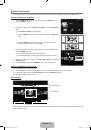
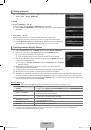
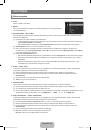
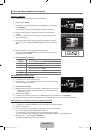
Playing a Music
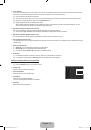
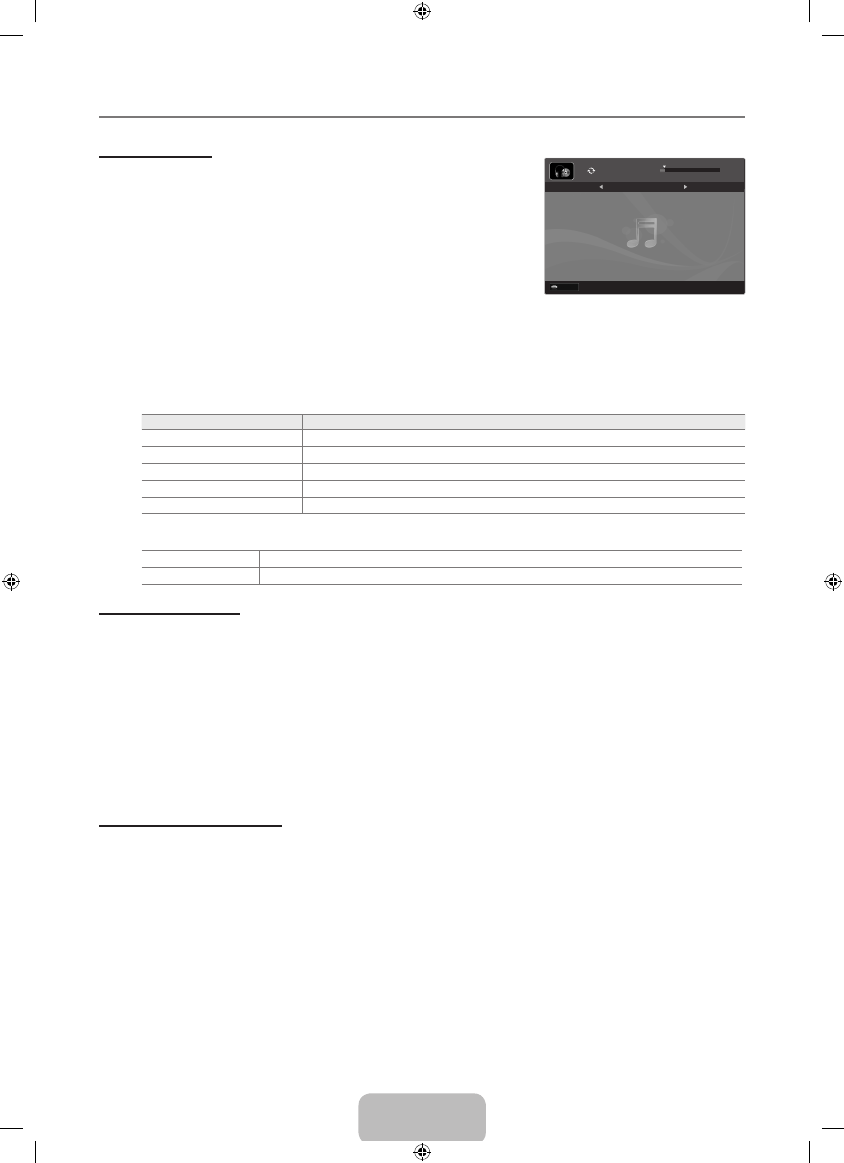
Playing a music file
1.
Press the ▼ button to select the File List Section.
2.
Press the ◄ or ► button to select a music file to be played.
3.
Press the
∂
(Play)/
ENTEr
E
button.
This menu only shows files with the MP3 file extension. Files with other
file extensions are not displayed, even if they are saved on the same USB
device.
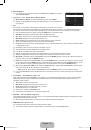
The selected file is displayed at the top with its playing time.
To adjust the music volume, press the volume button on the remote control.
To mute the sound, press the
MuTE
button on the remote control.
If the sound is odd when playing MP3 files, adjust the
Equalizer
and
SrS TruSurround HD
in the Sound menu. (An
over-modulated MP3 file may cause a sound problem.)
The playing duration of a music file may be displayed as ‘00:00:00’ if its playing time information is not found at the start of
the file.
π
(REW) or
μ
(FF) buttons do not function during play.
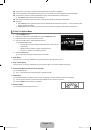
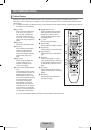
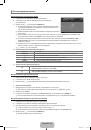
Music Play Control Buttons
Button
Operations
ENTEr
E
Play/Pause the music file.
∂
Play the music file
∑
Pause the music file
∫
Exit play mode and return to the music list.
TooLS
Run various functions from the Music menus.
Music function information icon
p
When all music files in the folder (or the selected file) are repeated.
repeat Mode
is
on
.
q
When all music files in the folder (or the selected file) are played once.
repeat Mode
is
off
.
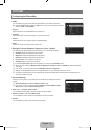
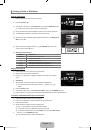
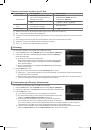
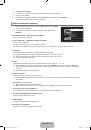
Playing the music group
1.
Press the ▲ button to move to the Group List Section.
2.
Select a group using the ◄ and ► buttons.
3.
Press the
∂
(Play) button. The files of the selected group will start playing.
Alternatively
1.
Select the files In the File List Section, contained the desired group.
To move to the previous/next group, press the
π
(REW) or
μ
(FF) button.
2.
Press the
TooLS
button.
3.
Press the ▲ or ▼ button to select
Play Current group
, then press the
ENTEr
E
button.
The music files in the sorting group including the selected file are played.
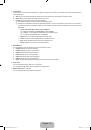
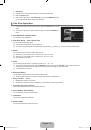
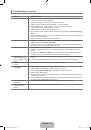
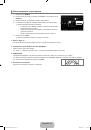
Playing the selected music files
1.
Press the ▼ button to select the File List Section.
2.
Press the ◄ or ► button to select the desired music file.
3.
Repeat the above operation to select multiple music files.
The
c
appears to the left of the selected music file.
To deselect all selected files, press the
TooLS
button and select
Deselect All
.
4.
Press the
∂
(Play)/
ENTEr
E
button.
The selected files will be played.
¦
N
N
N
N
N
N
N
N
●
N
N
N
N
N
E
Pause ◀▶ Previous / Next
T
Tools
R
Return
SUM
I Love You
HaHaHa
Way
▶ 00:00:04 / 00:04:04 3/37
BN68-02097D-Eng.indd 34
2009-03-19 �� 8:15:46
Оглавление инструкции
- Cover
- Eng
- Setting up Your TV
- Viewing the Control Panel
- Accessories
- Viewing the Connection Panel
- Viewing the Remote Control
- Installing Batteries in the Remote Control
- Viewing the menus
- Placing Your Television in Standby Mode
- Plug & Play Feature
- CHANNEL
- PICTURE
- SOUND
- SETUP
- INPUT / SUPPORT
- Media Play (USB)
- ANYNET+
- RECOMMENDATIONS
- Setting up Your TV
- Rus