Инструкция для Samsung LE40B620R3W, LE46B620R3W, LE52B620R3W
 1
 2
 3
 4
 5
 6
 7
 8
 9
 10
 11
 12
 13
 14
 15
 16
 17
 18
 19
 20
 21
 22
 23
 24
 25
 26
 27
 28
 29
 30
 31
 32
 33
 34
 35
 36
 37
 38
 39
 40
 41
 42
 43
 44
 45
 46
 47
 48
 49
 50
 51
 52
 53
 54
 55
 56
 57
 58
 59
 60
 61
 62
 63
 64
 65
 66
 67
 68
 69
 70
 71
 72
 73
 74
 75
 76
 77
 78
 79
 80
 81
 82
 83
 84
 85
 86
 87
 88
 89
 90
 91
 92
 93
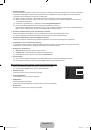
English - 31
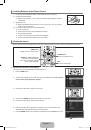
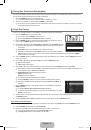
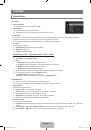
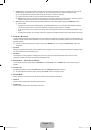
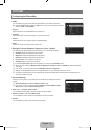
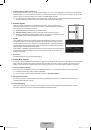
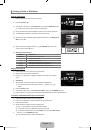
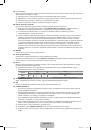
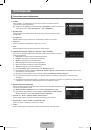
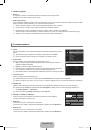
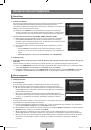
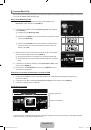
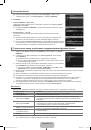
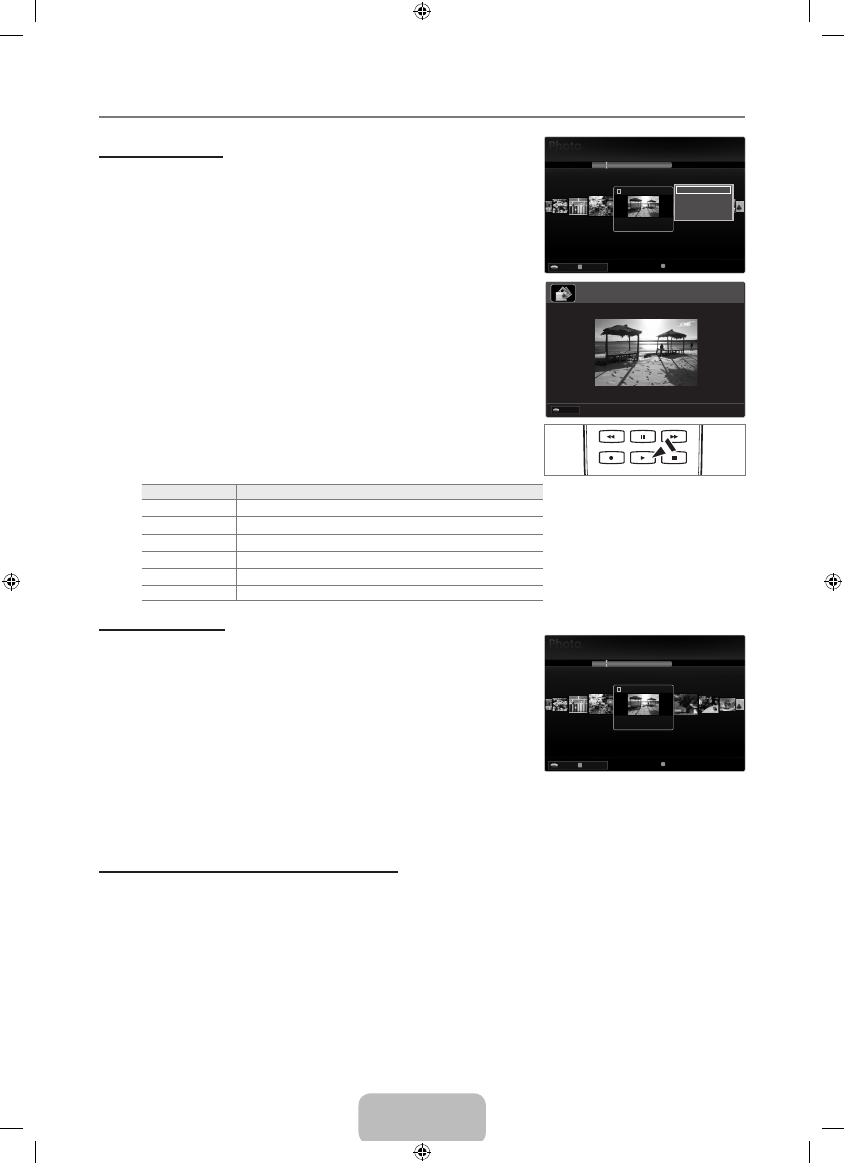
Viewing a Photo or Slide Show
Viewing a Slide Show
1.
Press the ▼ button to select the File List Section.
2.
Press the
TooLS
button.
3.
Press the ▲ or ▼ button to select
Slide Show
, then press the
ENTEr
E
button.
All files in the photo list will be used for the Slide Show.
During the slide show, files are displayed in order from the currently shown file.
The Slide Show progresses in the order sorted in the Photo list.
Music files can be automatically played during the Slide Show if the
Background
Music
is set to
on
.
While a photo list is displayed, press the
∂
(Play)/
ENTEr
E
button on the
remote control to start slide show.
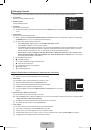
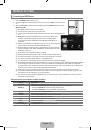
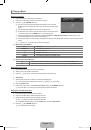
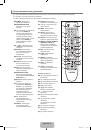
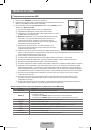
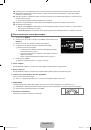
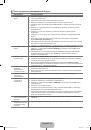
SlideShow Control Buttons
Button
operations
ENTEr
E
Play/Pause the Slide Show.
∂
Play the Slide Show.
∑
Pause the Slide Show.
∫
Exit Slide Show and return to the photo list.
π
/
μ
Change the SlideShow playing speed.
TooLS
Run various functions from the Photo menus.
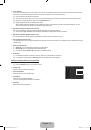
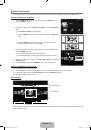
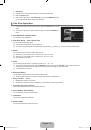
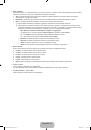
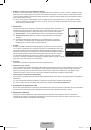
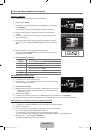
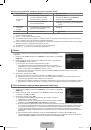
Playing current group
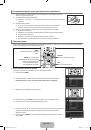
1.
Press the ▲ button to move to the Group List Section.
2.
Select a group using the ◄ and ► buttons.
3.
Press the
∂
(Play) button. A slideshow begins with the files of the selected
group.
Alternatively
1.
Select the files In the File List Section, contained the desired group.
To move to the previous/next group, press the
π
(REW) or
μ
(FF)
button.
2.
Press the
TooLS
button.
3.
Press the ▲ or ▼ button to select
Play Current group
, then press the
ENTEr
E
button.
Only the photos in the sorting group including the selected files will be used for the Slide Show.
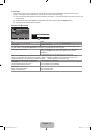
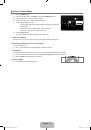
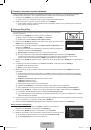
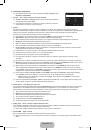
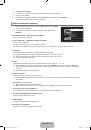
To perform a Slide Show with only the selected files
1.
Press the ▼ button to select the File List Section.
2.
Press the ◄ or ► button to select the desired photo in the Photo list.
3.
Press the Yellow button.
4.
Repeat the above operation to select multiple photos.
The
c
mark appears to the left of the selected photo.
If you select one file, the Slide Show will not be performed.
To deselect all selected files, press the
TooLS
button and select
Deselect All
.
5.
Press the
∂
(Play)/
ENTEr
E
button.
The selected files will be used for the Slide Show.
¦
N
N
N
N
O
N
●
N
N
N
N
N
N
E
Pause ◀▶ Previous / Next
T
Tools
R
Return
SUM
1234.jpg
580x765 2008/12/02 5/15
▶ Normal
SUM
Device
Select
T
Tools
R
Upper Folder
1234.jpg
1235.jpg
1236.jpg
1237.jpg
1233.jpg
1232.jpg
1231.jpg
Slide Show
Play Current Group
Information
Remove Safely
5/15
1
2
../Photo/
SUM
Device
Select
T
Tools
R
Upper Folder
1234.jpg
1235.jpg
1236.jpg
1237.jpg
1233.jpg
1232.jpg
1231.jpg
5/15
1
2
../Photo/
BN68-02097D-Eng.indd 31
2009-03-19 �� 8:15:45
Оглавление инструкции
- Cover
- Eng
- Setting up Your TV
- Viewing the Control Panel
- Accessories
- Viewing the Connection Panel
- Viewing the Remote Control
- Installing Batteries in the Remote Control
- Viewing the menus
- Placing Your Television in Standby Mode
- Plug & Play Feature
- CHANNEL
- PICTURE
- SOUND
- SETUP
- INPUT / SUPPORT
- Media Play (USB)
- ANYNET+
- RECOMMENDATIONS
- Setting up Your TV
- Rus