Инструкция для Samsung LE40B620R3W, LE46B620R3W, LE52B620R3W
 1
 2
 3
 4
 5
 6
 7
 8
 9
 10
 11
 12
 13
 14
 15
 16
 17
 18
 19
 20
 21
 22
 23
 24
 25
 26
 27
 28
 29
 30
 31
 32
 33
 34
 35
 36
 37
 38
 39
 40
 41
 42
 43
 44
 45
 46
 47
 48
 49
 50
 51
 52
 53
 54
 55
 56
 57
 58
 59
 60
 61
 62
 63
 64
 65
 66
 67
 68
 69
 70
 71
 72
 73
 74
 75
 76
 77
 78
 79
 80
 81
 82
 83
 84
 85
 86
 87
 88
 89
 90
 91
 92
 93
English - 22
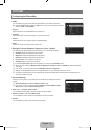
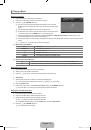
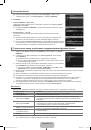
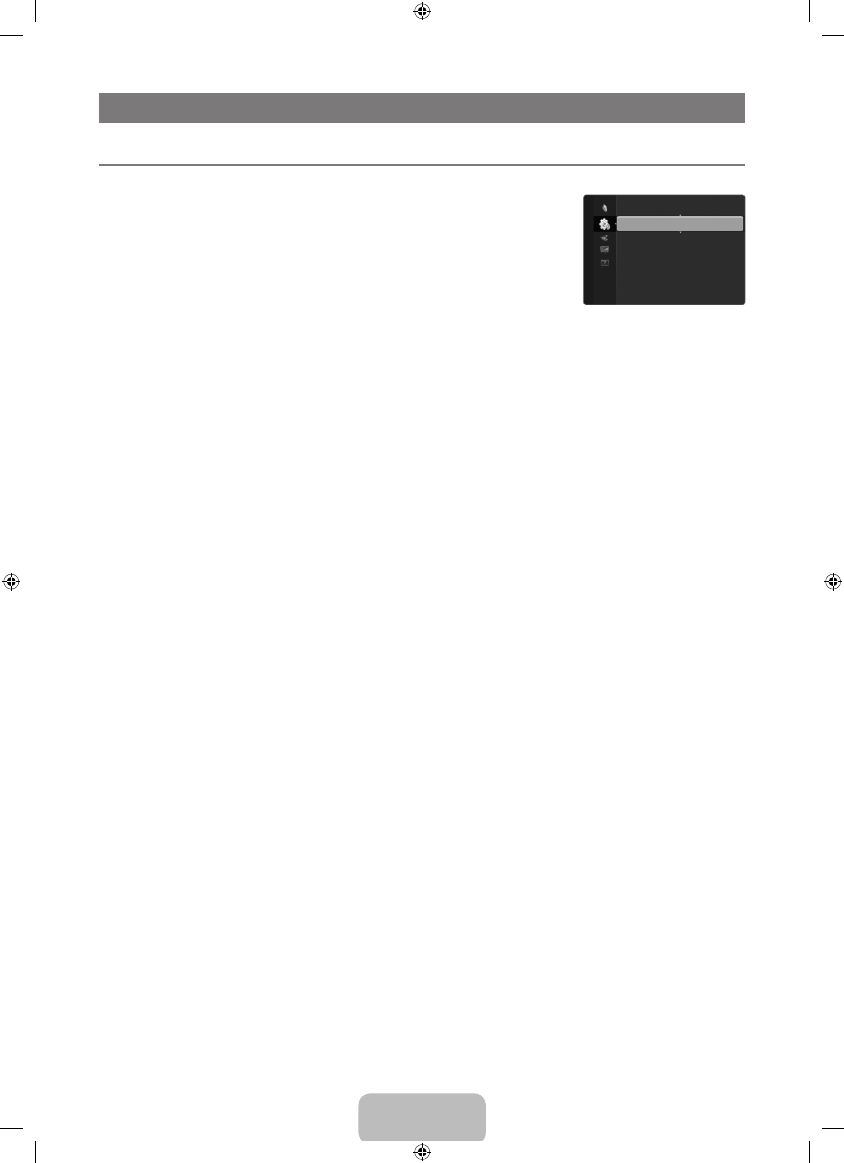
SETuP
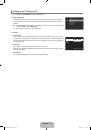
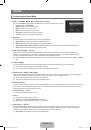
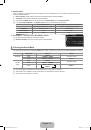
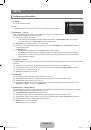
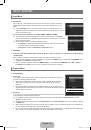
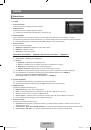
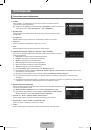
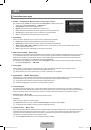
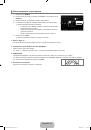
Configuring the Setup Menu
Language
You can set the menu language.
Time
For detailed procedures on setting up options, refer to the ‘Setting the Time’ instructions.
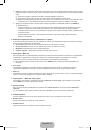
Game Mode → Off / On
When connecting to a game console such as PlayStation™ or Xbox™, you can enjoy a more
realistic gaming experience by selecting game menu.
Restrictions on game mode (Caution)
To disconnect the game console and connect another external device, set
game Mode
to
off
in the setup menu.
If you display the TV menu in
game Mode
, the screen shakes slightly.
game Mode
is not available in regular TV, PC and Ext mode.
If the picture is poor when external device is connected to TV, check if
game Mode
is
on
. Set
game Mode
to
off
and
connect external devices.
If
game Mode
is On:
Picture mode is automatically changed to
Standard
and cannot be changed.
Sound mode is automatically changed to
Custom
and cannot be changed. Adjust the sound using the equalizer.
The Reset Sound function is activated. Selecting the Reset function after setting the equalizer resets the equalizer
settings to the factory defaults.
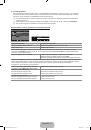
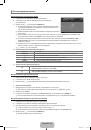
Child Lock → Off / On
This feature allows you to prevent unauthorized users, such as children, from watching unsuitable programme by muting out video
and audio.
Before the setup screen appears, the PIN number input screen appears. Enter your 4 digit PIN number.
The default PIN number of a new TV set is 0-0-0-0. You can change the PIN by selecting
Change PIN
from the menu.
You can lock some channels in Channel List.
Child Lock
is available only in TV mode.
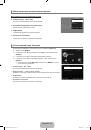
Change PIN
You can change your personal ID number that is required to set up the TV.
Before the setup screen appears, the PIN number input screen appears. Enter your 4 digit PIN number.
The default PIN number of a new TV set is 0-0-0-0.
If you forget the PIN code, press the remote control buttons in the following sequence, which resets the PIN to 0-0-0-0:
PoWEr
(Off)
→ MUTE → 8 → 2 → 4 → POWER
(On).
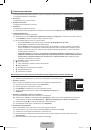
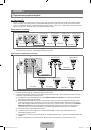
Parental Lock → Parental Rating
This feature allows you to prevent unauthorized users, such as children, from watching unsuitable programme by a 4-digit PIN
(Personal Identification Number) code that is defined by the user.
The
Parental rating
item differs depending on the country.
Before the setup screen appears, the PIN number input screen appears. Enter your 4 digit PIN number.
The default PIN number of a new TV set is ‘0-0-0-0’. You can change the PIN by selecting
Change PIN
from the menu.
When the parental ratings are set, the ‘
\
’ symbol is displayed.
Allow All
: Press to unlock all TV ratings.
Block All
: Press to lock all TV ratings.
¦
❑
❑
❑
N
N
N
N
❑
N
N
N
N
❑
N
N
N
❑
N
N
N
N
N
Plug & Play
Language
: English
▶
Time
Game Mode
: Off
Child Lock
: On
Change PIN
Parental Lock
Subtitle
Teletext Language
Setup
BN68-02097D-Eng.indd 22
2009-03-19 �� 8:15:36
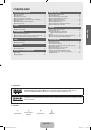
Оглавление инструкции
- Cover
- Eng
- Setting up Your TV
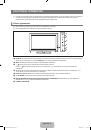
- Viewing the Control Panel
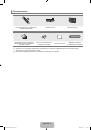
- Accessories
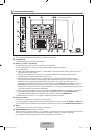
- Viewing the Connection Panel
- Viewing the Remote Control
- Installing Batteries in the Remote Control
- Viewing the menus
- Placing Your Television in Standby Mode
- Plug & Play Feature
- CHANNEL
- PICTURE
- SOUND
- SETUP
- INPUT / SUPPORT
- Media Play (USB)
- ANYNET+
- RECOMMENDATIONS
- Setting up Your TV
- Rus