Инструкция для Samsung LE40B620R3W, LE46B620R3W, LE52B620R3W
 1
 2
 3
 4
 5
 6
 7
 8
 9
 10
 11
 12
 13
 14
 15
 16
 17
 18
 19
 20
 21
 22
 23
 24
 25
 26
 27
 28
 29
 30
 31
 32
 33
 34
 35
 36
 37
 38
 39
 40
 41
 42
 43
 44
 45
 46
 47
 48
 49
 50
 51
 52
 53
 54
 55
 56
 57
 58
 59
 60
 61
 62
 63
 64
 65
 66
 67
 68
 69
 70
 71
 72
 73
 74
 75
 76
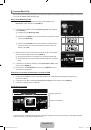 77
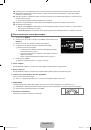 78
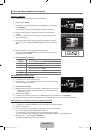 79
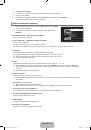 80
 81
 82
 83
 84
 85
 86
 87
 88
 89
 90
 91
 92
 93
English - 2
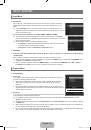
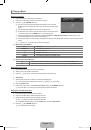
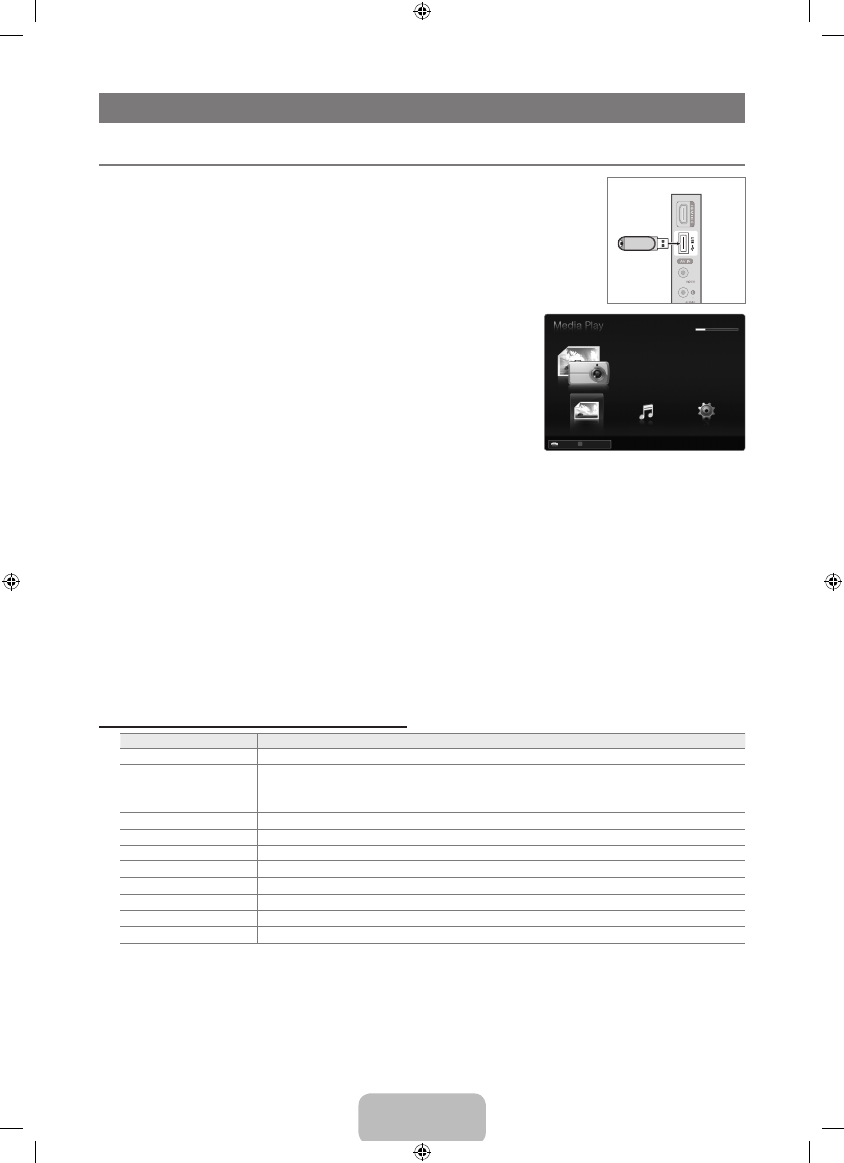
MEDIA PLAY (uSB)
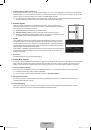
Connecting a uSB Device
1.
Press the
PoWEr
button to turn the TV on.
2.
Connect a USB device containing photo and/or music files to the
uSB
jack on the side of the
TV.
3.
When the
Application
selection screen is displayed, press the
ENTEr
E
button to select
Media Play (uSB)
.
MTP (Media Transfer Protocol) is not supported.
The file system supports FAT16, FAT32 and NTFS.
Certain types of USB Digital camera and audio devices may not be compatible with this
TV.
Media Play
only supports USB Mass Storage Class devices (MSC). MSC
is a Mass Storage Class Bulk-Only Transport device. Examples of MSC
are Thumb drives, Flash Card Readers and USB HDD (USB HUB are not
supported.).
Please connect directly to the USB port of your TV. If you are using a separate
cable connection, there may be a USB compatibility problem.
Before connecting your device to the TV, please back up your files to prevent
them from damage or loss of data. SAMSUNG is not responsible for any data
file damage or data loss.
Do not disconnect the USB device while it is loading.
MSC supports MP3 and JPEG files, while a PTP device supports JPEG files only.
The higher the resolution of the image, the longer it takes to display on the screen.
The maximum supported JPEG resolution is 15360X8640 pixels.
For unsupported or corrupted files, the ‘Not Supported File Format’ message is displayed.
MP3 files with DRM that have been downloaded from a non-free site cannot be played. Digital Rights Management (DRM)
is a technology that supports the creation of content, the distribution and management of the content in an integrated
and comprehensive way, including the protection of the rights and interests of the content providers, the prevention of the
illegal copying of contents, as well as managing billings and settlements.
When moving to a photo, loading may take a few seconds. At this point, the loading icon will appear at the screen.
If more than one MSC device is connected, some of them may not be recognized. If a device requires high power (more
than 500mA or 5V), the USB device may not be supported.
If an over-power warning message is displayed while you are connecting or using a USB device, the device may not be
recognized or may malfunction.
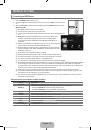
using the remote Control Button in Media Play Menu
Button
operations
▲/▼/◄/►
Move the cursor and select an item.
ENTEr
E
Select the currently selected item. While playing a slide show or music file:
- Pressing the
ENTEr
E
button during play pauses the play.
- Pressing the
ENTEr
E
button during pause resumes the play.
∂
/
∑
Play or pause the Slide Show, music.
rETurN
Return to the previous menu.
TooLS
Run various functions from the Photo and Music menus.
∫
Stop the current slide show or Music file.
π
/
μ
Jump to previous group/Jump to next group.
INFo
Show file information.
MEDIA.P
Exit
Media Play
mode.
<
P
>
,
EXIT, TV
Stop
Media Play
mode and Returns to TV mode.
¦
N
N
N
N
N
N
N
N
N
N
N
N
N
N
N
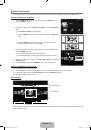
TV Side Panel
uSB Drive
851.86MB/993.02MB Free
Photo
SUM
SUM
Device
PHOTO
R
Return
Music
Setup
BN68-02097D-Eng.indd 28
2009-03-19 �� 8:15:37
Оглавление инструкции
- Cover
- Eng
- Setting up Your TV
- Viewing the Control Panel
- Accessories
- Viewing the Connection Panel
- Viewing the Remote Control
- Installing Batteries in the Remote Control
- Viewing the menus
- Placing Your Television in Standby Mode
- Plug & Play Feature
- CHANNEL
- PICTURE
- SOUND
- SETUP
- INPUT / SUPPORT
- Media Play (USB)
- ANYNET+
- RECOMMENDATIONS
- Setting up Your TV
- Rus