Инструкция для Samsung LE40B620R3W, LE52B620R3W
 1
 2
 3
 4
 5
 6
 7
 8
 9
 10
 11
 12
 13
 14
 15
 16
 17
 18
 19
 20
 21
 22
 23
 24
 25
 26
 27
 28
 29
 30
 31
 32
 33
 34
 35
 36
 37
 38
 39
 40
 41
 42
 43
 44
 45
 46
 47
 48
 49
 50
 51
 52
 53
 54
 55
 56
 57
 58
 59
 60
 61
 62
 63
 64
 65
 66
 67
 68
 69
 70
 71
 72
 73
 74
 75
 76
 77
 78
 79
 80
 81
 82
 83
 84
 85
 86
 87
 88
 89
 90
 91
 92
 93
 94
 95
 96
 97
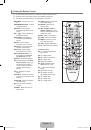
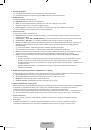
English -
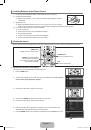
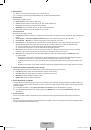
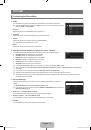
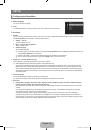
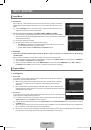
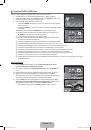
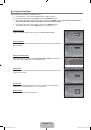
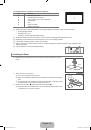
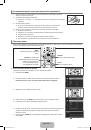
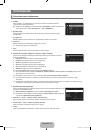
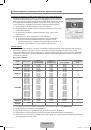
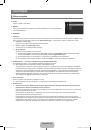
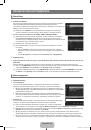
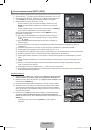
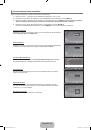
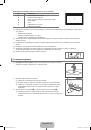
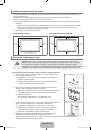
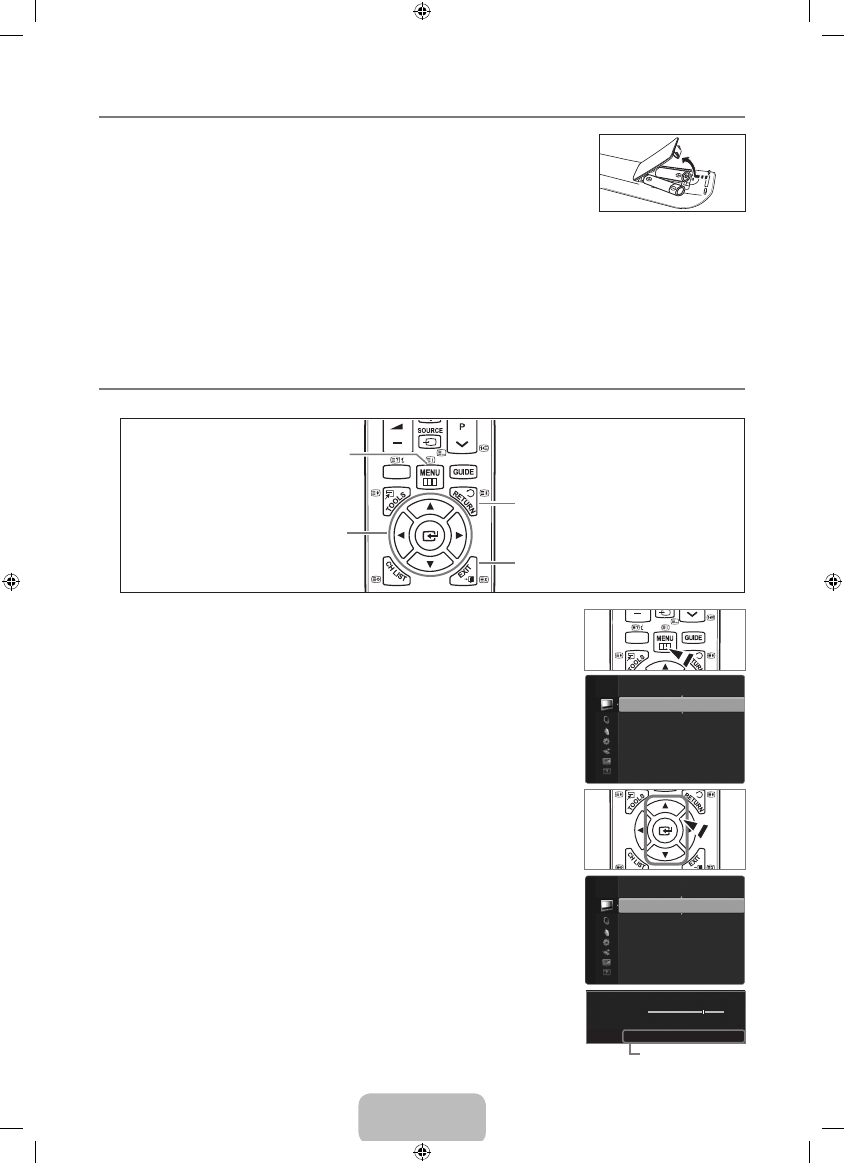
Installing Batteries in the remote Control
1.
Lift the cover at the back of the remote control upward as shown in the figure.
2.
Install two AAA size batteries.
Make sure to match the ‘+’ and ‘–’ ends of the batteries with the diagram inside the
compartment.
3.
Replace the cover.
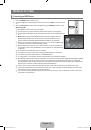
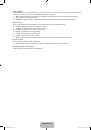
Remove the batteries and store them in a cool, dry place if you won’t be using the
remote control for a long time. (Assuming typical TV usage, the batteries should last for about one year.)
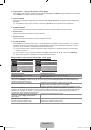
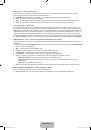
If the remote control doesn’t work, check the following:
Is the TV power on?
Are the plus and minus ends of the batteries reversed?
Are the batteries drained?
Is there a power outage or is the power cord unplugged?
Is there a special fluorescent light or neon sign nearby?
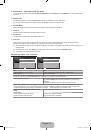
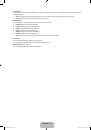
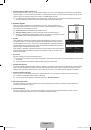
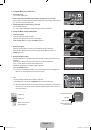
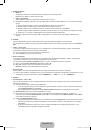
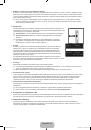
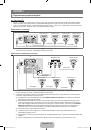
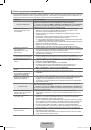
Viewing the menus
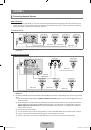
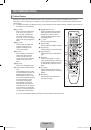
Before using the TV, follow the steps below to learn how to navigate the menu in order to select and adjust different functions.
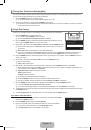
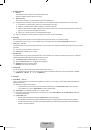
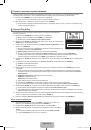
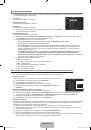
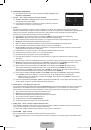
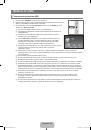
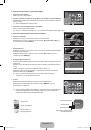
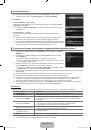
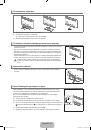
operation the oSD (on Screen Display)
The access step may differ depending on the selected menu.
1.
Press the
MENU
button.
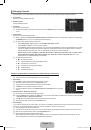
2.
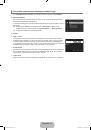
The main menu appears on the screen. The menu’s left side has icons :
Picture, Sound,
Channel, Setup, Input, Application, Support.
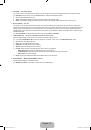
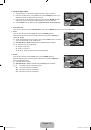
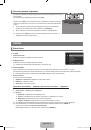
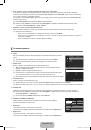
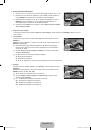
3.
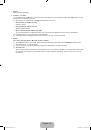
Press the ▲ or ▼ button to select one of the icons.
4.
Then press the
ENTEr
E
button to access the icon’s sub-menu.
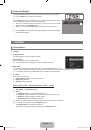
5.
Press the ▲ or ▼ button to select the icon’s submenu.
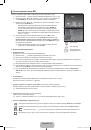
6.
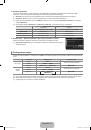
Press the ◄ or ► button to decrease or increase the value of a particular item. The
adjustment OSD may differ depending on the selected menu.
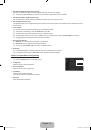
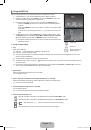
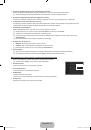
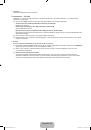
.
Press the
ENTEr
E
button to complete the configuration. Press the
EXIT
button to exit.
¦
N
N
N
¦
❑
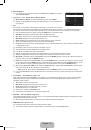
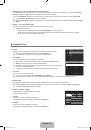
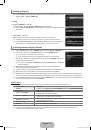
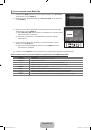
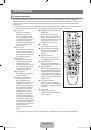
INFO
AD
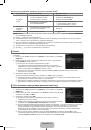
MENU
Button
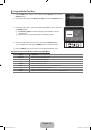
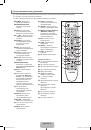
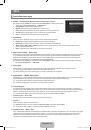
Display the main on-screen menu.
ENTEr
E
/ Direction Buttons
Move the cursor and select an
item. Select the currently selected
item. Confirm the setting.
rETUrN
Button
Return to the previous menu.
EXIT
Exit the on-screen menu.
INFO
AD
INFO
AD
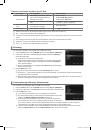
Mode
: Standard
▶
Backlight
: 7
Contrast
: 95
Brightness
: 45
Sharpness
: 50
Colour
: 50
Tint (G/R)
: G50/R50
Picture
Mode
: Standard
Backlight
: 7
▶
Contrast
: 95
Brightness
: 45
Sharpness
: 50
Colour
: 50
Tint (G/R)
: G50/R50
Advanced Settings
Picture
7
U
Move
L
Adjust
E
Enter
R
Return
▲
Backlight
▼
Help icon
BN68-02356G.indb 7
2009-09-03 ¿ÀÈÄ 4:22:16