Инструкция для Samsung LE40B620R3W, LE52B620R3W
 1
 2
 3
 4
 5
 6
 7
 8
 9
 10
 11
 12
 13
 14
 15
 16
 17
 18
 19
 20
 21
 22
 23
 24
 25
 26
 27
 28
 29
 30
 31
 32
 33
 34
 35
 36
 37
 38
 39
 40
 41
 42
 43
 44
 45
 46
 47
 48
 49
 50
 51
 52
 53
 54
 55
 56
 57
 58
 59
 60
 61
 62
 63
 64
 65
 66
 67
 68
 69
 70
 71
 72
 73
 74
 75
 76
 77
 78
 79
 80
 81
 82
 83
 84
 85
 86
 87
 88
 89
 90
 91
 92
 93
 94
 95
 96
 97
English - 11
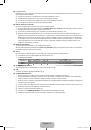
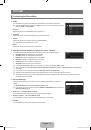
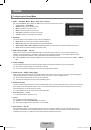
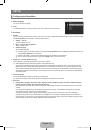
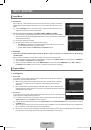
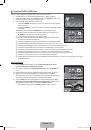
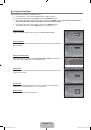
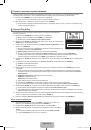
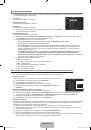
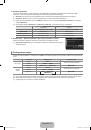
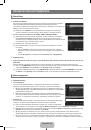
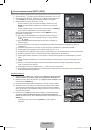
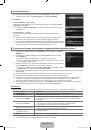
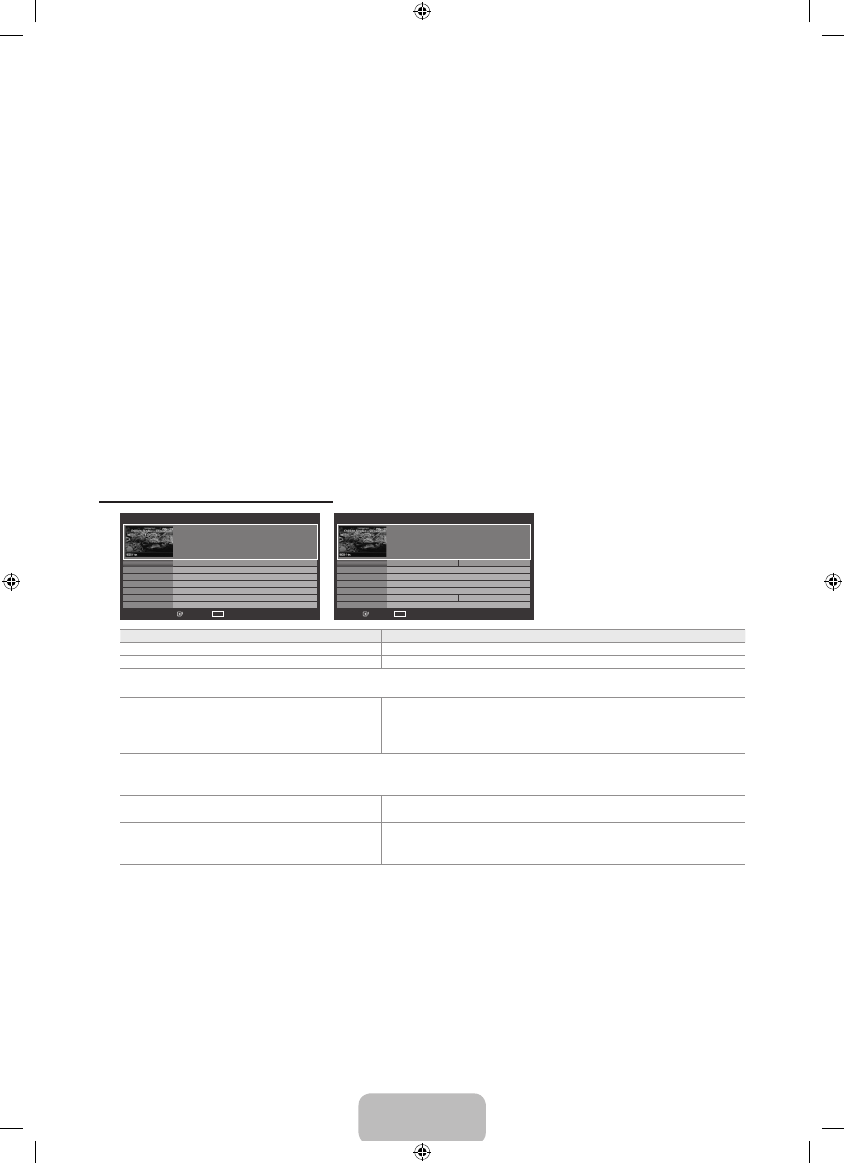
Default Guide → Now & Next Guide / Full Guide
You can decide whether to display either the
Now & Next Guide
or the
Full Guide
when the
GUIDE
button on the remote control
is pressed.
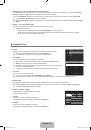
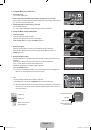
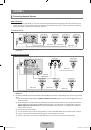
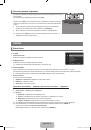
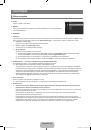
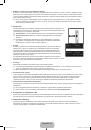
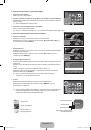
Channel List
For detailed procedures on using the
Channel List
, refer to the ‘Managing Channels’ instructions.
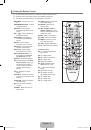
You can select these options by simply pressing the
CH LIST
button on the remote control.
Channel Mode
When press the
P
>
/
<
button, Channels will be switched within the selected channel list.
Added Ch.
Channels will be switched within the memorized channel list.
Favourite Ch.
Channels will be switched within the favourite channel list.
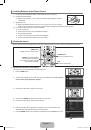
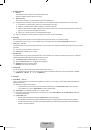
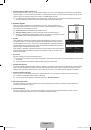
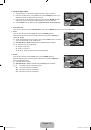
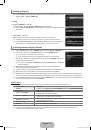
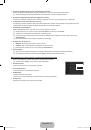
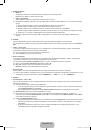
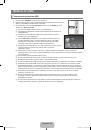
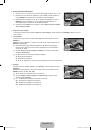
Fine Tune
If the reception is clear, you do not have to fine tune the channel, as this is done automatically during the search and store
operation. If the signal is weak or distorted, you may have to fine tune the channel manually.
Fine tuned channels that have been saved are marked with an asterisk ‘*’ on the right-hand side of the channel number in the
channel banner.
To reset the fine-tuning, select
reset
by pressing the ▲ or ▼ button and then press the
ENTEr
E
button.
Only Analogue TV channels can be fine tuned.
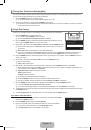
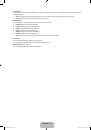
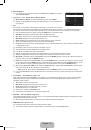
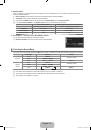
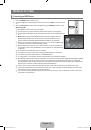
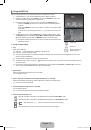
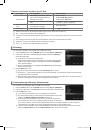
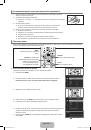
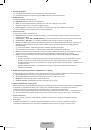
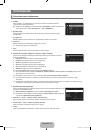
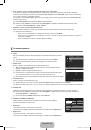
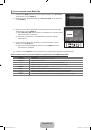
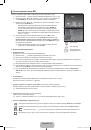
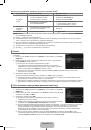
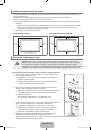
Using the Now & Next Guide / Full Guide
To...
Then...
Watch a programme in the EPG list
Select a programme by pressing the ▲, ▼, ◄, ► button.
Exit the guide
Press the blue button
If the next programme is selected, it is scheduled with the clock icon displayed. If the
ENTEr
E
button is pressed again, press
the ◄, ► button to select
Cancel Schedules
, the scheduling is cancelled with the clock icon gone.
View programme information
Select a programme of your choice by pressing the ▲, ▼, ◄, ► button.
Then press the
INFo
button when the programme of your choice is
highlighted.
The programme title is on the upper part of the screen centre.
Please click on
INFo
button for the detailed information. Channel Number, Running Time, Status Bar, Parental Level, Video
Quality Information (HD / SD), Sound Modes, Subtitle or Teletext, languages of Subtitle or Teletext and brief summary of the
highlighted programme are included on the detailed information. ‘...’ will be appeared if the summary is long.
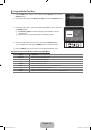
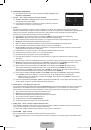
Toggle between the
Now & Next Guide
and
Full
Guide
Press the Red button repeatedly.
In Full Guide
Scrolls backwards quickly (24 hours).
Scrolls forwards quickly (24 hours).
Press the Green button repeatedly.
Press the Yellow button repeatedly.
❑
❑
O
❑
■
■
❑
N
N
N
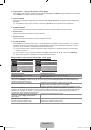
Full Guide
DTV Cable 900 f tn 2:10 Tue 1 Jun
Freshmen On Campus
2:00 - 2:30
No Detailed Information
Today
2:00 - 3:00
3:00 - 4:00
Mint Extra
Loaded
Fresh 40 with Dynamite MC
The Distillery
Smash Hits! Sunday
1 f tn
2 ITV Play
3 Kerrang!
4 Kiss
5 oneword
6 Smash Hits!
▼
No Information
Freshmen O..
Watch
INFo
Information
■ Now/Next ■
+24 Hours
■
Exit
Now & Next Guide
DTV Cable 900 f tn 2:10 Tue 1 Jun
Freshmen On Campus
2:00 - 2:30
No Detailed Information
Now
Next
Mint Extra
Loaded
Fresh 40 with Dynamite MC
The Distillery
Smash Hits! Sunday
1 f tn
2 ITV Play
3 Kerrang!
4 Kiss
5 oneword
6 Smash Hits!
▼
Street Hypn..
Kisstory
No Information
No Information
No Information
Watch
INFo
Information
■ Full Guide ■
Exit
BN68-02356G.indb 11
2009-09-03 ¿ÀÈÄ 4:22:18