Инструкция для Samsung LE40B620R3W, LE52B620R3W
 1
 2
 3
 4
 5
 6
 7
 8
 9
 10
 11
 12
 13
 14
 15
 16
 17
 18
 19
 20
 21
 22
 23
 24
 25
 26
 27
 28
 29
 30
 31
 32
 33
 34
 35
 36
 37
 38
 39
 40
 41
 42
 43
 44
 45
 46
 47
 48
 49
 50
 51
 52
 53
 54
 55
 56
 57
 58
 59
 60
 61
 62
 63
 64
 65
 66
 67
 68
 69
 70
 71
 72
 73
 74
 75
 76
 77
 78
 79
 80
 81
 82
 83
 84
 85
 86
 87
 88
 89
 90
 91
 92
 93
 94
 95
 96
 97
English - 19
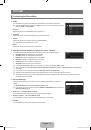
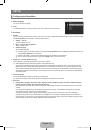
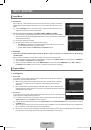
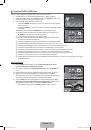
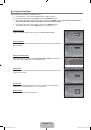
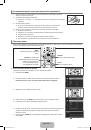
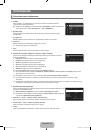
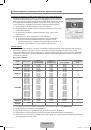
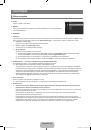
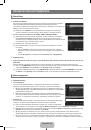
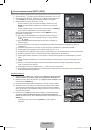
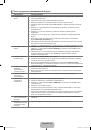
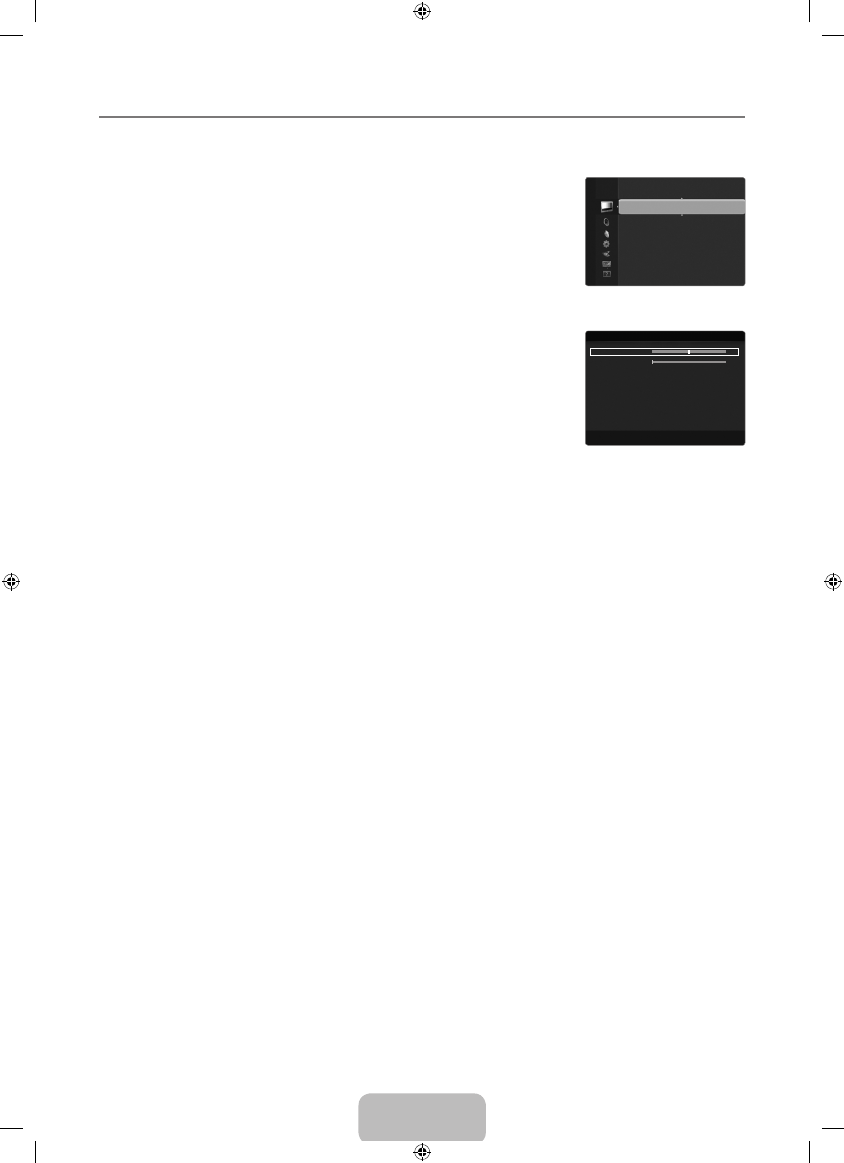
Setting up the TV with your PC
Preset
: Press the
SoUrCE
button to select PC mode.
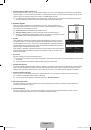
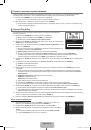
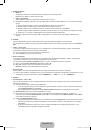
Auto Adjustment
Use the Auto Adjust function to have the TV automatically adjust the video signals it receives.
The function also automatically fine-tunes the settings and adjusts the frequency values and
positions.
Press the
TooLS
button to display the
Tools
menu. You can also set the Auto Adjustment
by selecting
Tools → Auto Adjustment
.
This function does not work in DVI-HDMI mode.
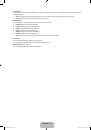
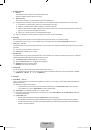
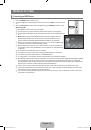
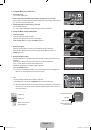
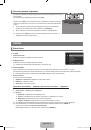
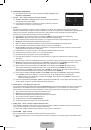
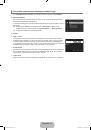
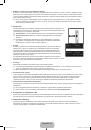
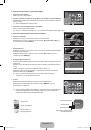
Screen
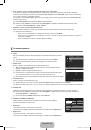
Coarse / Fine
The purpose of picture quality adjustment is to remove or reduce picture noise. If the noise is
not removed by Fine-tuning alone, then adjust the frequency as best as possible (
Coarse
) and
Fine-tune again. After the noise has been reduced, readjust the picture so that it is aligned on
the centre of screen.
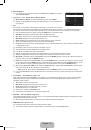
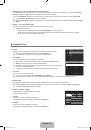
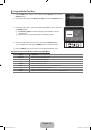
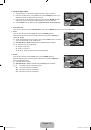
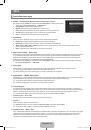
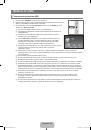
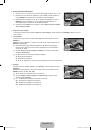
PC Position
Adjust the PC’s screen positioning if it does not fit the TV screen.
Press the ▲ or ▼ button to adjusting the Vertical-Position. Press the ◄ or ► button to adjust
the Horizontal-Position.
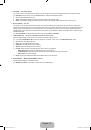
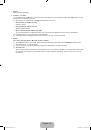
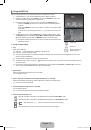
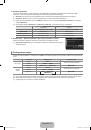
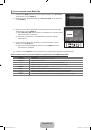
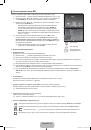
Image reset
You can replace all image settings with the factory default values.
¦
N
❑
T
N
❑
■
■
■
Brightness
: 45
Sharpness
: 50
Auto Adjustment
▶
Screen
Advanced Settings
Picture Options
Picture Reset
Picture
Coarse
50
Fine
0
PC Position
Image Reset
U
Move
E
Enter
R
Return
Screen
BN68-02356G.indb 19
2009-09-03 ¿ÀÈÄ 4:22:21