Инструкция для Samsung LE40B620R3W, LE52B620R3W
 1
 2
 3
 4
 5
 6
 7
 8
 9
 10
 11
 12
 13
 14
 15
 16
 17
 18
 19
 20
 21
 22
 23
 24
 25
 26
 27
 28
 29
 30
 31
 32
 33
 34
 35
 36
 37
 38
 39
 40
 41
 42
 43
 44
 45
 46
 47
 48
 49
 50
 51
 52
 53
 54
 55
 56
 57
 58
 59
 60
 61
 62
 63
 64
 65
 66
 67
 68
 69
 70
 71
 72
 73
 74
 75
 76
 77
 78
 79
 80
 81
 82
 83
 84
 85
 86
 87
 88
 89
 90
 91
 92
 93
 94
 95
 96
 97
English - 33
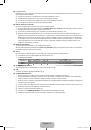
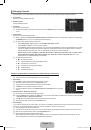
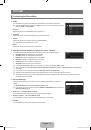
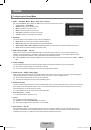
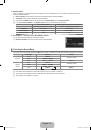
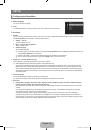
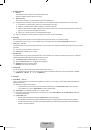
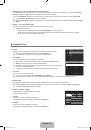
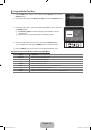
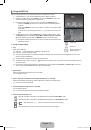
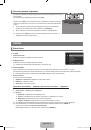
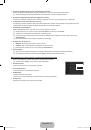
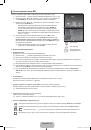
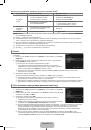
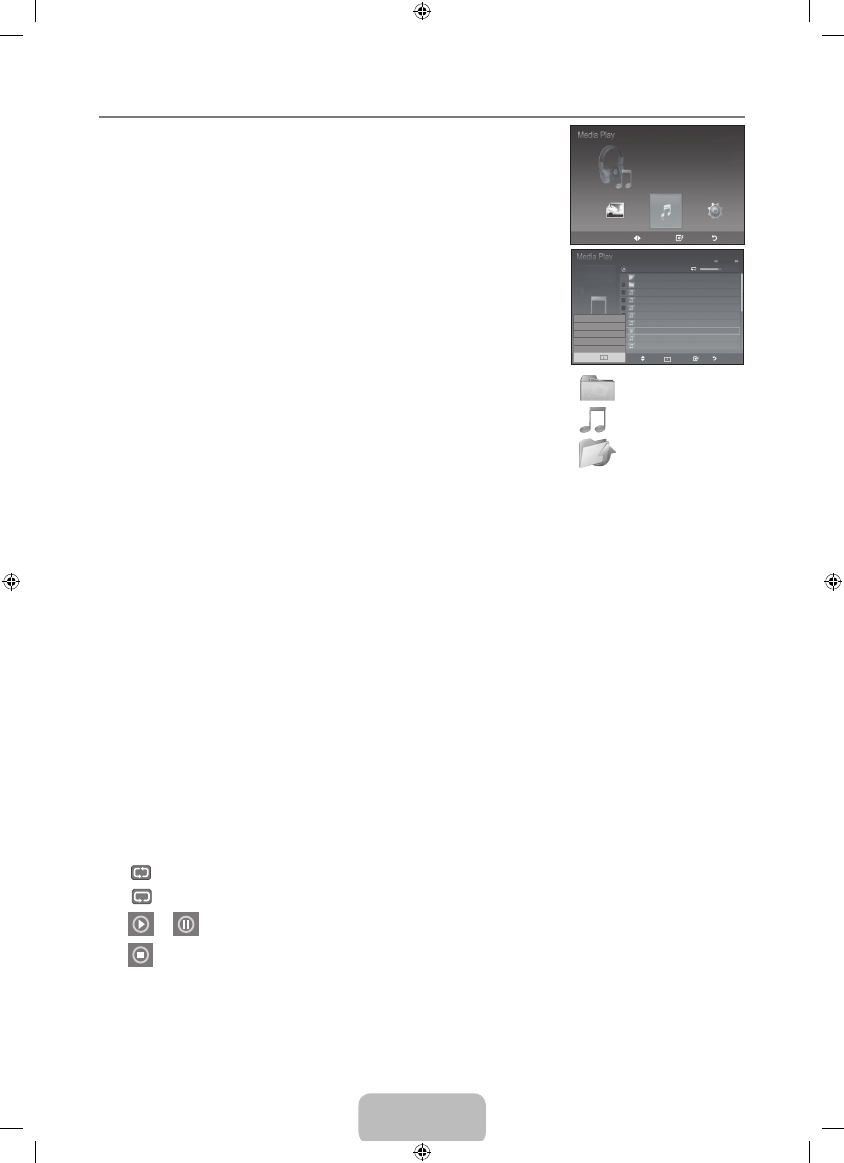
Using the MP3 List
This menu shows MP3 files from among the files saved on a USB memory device.
1.
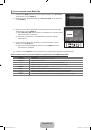
Complete Steps 1 to 3 of “Using the Media Play Menu”. (Refer to page 29)
2.
Press the ◄ or ► button to move to
Music
, then press the
ENTEr
E
button. The
saved file information is displayed as a folder or file.
3.
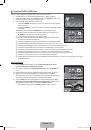
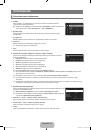
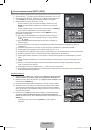
Press the ▲ or ▼ button to move to an icon, then press the
ENTEr
E
button.
Pressing the
ENTEr
E
button over a musical note icon immediately plays the
music file.
Pressing the
ENTEr
E
button over a folder icon shows the music files included
in the folder.
To select a file on the next page, press the
π
or
μ
button to move to the next
page.
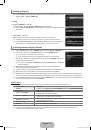
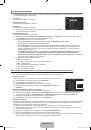
4.
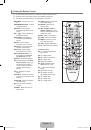
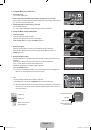
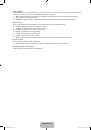
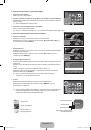
To select all files or a file, press the
INFo
button to display the Music menus. Press
the
ENTEr
E
button to select
Play
,
repeat Music
,
Delete
,
Delete All
or
Deselect
All
. To exit Media Play mode, press the
MEDIA.P
button on the remote control.
The folders and MP3 files appear in the order of the time they were saved to the
USB memory device.
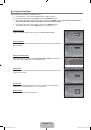
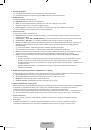
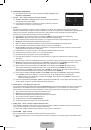
Using the option Menu
Play
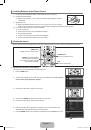
Select to play MP3 files.
Press the
∑
button while playing an MP3 file to pause the file.
Press the
∫
button to exit Play mode.
This menu only shows files with the MP3 file extension. Files with other file extensions are not displayed,even if they are
saved on the same USB device.
The selected file is displayed on the top with its playing time.
To adjust the music volume, press the
Y
button on the remote control. To mute the sound, press the MUTE button on
the remote control.
If the sound is odd when playing MP3 files, exit Media Play mode and adjust the
Equalizer
and
SrS TS HD
in the Sound
menu. (An over-modulated MP3 file may cause a sound problem.)
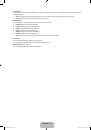
repeat Music
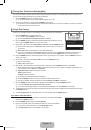
Select to repeatedly play MP3 files in the current folder.
You can select On or Off.
Delete / Delete All / Delete Selected File
(When multiple files are selected)
Select the file to delete. (Alternatively, select multiple files by pressing the Yellow button.)
You cannot recover a deleted file.
Deselect All (When at least one file is selected)
You can deselect all files.
The
c
mark indicating the corresponding file is selected is hidden.
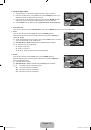
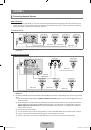
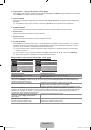
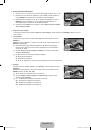
Music function information icon
: When all music files in the folder (or the selected file) are repeated.
repeat
Music
is
on
.
: When all music files in the folder (or the selected file) are played once.
repeat Music
is
off
.
/
: When pressing the
∂
/
∑
button on the remote control while music is playing.
: When pressing the
∫
button on the remote control when music is stopped.
¦
–
–
–
N
❑
■
N
N
N
N
N
N
■
■
N
■
■
: Folder icon
: Music icon
: Move to the previous
folder stage icon
Move
Enter
return
SUM
861MB/994MBFree
Music
Photo
Music
Setup
Upper Folder
00:04:01
00:04:2
00:04:12
00:05:39
00:04:30
00:04:30
00:03:54
00:05:25
Folder 1
001-001
002-002
003-003
004-004
005-005
00-00
00-00
006-006
006-006
00:04:00
Select Move option Play return
Music
1/10 Page
5MB
Jun 1,2008
3/23
Play
repeat Music :off
Delete
Delete All
Deselect All
Exit
BN68-02356G.indb 33
2009-09-03 ¿ÀÈÄ 4:22:39