Инструкция для Samsung LE40B620R3W, LE52B620R3W
 1
 2
 3
 4
 5
 6
 7
 8
 9
 10
 11
 12
 13
 14
 15
 16
 17
 18
 19
 20
 21
 22
 23
 24
 25
 26
 27
 28
 29
 30
 31
 32
 33
 34
 35
 36
 37
 38
 39
 40
 41
 42
 43
 44
 45
 46
 47
 48
 49
 50
 51
 52
 53
 54
 55
 56
 57
 58
 59
 60
 61
 62
 63
 64
 65
 66
 67
 68
 69
 70
 71
 72
 73
 74
 75
 76
 77
 78
 79
 80
 81
 82
 83
 84
 85
 86
 87
 88
 89
 90
 91
 92
 93
 94
 95
 96
 97

English - 25
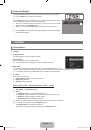
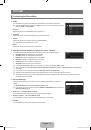
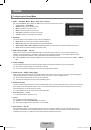
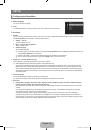
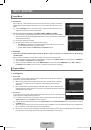
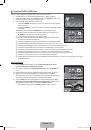
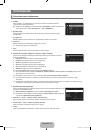
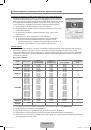
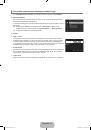
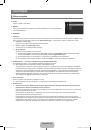
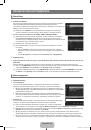
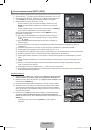
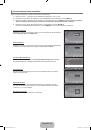
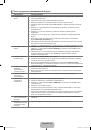
Volume
Set the desired volume level.
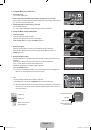
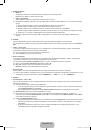
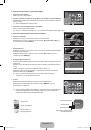
Contents → TV / USB
You can select the
TV
or
USB
device content to be played when the TV turns on automatically. Select
TV
or
USB
. (Make sure that
an USB device is connected to your TV.)
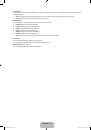
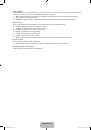
When there is only one photo file in the
USB
, the Slide Show will not play.
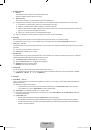
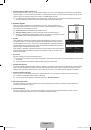
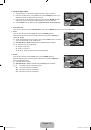
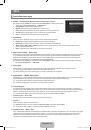
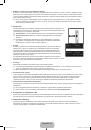
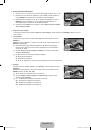
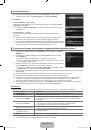
Antenna
(
when TV / USB is set to TV
)
Select ATV or DTV.
Channel
(
when TV / USB is set to TV
)
Select the desired channel.
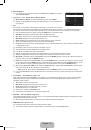
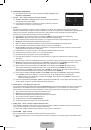
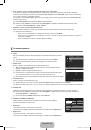
Music or Photo (when TV / USB is set to USB)
You can select a folder on the USB Device with music or photo files to be played when the TV turns on automatically.
If the folder name is too long, the folder can not be selected.
If the folder name to be configured by the Contents function is too long, it cannot be selected.
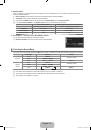
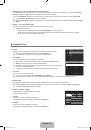
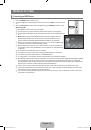
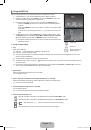
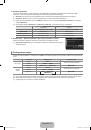
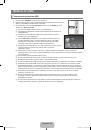
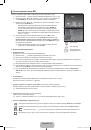
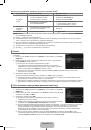
repeat
Select
once, Everyday, Mon~Fri, Mon~Sat, Sat~Sun
or
Manual
.
When
Manual
is selected, press the ► button to select the desired day of the week. Press the
ENTEr
E
button over the
desired day and the
c
mark will appear.
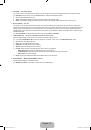
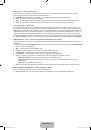
You can set the hour, minute and channel by pressing the number buttons on the remote control.
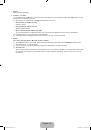
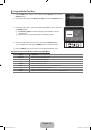
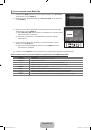
Auto Power off
When you set the timer on, the television will eventually turn off, if no controls are operated for 3 hours after the TV was turned
on by the timer. This function is only available in timer on mode and prevents overheating, which may occur if a TV is on for
too long time.
■
■
N
N
N
■
N
N
N
BN68-02356G.indb 25
2009-09-03 ¿ÀÈÄ 4:22:22