Инструкция для Samsung LE40B620R3W, LE52B620R3W
 1
 2
 3
 4
 5
 6
 7
 8
 9
 10
 11
 12
 13
 14
 15
 16
 17
 18
 19
 20
 21
 22
 23
 24
 25
 26
 27
 28
 29
 30
 31
 32
 33
 34
 35
 36
 37
 38
 39
 40
 41
 42
 43
 44
 45
 46
 47
 48
 49
 50
 51
 52
 53
 54
 55
 56
 57
 58
 59
 60
 61
 62
 63
 64
 65
 66
 67
 68
 69
 70
 71
 72
 73
 74
 75
 76
 77
 78
 79
 80
 81
 82
 83
 84
 85
 86
 87
 88
 89
 90
 91
 92
 93
 94
 95
 96
 97
English - 34
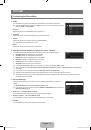
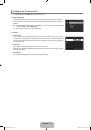
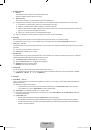
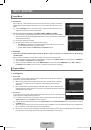
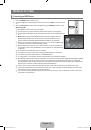
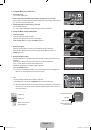
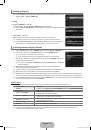
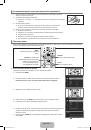
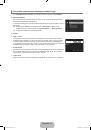
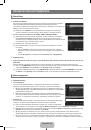
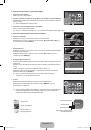
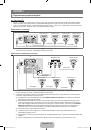
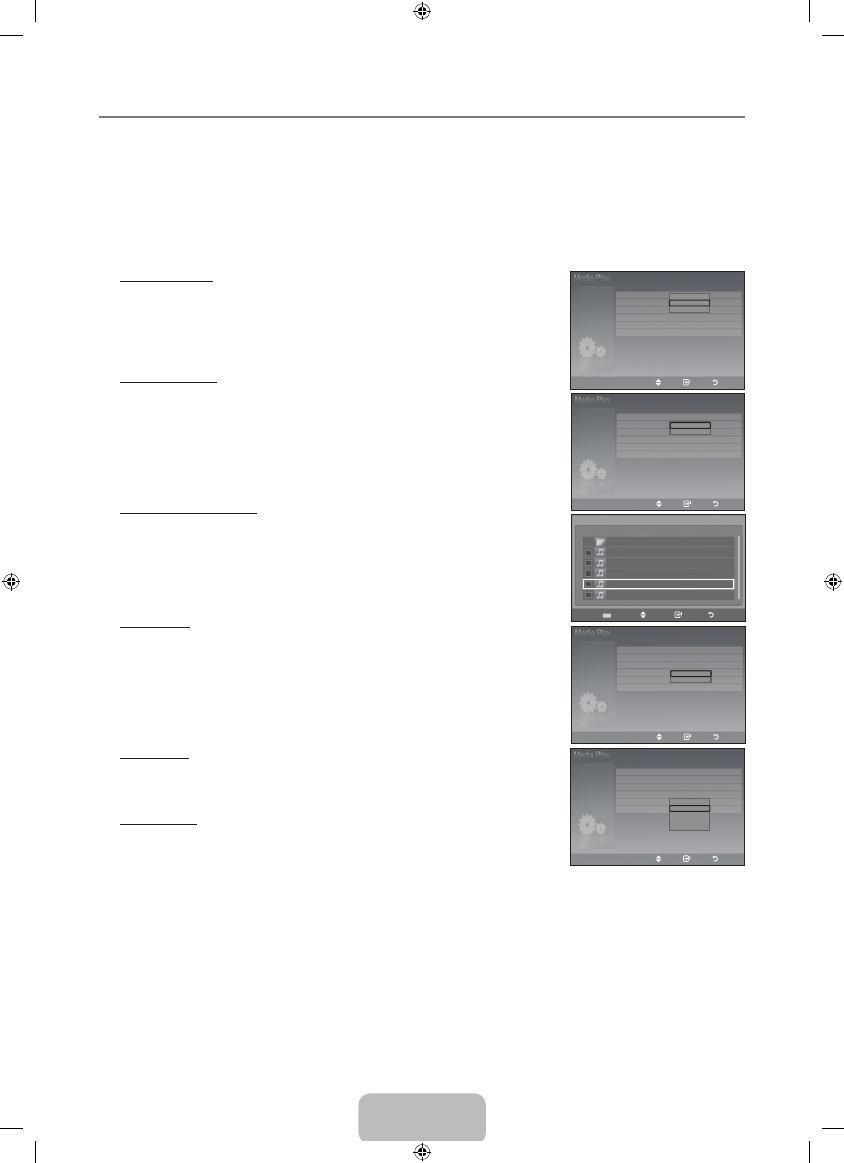
Using the Setup Menu
Setup displays the user settings of the Media Play menu.
1.
Complete Steps 1 to 3 of “Using the Media Play Menu”. (Refer to page 29)
2.
Press the ◄ or ► button to move to
Setup
, then press the
ENTEr
E
button.
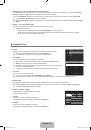
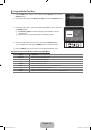
3.
Press the ▲ or ▼ button to select an item you want, then press the
ENTEr
E
button. (
Slide Show Speed, Background
Music, Background Music Setting, repeat Music, Screen Saver, remove Safely
)
4.
Press the ▲ or ▼ button to select the option, then press the
ENTEr
E
button.
To exit Media Play mode, press the
MEDIA.P
button on the remote control.
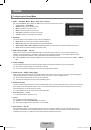
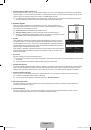
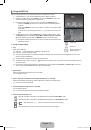
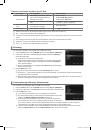
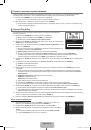
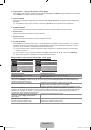
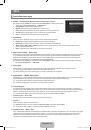
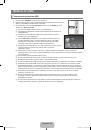
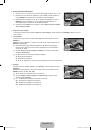
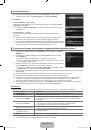
Slide Show Speed
Select to control the slide show speed. You can select
Fast
,
Normal
or
Slow
.
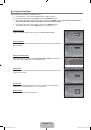
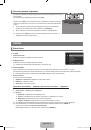
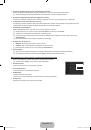
Background Music
Select to determine whether to play an MP3 file during a slide show.You can select Music
on
or Music
off
.
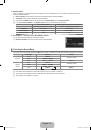
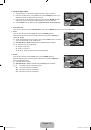
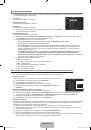
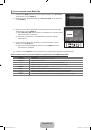
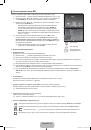
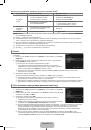
Background Music Setting
While a slide show is in progress, use the
Background Music Setting
to select a music
file to listen to. Select an MP3 file as the background music.
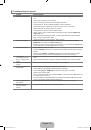
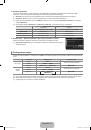
repeat Music
Select to determine whether to repeat playing the music when all MP3 files in the current
folder have been played.
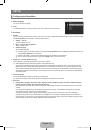
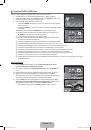
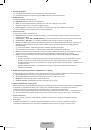
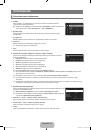
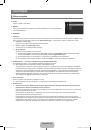
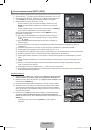
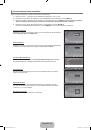
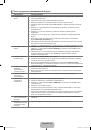
Screen Saver
Select to set the waiting time before the screen saver appears. The screensaver will
appear when no button is pressed for 2, 4, 8, 10 hours or Off.
remove Safely
You can remove the device safely from the TV.
¦
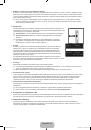
Slide Show Speed
Normal
Background Music
on
Background Music Setting
repeat Music
:off
Screen Saver
:4 hours
remove Safely
Move
Enter
return
Setup
Fast
Normal
Slow
Upper Folder
01-001
02-002
03-003
04-004
05-005
Select
Move
Enter
return
◄◄ 1/1 Page ►►
Background Music Setting
Choose files for background music
Slide Show Speed
:Normal
Background Music
:on
Background Music Setting
repeat Music
off
Screen Saver
1min.
remove Safely
Move
Enter
return
Setup
on
off
Slide Show Speed
:Normal
Background Music
:on
Background Music Setting
repeat Music
:off
Screen Saver
1min.
remove Safely
Move
Enter
return
Setup
2 hours
4 hours
hours
10 hours
off
Slide Show Speed
:Normal
Background Music
:on
Background Music Setting
repeat Music
:off
Screen Saver
:4 hours
remove Safely
Move
Enter
return
Setup
on
off
BN68-02356G.indb 34
2009-09-03 ¿ÀÈÄ 4:22:45