Инструкция для Samsung LE40B620R3W, LE52B620R3W
 1
 2
 3
 4
 5
 6
 7
 8
 9
 10
 11
 12
 13
 14
 15
 16
 17
 18
 19
 20
 21
 22
 23
 24
 25
 26
 27
 28
 29
 30
 31
 32
 33
 34
 35
 36
 37
 38
 39
 40
 41
 42
 43
 44
 45
 46
 47
 48
 49
 50
 51
 52
 53
 54
 55
 56
 57
 58
 59
 60
 61
 62
 63
 64
 65
 66
 67
 68
 69
 70
 71
 72
 73
 74
 75
 76
 77
 78
 79
 80
 81
 82
 83
 84
 85
 86
 87
 88
 89
 90
 91
 92
 93
 94
 95
 96
 97
English - 12
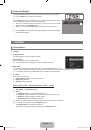
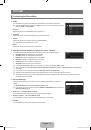
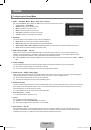
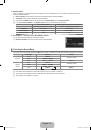
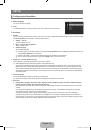
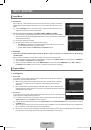
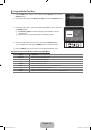
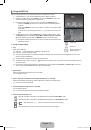
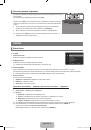
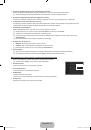
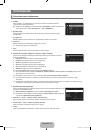
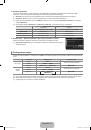
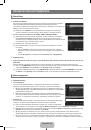
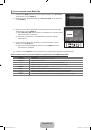
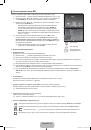
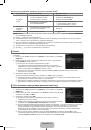
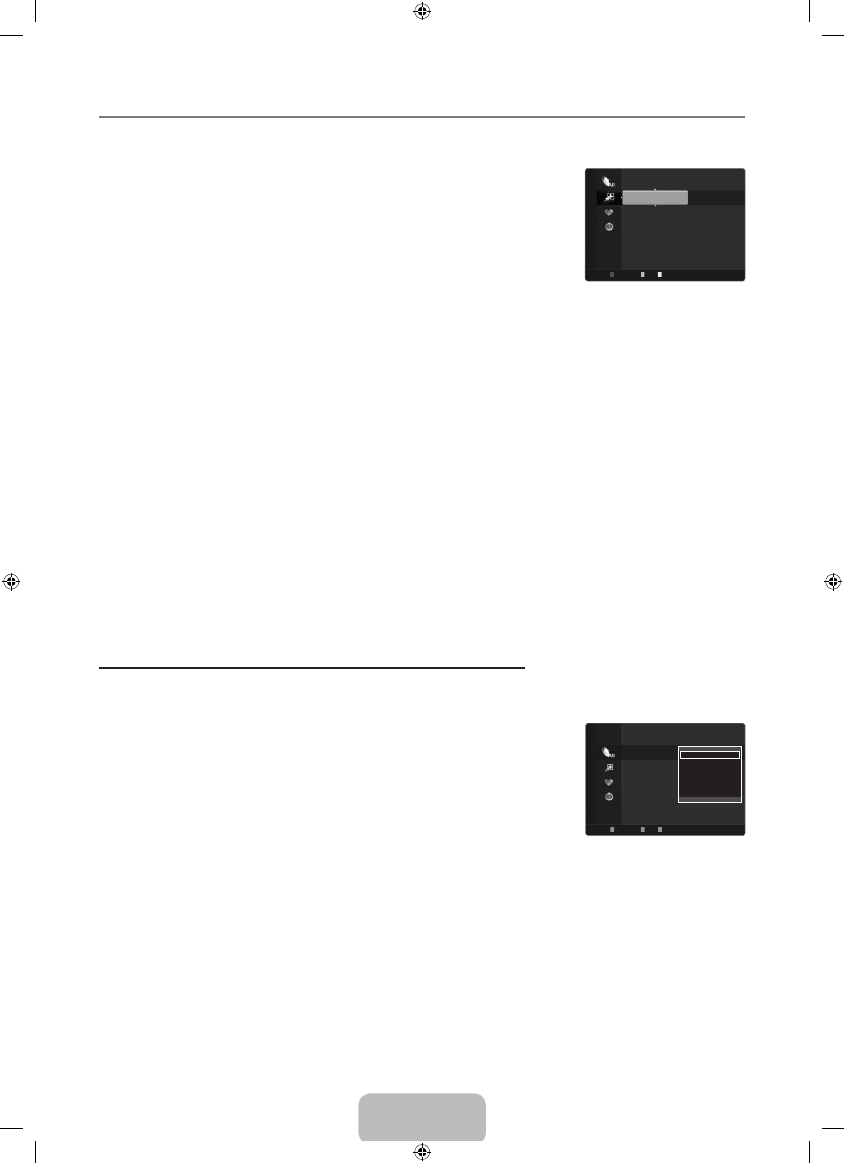
Managing Channels
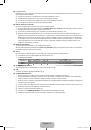
Using this menu, you can add / delete or set favourites channels and use the programme guide for digital broadcasts.
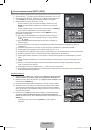
All Channels
Shows all currently available channels.
Added Channels
Shows all added channels.
Favourites
Shows all favourite channels.
To select the favourites channels you have set up, press the
FAV.CH
button on the remote
control.
Programmed
Shows all current reserved programmes.
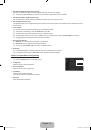
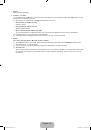
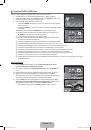
Select a channel in the
All Channels, Added Channels
or
Favourites
screen by pressing the ▲ / ▼ buttons, and pressing
the
ENTEr
E
button. Then you can watch the selected channel.
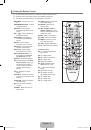
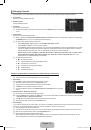
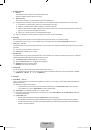
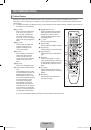
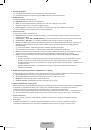
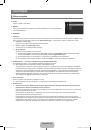
Using the Colour buttons with the Channel List
Red (
Channel Type
): Toggle between your
TV, radio, Data / other
and
All
.
Green (
Zoom
): Enlarges or shrinks a channel number.
Yellow (
Select
): Selects multiple channel lists. You can perform the add/delete or add to favourites/delete from favourites
function for multiple channels at the same time. Select the required channels and press the Yellow button to set all the
selected channels at the same time. The
c
mark appears to the left of the selected channels.
TooLS
(
Tools
): Displays the
Delete
(or
Add
),
Add to Favourite
(or
Delete from Favourite
),
Lock
(or
Unlock
),
Timer
Viewing, Edit Channel Name, Edit Channel Number, Sort, Select All
(or
Deselect All
),
Auto Store
menu. (The
Options menus may differ depending on the situation.)
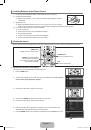
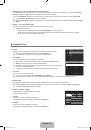
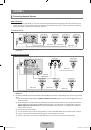
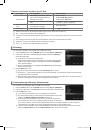
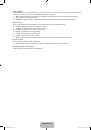
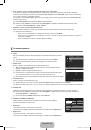
Channel Status Display Icons
A
: An Analogue channel.
c
: A channel selected by pressing the Yellow button.
*
: A channel set as a Favourite.
(
: A programme currently being broadcast.
\
: A locked channel.
)
: A reserved programme
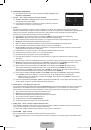
Channel List option Menu (in All Channels / Added Channels / Favourites
)
Press the
TooLS
button to use the option menu.
Option menu items may differ depending on the channel status.
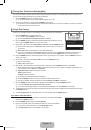
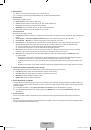
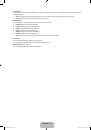
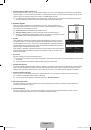
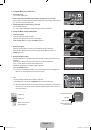
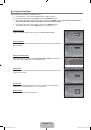
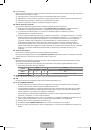
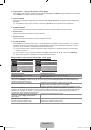
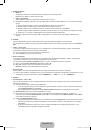
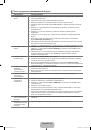
Add / Delete
You can delete or add a channel to display the channels you want.
All deleted channels will be shown on
All Channels
menu.
A gray-coloured channel indicates the channel has been deleted.
The
Add
menu only appears for deleted channels.
You can also delete a channel to the
Added Channels
or
Favourites
menu in the same
manner.
Add to Favourite / Delete from Favourite
You can set channels you watch frequently as favourites.
Press the
TooLS
button to display the
Tools
menu. You can also set the add to (or delete from) Favourite by selecting
Tools
→ Add to Favourite
(or
Delete from Favourite
).
The ‘
*
’ symbol will be displayed and the channel will be set as a favourite.
All favourite channels will be shown on
Favourites
menu.
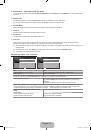
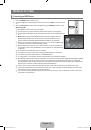
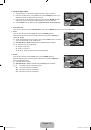
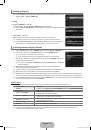
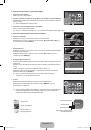
Timer Viewing
If you reserve a programme you want to watch, the channel is automatically switched to the reserved channel in the Channel List;
even when you are watching another channel. To reserve a programme, set the current time first.
Only memorized channels can be reserved.
You can set the channel, day, month, year, hour and minute directly by pressing the number buttons on the remote control.
Reserving a programme will be shown in the
Programmed
menu.
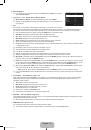
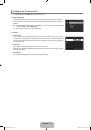
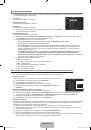
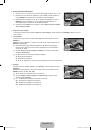
Digital Programme Guide and Viewing Reservation
When a digital channel is selected, and you press the ► button, the Programme Guide for the channel appears. You can
reserve a programme according to the procedures described above.
¦
■
■
■
O
■
N
N
N
N
N
■
N
N
N
N
■
T
N
N
■
N
N
N
N
All
Channels
824 UKTV Gold
825 UKTV style
A
1 C --
A
2 C --
A
3 C --
A
4 C --
A
5 C --
A
6 C --
A
7 C --
A
8 C --
All Channel Type Zoom Select
T
Tools
Delete
Add to Favourite
Timer Viewing
Edit Channel Name
Sort
Lock
Added
Channels
824 UKTV Gold
825 UKTV style
A
1 C --
A
2 C --
A
3 C --
A
4 C --
A
5 C --
A
6 C --
A
7 C --
A
8 C --
All Channel Type Zoom Select
T
Tools
BN68-02356G.indb 12
2009-09-03 ¿ÀÈÄ 4:22:19