Инструкция для Samsung PS43F4900AK, PS51F4900AW, PS51F4900AK
 1
 2
 3
 4
 5
 6
 7
 8
 9
 10
 11
 12
 13
 14
 15
 16
 17
 18
 19
 20
 21
 22
 23
 24
 25
 26
 27
 28
 29
 30
 31
 32
 33
 34
 35
 36
 37
 38
 39
 40
 41
 42
 43
 44
 45
 46
 47
 48
 49
 50
 51
 52
 53
 54
 55
 56
 57
 58
 59
 60
 61
 62
 63
 64
 65
 66
 67
 68
 69
 70
 71
 72
 73
 74
 75
 76
 77
 78
 79
 80
 81
English
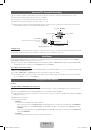
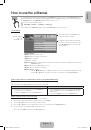
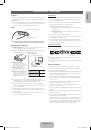
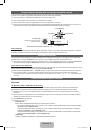
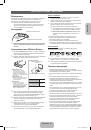
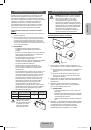
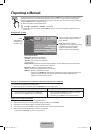
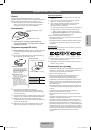
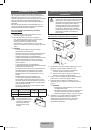
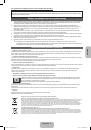
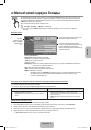
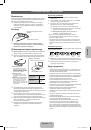
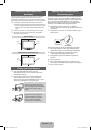
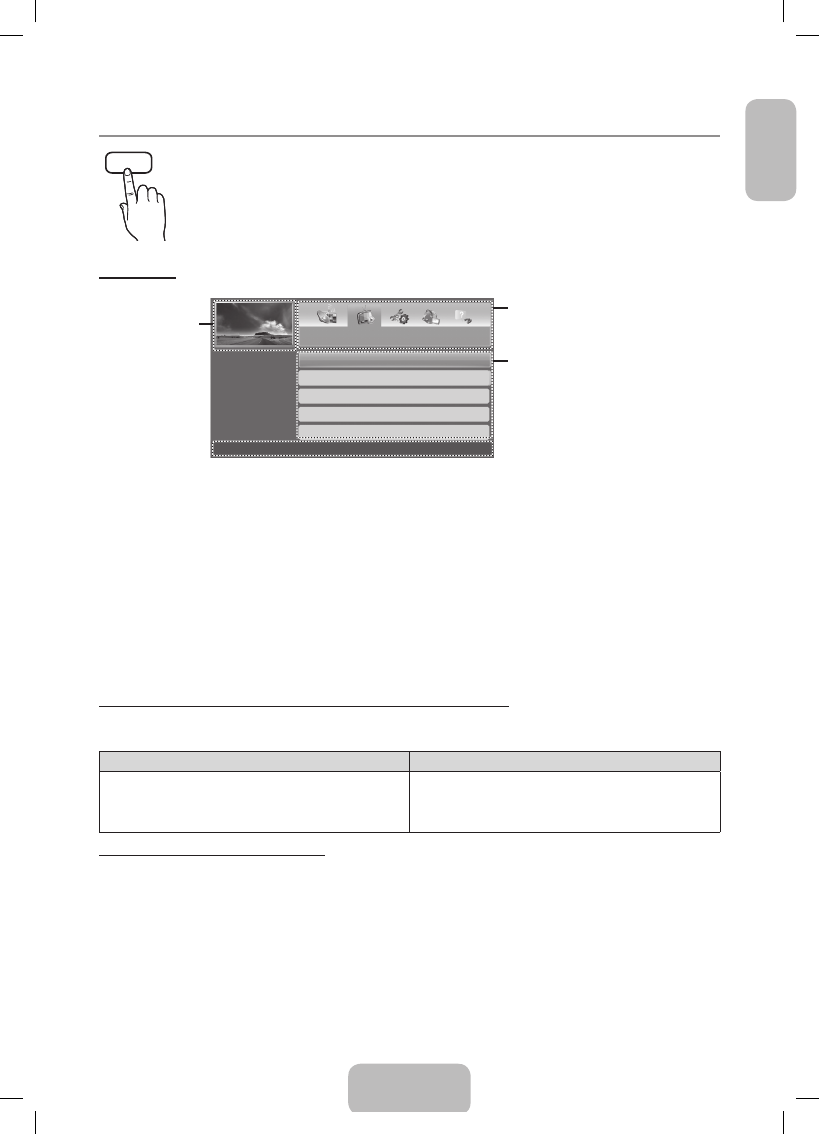
How to use the e-Manual
E-MANUAL
You can find instructions about your TV’s features in the
e-Manual
in your TV. To use, press the
E-MANUAL
button on
your remote. Move the cursor using the up/down/right/left buttons to highlight a category, then a topic, and then press
the
ENTER
E
button. The
e-Manual
displays the page you want to see.
You can also access it through the menu:
O
MENU
m
→
Support
→
e-Manual
→
ENTER
E
✎
To return to the
e-Manual
main menu, press the
E-MANUAL
button on the remote.
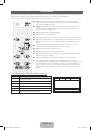
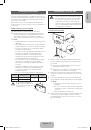
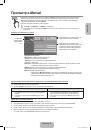
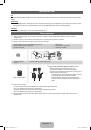
Screen Display
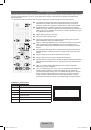
Operation Buttons
}
Index
: Displays the index screen.
E
Enter
: Selects a category or sub-menu.
e
Exit
: Exit the e-Manual.
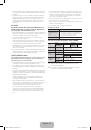
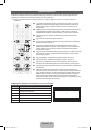
<Viewing the Contents>
a
Try now
: Displays the OSD menu that corresponds to the topic. To return to the e-Manual screen, press the
E-MANUAL
button.
b
Home
: Moves to the e-Manual home screen.
L
Page
: Moves to previous or next page.
{
Zoom
: Magnifies a screen.
– Press the
{
(
Zoom
) button to magnify the screen. You can scroll through the magnified screen by
using the
▲
or
▼
buttons. To return to the screen to normal size, press the
RETURN
button.
Basic Features
Changing the Preset Picture Mode
Adjusting Picture Settings
Changing the Picture Options
Changing the Preset Sound Mode
Adjusting Sound Settings
}
Index
E
Enter
e
Exit
Currently displayed
video, TV
Programme, etc.
The category list. Press
◄
or
►
button to
select the category you want.
Displays the sub-menu list. Use the arrow
buttons on your remote to move the cursor.
Press
ENTER
E
button to select the sub-
menu you want.
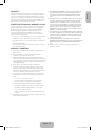
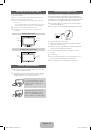
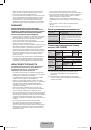
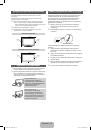
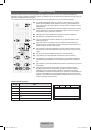
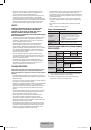
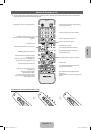
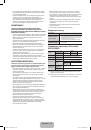
How to toggle between an e-Manual topic and the corresponding OSD menu(s).
✎
This function is not enabled in some menus.
✎
You cannot use the
Try now
function if the menu is not activated.
Method 1
Method 2
1.
If you want to use the menu that corresponds to an
e-Manual
topic,
press the red button to select
Try now
.
2.
To return to the
e-Manual
screen, press the
E-MANUAL
button.
1.
Press the
ENTER
E
button when a topic is displayed.
“Are you sure?”
appears. Select
Yes
, and then press the
ENTER
E
button. The OSD
window appears.
2.
To return to the
e-Manual
screen, press the
E-MANUAL
button.
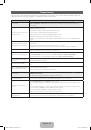
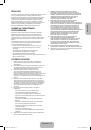
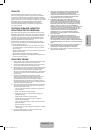
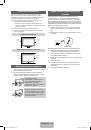
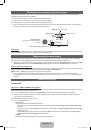
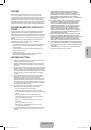
How to search for a topic on the index page
✎
This function may not be supported depending on the language.
1.
If you want to search a keyword, press the blue button to select
Index
.
2.
Press the
◄
or
►
button to select a character order you want.
3.
Press the
▲
or
▼
button to select a keyword you want to see, and then press the
ENTER
E
button.
4.
You can view the corresponding e-Manual instruction screen.
✎
To close the
Index
screen, press the
RETURN
button.
English - 9
[PF4900-RU]BN68-04783J.indb 9
2013-03-21 3:42:36