Инструкция для Samsung PS43F4900AK, PS51F4900AW, PS51F4900AK
 1
 2
 3
 4
 5
 6
 7
 8
 9
 10
 11
 12
 13
 14
 15
 16
 17
 18
 19
 20
 21
 22
 23
 24
 25
 26
 27
 28
 29
 30
 31
 32
 33
 34
 35
 36
 37
 38
 39
 40
 41
 42
 43
 44
 45
 46
 47
 48
 49
 50
 51
 52
 53
 54
 55
 56
 57
 58
 59
 60
 61
 62
 63
 64
 65
 66
 67
 68
 69
 70
 71
 72
 73
 74
 75
 76
 77
 78
 79
 80
 81
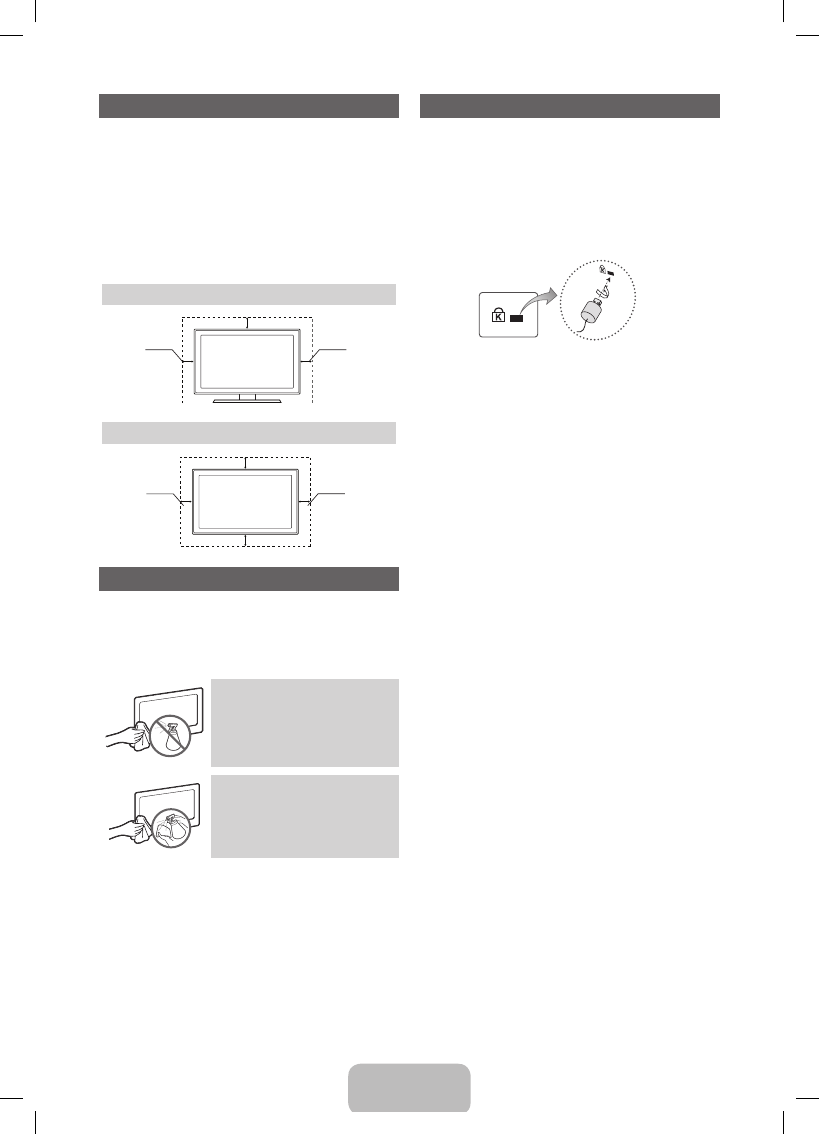
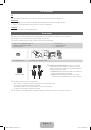
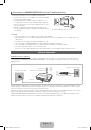
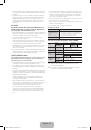
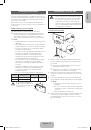
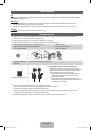
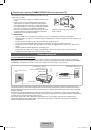
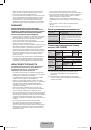
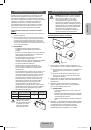
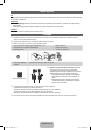
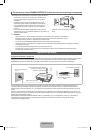
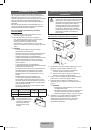
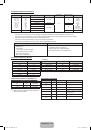
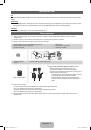
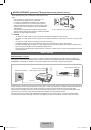
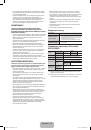
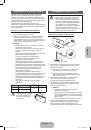
Securing the Installation Space
Keep the required distances between the product and other objects (e.g. walls)
to ensure proper ventilation.
Failing to do so may result in fire or a problem with the product due to an
increase in the internal temperature of the product.
✎
When using a stand or wall-mount, use parts provided by Samsung
Electronics only.
•
If you use parts provided by another manufacturer, it may result in a
problem with the product or an injury due to the product falling.
✎
The appearance may differ depending on the product.
✎
Be careful when you contact the TV because some parts can be
somewhat hot.
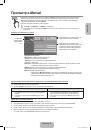
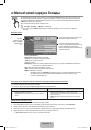
Installation with a stand.
10 cm
10 cm
10 cm
Installation with a wall-mount.
10 cm
10 cm
10 cm
10 cm
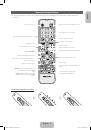
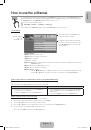
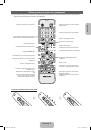
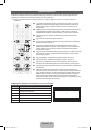
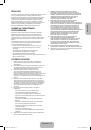
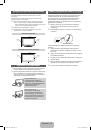
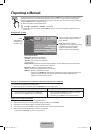
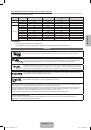
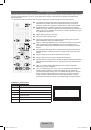
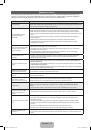
Storage and Maintenance
✎
If you remove the attached sticker on the TV screen, clean
the residues and then watch TV.
✎
The exterior and screen of the product can get scratched
during cleaning. Be sure to wipe the exterior and screen
carefully using a soft cloth to prevent scratches.
Do not spray water directly onto the
product. Any liquid that goes into the
product may cause a failure, fire, or
electric shock.
Clean the product with a soft cloth
dapped in a small amount of water.
Do not use a flammable liquid (e.g.
benzene, thinners) or a cleaning agent.
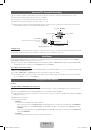
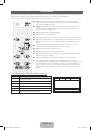
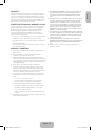
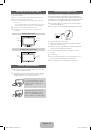
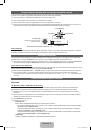
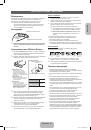
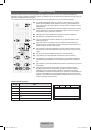
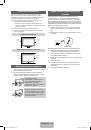
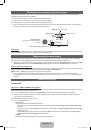
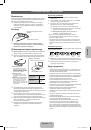
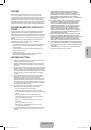
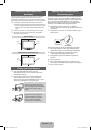
Anti-theft Kensington Lock
The Kensington Lock is not supplied by Samsung. It is a device
used to physically fix the system when using it in a public place.
The appearance and locking method may differ from the illustration
depending on the manufacturer. Refer to the manual provided with
the Kensington Lock for additional information on proper use.
✎
Please find a “
K
” icon on the rear of the TV. A kensington
slot is beside the “
K
” icon.
✎
The position and colour may differ depending on the model.
<Optional>
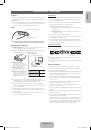
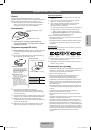
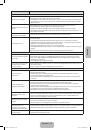
To lock the product, follow these steps:
1.
Wrap the Kensington lock cable around a large, stationary
object such as desk or chair.
2.
Slide the end of the cable with the lock attached through the
looped end of the Kensington lock cable.
3.
Insert the locking device into the Kensington slot on the
product.
4.
Lock the lock.
✎
These are general instructions. For exact instructions, see
the User manual supplied with the locking device.
✎
The locking device has to be purchased separately.
English - 18
[PF4900-RU]BN68-04783J.indb 18
2013-03-21 3:42:46