Инструкция для GIGABYTE GA-H67N-USB3-B3 (rev. 1.0), GA H67N USB3 B3 rev 1 0
 1
 2
 3
 4
 5
 6
 7
 8
 9
 10
 11
 12
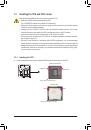 13
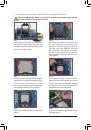 14
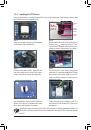 15
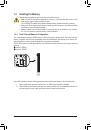 16
 17
 18
 19
 20
 21
 22
 23
 24
 25
 26
 27
 28
 29
 30
 31
 32
 33
 34
 35
 36
 37
 38
 39
 40
 41
 42
 43
 44
 45
 46
 47
 48
 49
 50
 51
 52
 53
 54
 55
 56
 57
 58
 59
 60
 61
 62
 63
 64
 65
 66
 67
 68
 69
 70
 71
 72
 73
 74
 75
 76
 77
 78
 79
 80
 81
 82
 83
 84
 85
 86
 87
 88
 89
 90
 91
 92
 93
 94
 95
 96
 97
 98
 99
 100
- 69 -
Unique Features
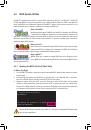
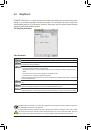
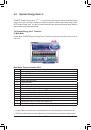
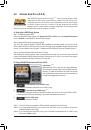
SMART Recovery 2
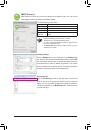
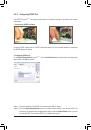
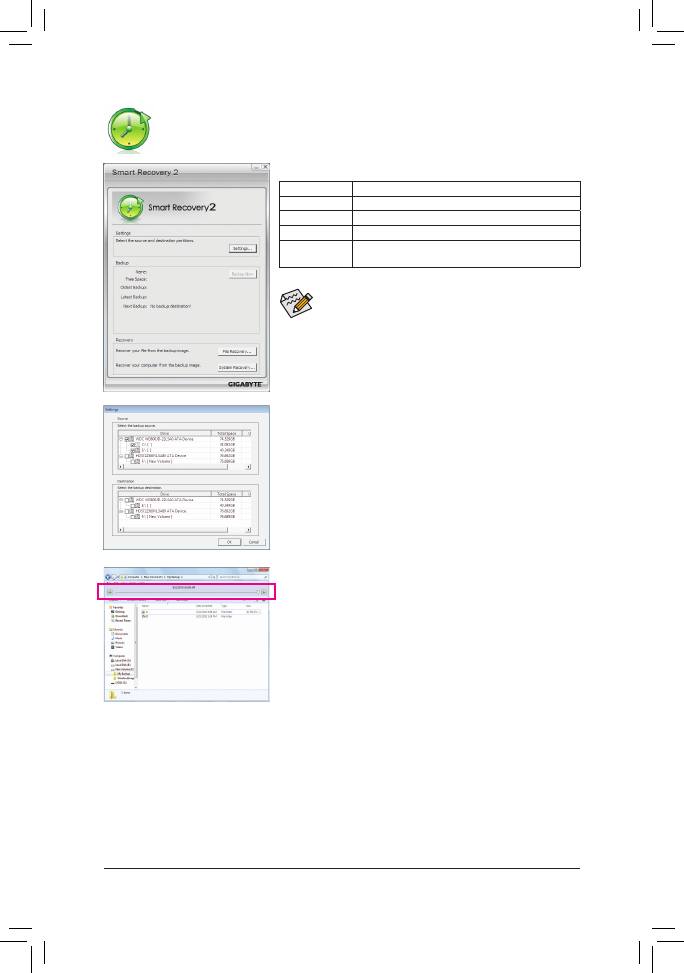
Smart Recovery 2 allows you to back up a partition as an image file every hour. You can use
these images to restore your system or files when needed.
Supported operating systems: Windows 7 and Vista.
•
Smart Recovery 2 only supports NTFS file system.
•
You need to select the destination partition in Settings the first
•
time you use Smart Recovery 2.
The
•
Backup Now
button will be available only after you log in
Windows for ten minutes.
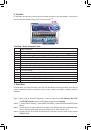
Creating a backup:
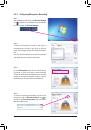
Click the
Settings
button on the main menu. In the
Settings
dialog
box, select the source partition and destination partition and click
OK
.
The initial backup will start after 10 minutes and regular backup will
be performed hourly. Note: By default, all partitions on the system
drive are selected as the backup source. The backup destination
cannot be on the same partition as the backup source.
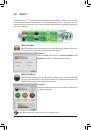
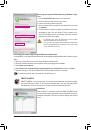
Recovering a file:
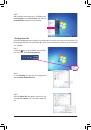
Click the
File Recovery
button on the main menu. Use the time
slider on the top of the popped out window to select a previous
backup time. The right pane will display the backed-up partitions in
the backup destination (in the
My Backup
folder). Browse to the file
you want and copy it.
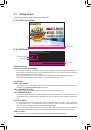
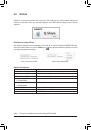
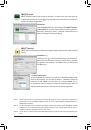
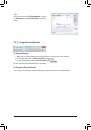
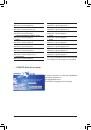
The Smart Recovery 2 main menu:
Button
Function
Settings
Allows you to select the source and destination partition
Backup Now
Allows you to perform the backup immediately
File Recovery...
Allows you to recover your files from the backup image
System
Recovery...
Allows you to recover your system from the backup
image
Оглавление инструкции
- Box Contents
- Optional Items
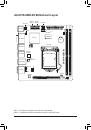
- GA-H67N-USB3-B3 Motherboard Layout
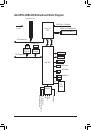
- GA-H67N-USB3-B3 Motherboard Block Diagram
- Chapter 1 Hardware Installation
- Chapter 2 BIOS Setup
- 2-1 Startup Screen
- 2-2 The Main Menu
- 2-3 MB Intelligent Tweaker(M.I.T.)
- 2-4 Standard CMOS Features
- 2-5 Advanced BIOS Features
- 2-6 Integrated Peripherals
- 2-7 Power Management Setup
- 2-8 PC Health Status
- 2-9 Load Fail-Safe Defaults
- 2-10 Load Optimized Defaults
- 2-11 Set Supervisor/User Password
- 2-12 Save & Exit Setup
- 2-13 Exit Without Saving
- Chapter 3 Drivers Installation
- Chapter 4 Unique Features
- Chapter 5 Appendix






