Инструкция для GIGABYTE GA-H67N-USB3-B3 (rev. 1.0), GA H67N USB3 B3 rev 1 0
 1
 2
 3
 4
 5
 6
 7
 8
 9
 10
 11
 12
 13
 14
 15
 16
 17
 18
 19
 20
 21
 22
 23
 24
 25
 26
 27
 28
 29
 30
 31
 32
 33
 34
 35
 36
 37
 38
 39
 40
 41
 42
 43
 44
 45
 46
 47
 48
 49
 50
 51
 52
 53
 54
 55
 56
 57
 58
 59
 60
 61
 62
 63
 64
 65
 66
 67
 68
 69
 70
 71
 72
 73
 74
 75
 76
 77
 78
 79
 80
 81
 82
 83
 84
 85
 86
 87
 88
 89
 90
 91
 92
 93
 94
 95
 96
 97
 98
 99
 100
- 53 -
Drivers Installation
3-1 Installing Chipset Drivers
Chapter 3 Drivers Installation
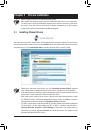
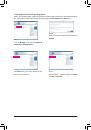
Before installing the drivers, first install the operating system.
•
After installing the operating system, insert the motherboard driver disk into your optical drive.
•
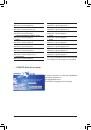
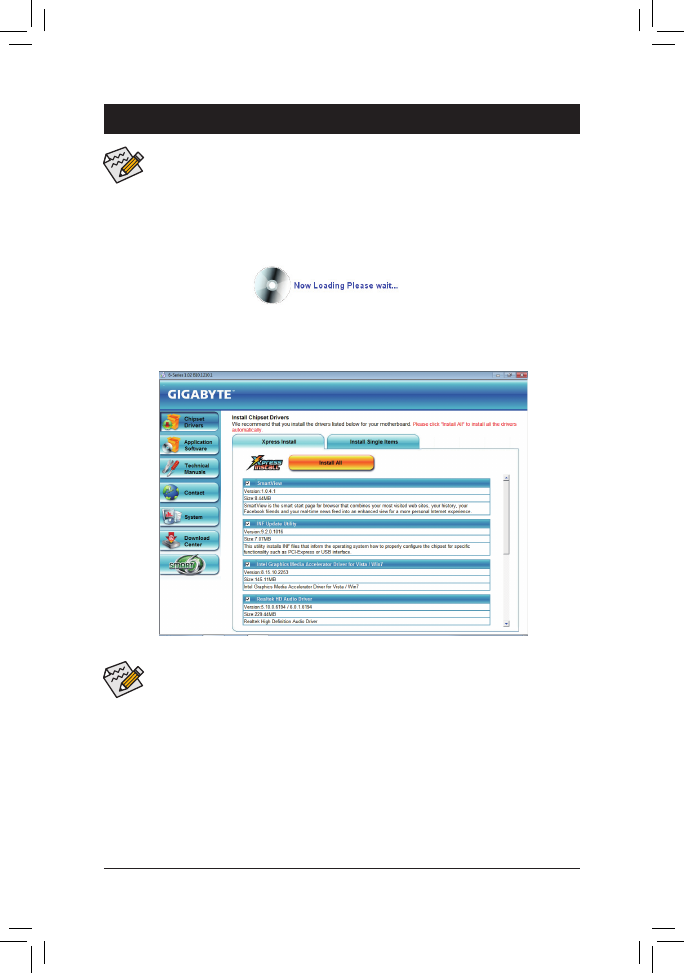
The driver Autorun screen is automatically displayed which looks like that shown in the screen
shot below. (If the driver Autorun screen does not appear automatically, go to My Computer,
double-click the optical drive and execute the
Run
.exe program.)
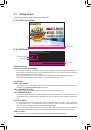
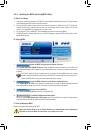
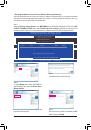
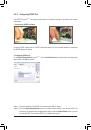
After inserting the driver disk, "Xpress Install" will automatically scan your system and then list all the drivers
that are recommended to install. You can click the
Install All
button and "Xpress Install" will install all the rec-
ommended drivers. Or click
Install Single Items
to manually select the drivers you wish to install.
Please ignore the popup dialog box(es) (e.g. the
•
Found New Hardware Wizard
) displayed
when "Xpress Install" is installing the drivers. Failure to do so may affect the driver installation.
Some device drivers will restart your system automatically during the driver installation. After the
•
system restart, "Xpress Install" will continue to install other drivers.
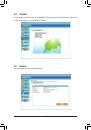
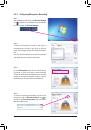
After "Xpress Install" installs all of the drivers, a dialog box will appear asking whether to install
•
new GIGABYTE utilities. Click
Yes
to automatically install the utilities. Or click
No
if you want to
manually select the utilities to install on the
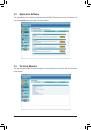
Application Software
page later.
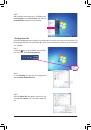
For USB 2.0 driver support under the Windows XP operating system, please install the Windows
•
XP Service Pack 1 or later. After installing the SP1 (or later), if a question mark still exists in
Universal Serial Bus Controller
in
Device Manager
, please remove the question mark (by
right-clicking your mouse and select
Uninstall
) and restart the system. (The system will then
autodetect and install the USB 2.0 driver.)
Оглавление инструкции
- Box Contents
- Optional Items
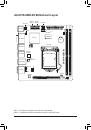
- GA-H67N-USB3-B3 Motherboard Layout
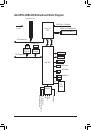
- GA-H67N-USB3-B3 Motherboard Block Diagram
- Chapter 1 Hardware Installation
- Chapter 2 BIOS Setup
- 2-1 Startup Screen
- 2-2 The Main Menu
- 2-3 MB Intelligent Tweaker(M.I.T.)
- 2-4 Standard CMOS Features
- 2-5 Advanced BIOS Features
- 2-6 Integrated Peripherals
- 2-7 Power Management Setup
- 2-8 PC Health Status
- 2-9 Load Fail-Safe Defaults
- 2-10 Load Optimized Defaults
- 2-11 Set Supervisor/User Password
- 2-12 Save & Exit Setup
- 2-13 Exit Without Saving
- Chapter 3 Drivers Installation
- Chapter 4 Unique Features
- Chapter 5 Appendix






