Инструкция для GIGABYTE GA-H67N-USB3-B3 (rev. 1.0), GA H67N USB3 B3 rev 1 0
 1
 2
 3
 4
 5
 6
 7
 8
 9
 10
 11
 12
 13
 14
 15
 16
 17
 18
 19
 20
 21
 22
 23
 24
 25
 26
 27
 28
 29
 30
 31
 32
 33
 34
 35
 36
 37
 38
 39
 40
 41
 42
 43
 44
 45
 46
 47
 48
 49
 50
 51
 52
 53
 54
 55
 56
 57
 58
 59
 60
 61
 62
 63
 64
 65
 66
 67
 68
 69
 70
 71
 72
 73
 74
 75
 76
 77
 78
 79
 80
 81
 82
 83
 84
 85
 86
 87
 88
 89
 90
 91
 92
 93
 94
 95
 96
 97
 98
 99
 100
- 61 -
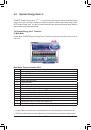
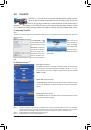
Unique Features
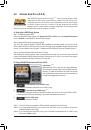
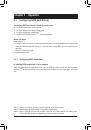
B. Updating the BIOS
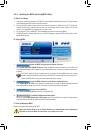
When updating the BIOS, choose the location where the BIOS file is saved. The following procedure as
-
sumes that you save the BIOS file to a USB flash drive.
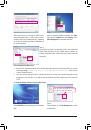
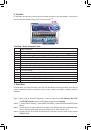
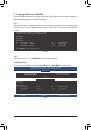
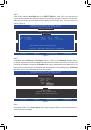
Step 1:
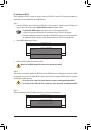
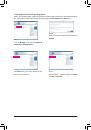
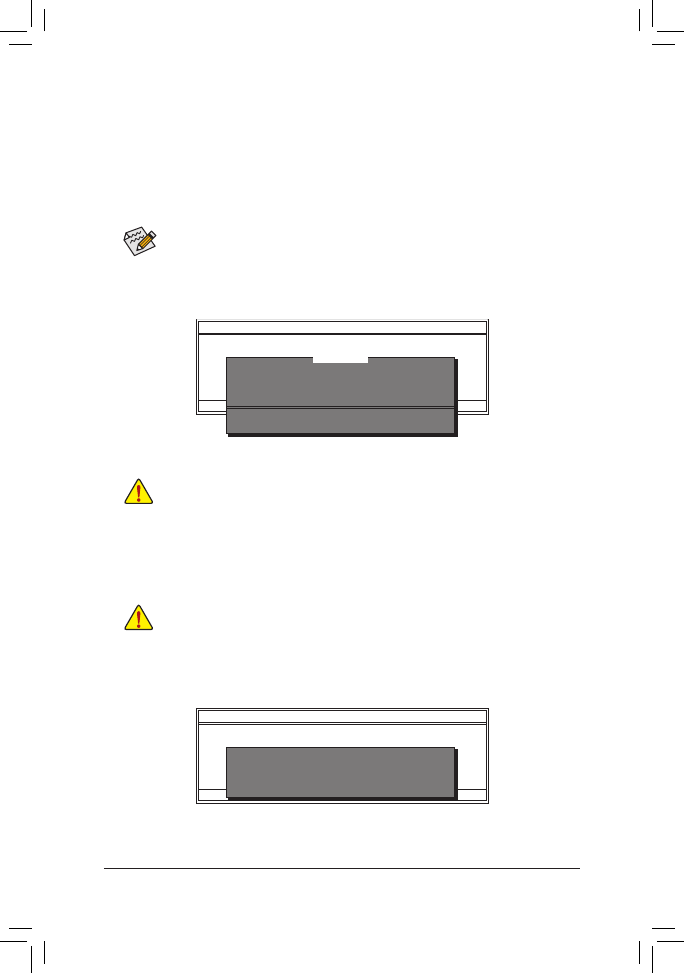
1. Insert the USB flash drive containing the BIOS file into the computer. In the main menu of Q-Flash, use
the up or down arrow key to select
Update BIOS from Drive
and press <Enter>.
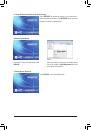
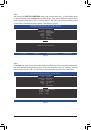
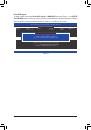
Step 2:
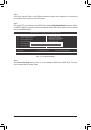
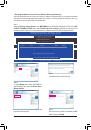
The process of the system reading the BIOS file from the USB flash drive is displayed on the screen. When
the message "Are you sure to update BIOS?" appears, press <Enter> to begin the BIOS update. The monitor
will display the update process.
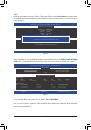
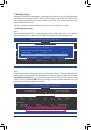
Step 3:
When the update process is complete, press any key to return to the main menu.
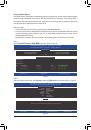
2. Select
HDD 1-0
and press <Enter>.
3. Select the BIOS update file and press <Enter>.
The
•
Save Main BIOS to Drive
option allows you to save the current BIOS file.
Q-Flash only supports USB flash drive or hard drives using FAT32/16/12 file system.
•
If the BIOS update file is saved to a hard drive in RAID/AHCI mode or a hard drive attached to
•
an independent SATA controller, use the <End> key during the POST to access Q-Flash.
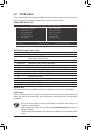
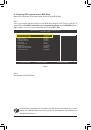
Q-Flash Utility v2.19
Flash Type/Size................................. MXIC 25L3206E
4M
Keep DMI Data
Enable
Load CMOS Default
Enable
Update BIOS from Drive
Save BIOS to Drive
Enter : Run
hi
:Move ESC:Reset
F10:Power Off
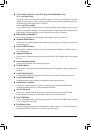
Q-Flash Utility v2.19
Flash Type/Size................................. MXIC 25L3206E
4M
Keep DMI Data
Enable
Load CMOS Default
Enable
Update BIOS from Drive
Save BIOS to Drive
Enter : Run
hi
:Move ESC:Reset
F10:Power Off
!! Copy BIOS completed - Pass !!
Please press any key to continue
Make sure the BIOS update file matches your motherboard model.
Do not turn off or restart the system when the system is reading/updating the BIOS.
•
Do not remove the USB flash drive or hard drive when the system is updating the BIOS.
•
HDD 1-0
<Drive>
Total size : 0
Free size : 0
0 file(s) found
Оглавление инструкции
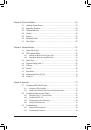
- Box Contents
- Optional Items
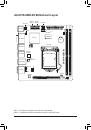
- GA-H67N-USB3-B3 Motherboard Layout
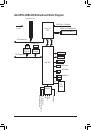
- GA-H67N-USB3-B3 Motherboard Block Diagram
- Chapter 1 Hardware Installation
- Chapter 2 BIOS Setup
- 2-1 Startup Screen
- 2-2 The Main Menu
- 2-3 MB Intelligent Tweaker(M.I.T.)
- 2-4 Standard CMOS Features
- 2-5 Advanced BIOS Features
- 2-6 Integrated Peripherals
- 2-7 Power Management Setup
- 2-8 PC Health Status
- 2-9 Load Fail-Safe Defaults
- 2-10 Load Optimized Defaults
- 2-11 Set Supervisor/User Password
- 2-12 Save & Exit Setup
- 2-13 Exit Without Saving
- Chapter 3 Drivers Installation
- Chapter 4 Unique Features
- Chapter 5 Appendix






