Инструкция для GIGABYTE GA-870A-USB3L (rev. 3.1), GA 870A USB3L rev 3 1
Инструкция в формате - PDF
Количество страниц - 96 страниц
Размер - 26 МБ
Доступно - Бесплатное скачивание
Доступно - Онлайн чтение
 1
 2
 3
 4
 5
 6
 7
 8
 9
 10
 11
 12
 13
 14
 15
 16
 17
 18
 19
 20
 21
 22
 23
 24
 25
 26
 27
 28
 29
 30
 31
 32
 33
 34
 35
 36
 37
 38
 39
 40
 41
 42
 43
 44
 45
 46
 47
 48
 49
 50
 51
 52
 53
 54
 55
 56
 57
 58
 59
 60
 61
 62
 63
 64
 65
 66
 67
 68
 69
 70
 71
 72
 73
 74
 75
 76
 77
 78
 79
 80
 81
 82
 83
 84
 85
 86
 87
 88
 89
 90
 91
 92
 93
 94
 95
 96
- 89 -
Appendix
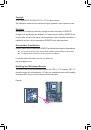
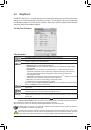
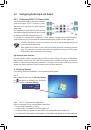
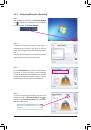
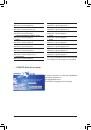
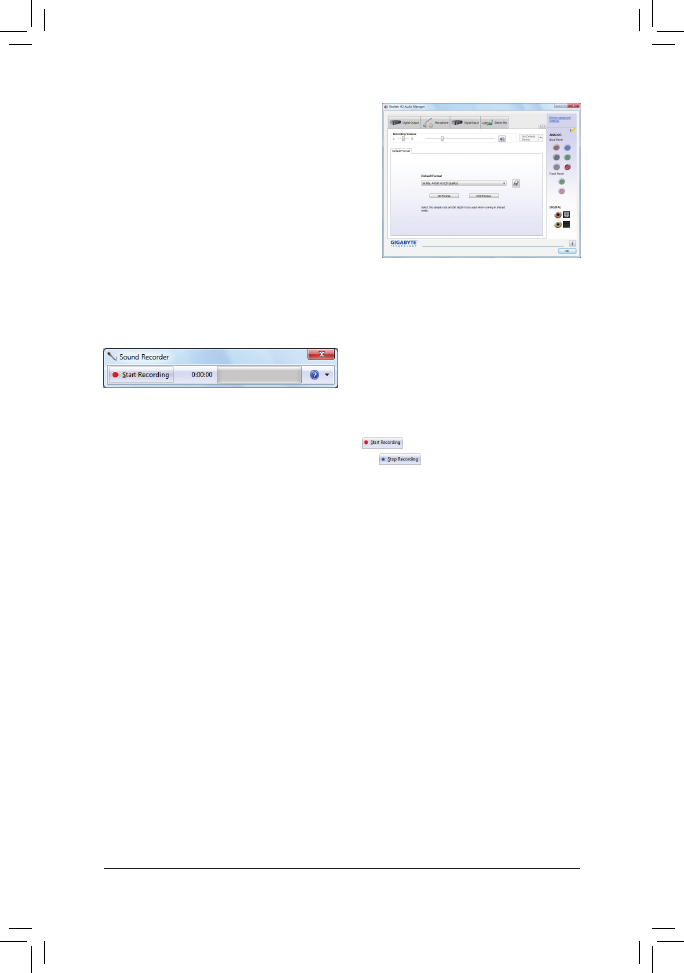
Step 4:
Now you can access the
HD Audio Manager
to config
-
ure
Stereo Mix
and use
Sound Recorder
to record the
sound.
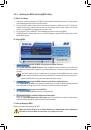
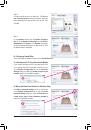
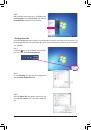
5-2-4 Using the Sound Recorder
A. Recording Sound
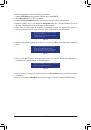
1. Make sure you have connected the sound input device (e.g. microphone) to the computer.
2. To record the audio, click the
Start Recording
button
.
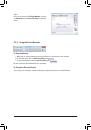
3. To stop recording audio, click the
Stop Recording
button
.
Be sure to save the recorded audio file upon completion.
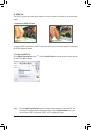
B. Playing the Recorded Sound
You can play your recording in a digital media player program that supports your audio file format.
Оглавление инструкции
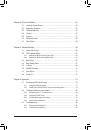
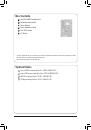
- Box Contents
- Optional Items
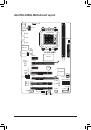
- GA-870A-USB3L Motherboard Layout
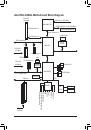
- GA-870A-USB3L Motherboard Block Diagram
- Chapter 1 Hardware Installation
- Chapter 2 BIOS Setup
- 2-1 Startup Screen
- 2-2 The Main Menu
- 2-3 MB Intelligent Tweaker(M.I.T.)
- 2-4 Standard CMOS Features
- 2-5 Advanced BIOS Features
- 2-6 Integrated Peripherals
- 2-7 Power Management Setup
- 2-8 PC Health Status
- 2-9 Load Fail-Safe Defaults
- 2-10 Load Optimized Defaults
- 2-11 Set Supervisor/User Password
- 2-12 Save & Exit Setup
- 2-13 Exit Without Saving
- Chapter 3 Drivers Installation
- Chapter 4 Unique Features
- Chapter 5 Appendix





