Инструкция для GIGABYTE GA-870A-USB3L (rev. 3.1), GA 870A USB3L rev 3 1
 1
 2
 3
 4
 5
 6
 7
 8
 9
 10
 11
 12
 13
 14
 15
 16
 17
 18
 19
 20
 21
 22
 23
 24
 25
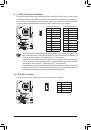 26
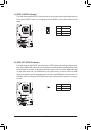 27
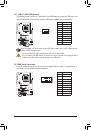 28
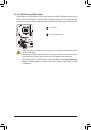 29
 30
 31
 32
 33
 34
 35
 36
 37
 38
 39
 40
 41
 42
 43
 44
 45
 46
 47
 48
 49
 50
 51
 52
 53
 54
 55
 56
 57
 58
 59
 60
 61
 62
 63
 64
 65
 66
 67
 68
 69
 70
 71
 72
 73
 74
 75
 76
 77
 78
 79
 80
 81
 82
 83
 84
 85
 86
 87
 88
 89
 90
 91
 92
 93
 94
 95
 96
- 79 -
Appendix
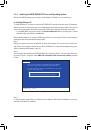
5-1-2 Installing the SATA RAID/AHCI Driver and Operating System
With the correct BIOS settings, you are ready to install Windows 7/Vista/XP onto your hard drive(s).
A. Installing Windows XP
To install Windows XP, you need to install the SATA RAID/AHCI controller driver during the OS installation.
Without the driver, the hard drive(s) may not be recognized during the Windows setup process. First, copy the
driver from the motherboard driver disk to a floppy disk. Refer to the following for the location of the driver.
•
For the AMD SB850, copy all of the files in the
\BootDrv\SBxxx\x86
folder to your floppy disk. To install
Windows 64-Bit, copy the files in the
x64
folder.
Before installing Windows XP, connect a USB floppy disk drive to your computer. Refer to the following for
installing the driver during the Windows setup process.
Step 1:
Restart your system to boot from the Windows XP setup disk and press <F6> as soon as you see the mes-
sage "Press F6 if you need to install a 3rd party SCSI or RAID driver." A screen will then appear asking you to
specify an additional SCSI adapter. Press <S>.
Step 2:
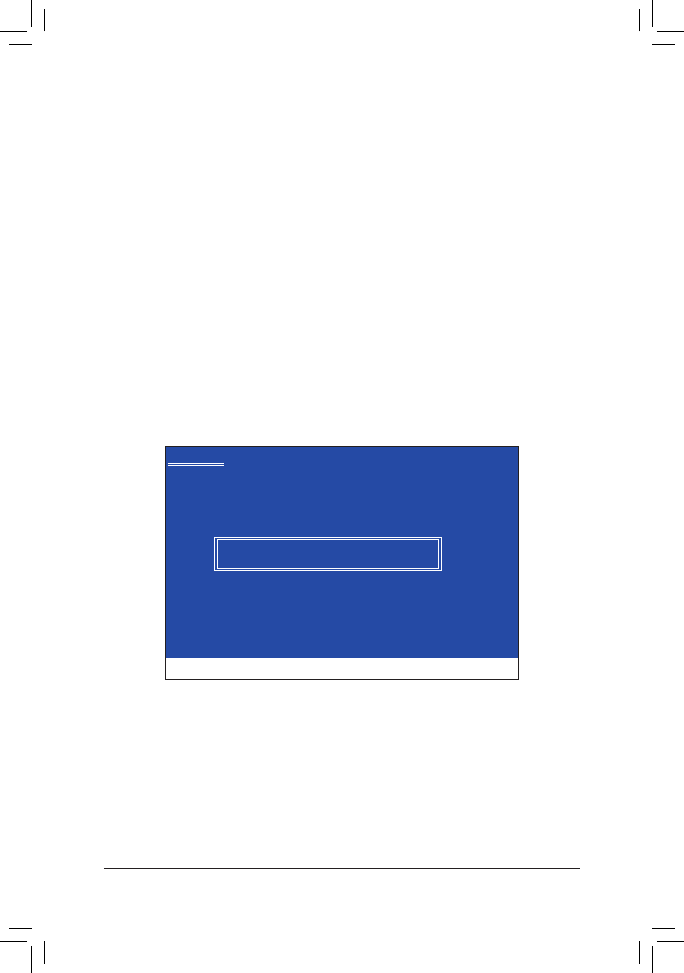
Insert the floppy disk containing the SATA RAID/AHCI driver and press <Enter>. Then a controller menu simi
-
lar to that in Figure 1 will appear. Select
AMD AHCI Compatible RAID Controller-x86 platform
and press
<Enter>.
Figure 1
Step 3:
On the next screen, press <Enter> to continue the driver installation. After the driver installation, you can pro-
ceed with the Windows XP installation.
Windows Setup
You have chosen to configure a SCSI Adapter for use with Windows,
using a device support disk provided by an adapter manufacturer.
Select the SCSI Adapter you want from the following list, or press ESC
to return to the previous screen.
ENTER=Select F3=Exit
AMD AHCI Compatible RAID Controller-x86 platform
AMD AHCI Compatible RAID Controller-x64 platform
Оглавление инструкции
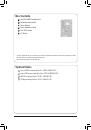
- Box Contents
- Optional Items
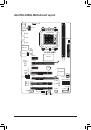
- GA-870A-USB3L Motherboard Layout
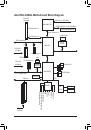
- GA-870A-USB3L Motherboard Block Diagram
- Chapter 1 Hardware Installation
- Chapter 2 BIOS Setup
- 2-1 Startup Screen
- 2-2 The Main Menu
- 2-3 MB Intelligent Tweaker(M.I.T.)
- 2-4 Standard CMOS Features
- 2-5 Advanced BIOS Features
- 2-6 Integrated Peripherals
- 2-7 Power Management Setup
- 2-8 PC Health Status
- 2-9 Load Fail-Safe Defaults
- 2-10 Load Optimized Defaults
- 2-11 Set Supervisor/User Password
- 2-12 Save & Exit Setup
- 2-13 Exit Without Saving
- Chapter 3 Drivers Installation
- Chapter 4 Unique Features
- Chapter 5 Appendix





