Инструкция для GIGABYTE GA-870A-USB3L (rev. 3.1), GA 870A USB3L rev 3 1
 1
 2
 3
 4
 5
 6
 7
 8
 9
 10
 11
 12
 13
 14
 15
 16
 17
 18
 19
 20
 21
 22
 23
 24
 25
 26
 27
 28
 29
 30
 31
 32
 33
 34
 35
 36
 37
 38
 39
 40
 41
 42
 43
 44
 45
 46
 47
 48
 49
 50
 51
 52
 53
 54
 55
 56
 57
 58
 59
 60
 61
 62
 63
 64
 65
 66
 67
 68
 69
 70
 71
 72
 73
 74
 75
 76
 77
 78
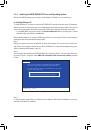 79
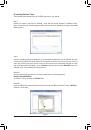 80
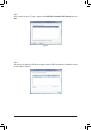 81
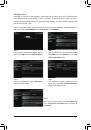 82
 83
 84
 85
 86
 87
 88
 89
 90
 91
 92
 93
 94
 95
 96
Appendix
- 78 -
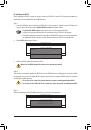
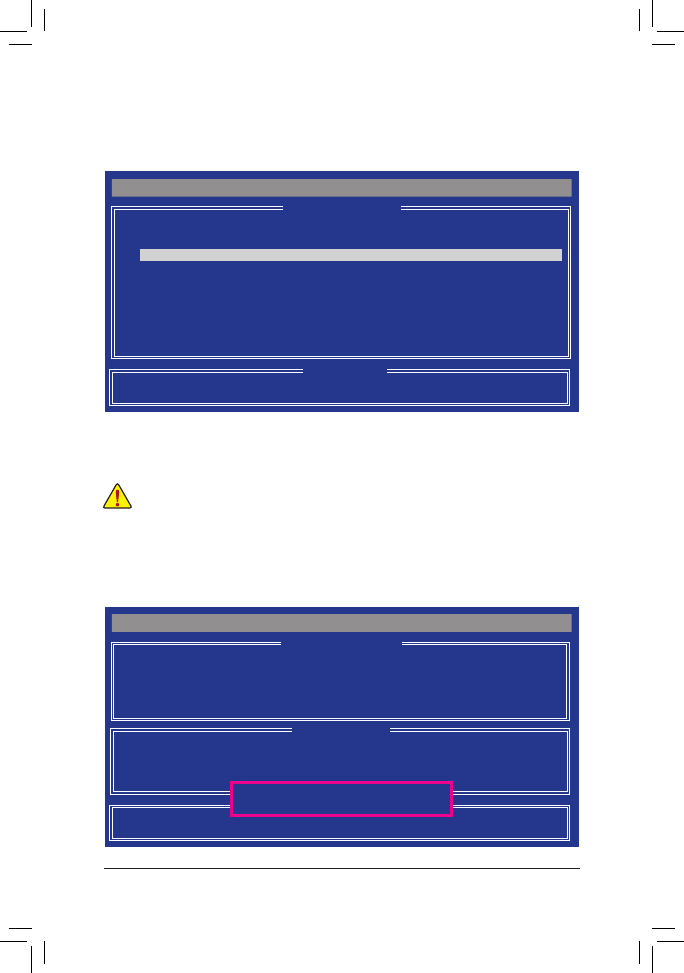
Delete an Array
The
Delete Array
menu option allows for deletion of disk array assignments.
Deleting an existing disk array could result in loss of data. Record all array information including the
array type, the disk members, and stripe block size in case you wish to undo a deletion.
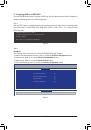
1. To delete an array, press <3> in the
Main Menu
to enter the
Delete LD Menu
. Then highlight the array you
wish to delete and press the <Delete> key or the <Alt>+<D> keys.
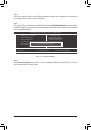
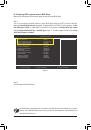
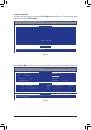
2. The
View LD Defination Menu
will appear (as shown in Figure 10) showing which drives are assigned to
this array. Press <Ctrl>+<Y> if you are sure to delete the array or other keys to abort.
3. When the array is deleted, the screen will return to
Delete LD Menu
. Press <Esc>to return to Main Menu.
Figure 10
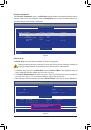
View Drive Assignments
The
View Drive Assignments
option in the
Main Menu
displays whether the attached hard drives are as-
signed to a disk array or are unassigned. Under the
Assignment
column, drives are labeled with their as-
signed disk array or shown as
Free
if unassigned.
Figure 9
Option ROM Utility (c) 2010 Advanced Micro Devices, Inc.
[ Keys Available ]
[ View Drives Assignments ]
[
h
] Up [
i
] Down [PaUp/PaDn] Switch Page [Ctrl+H] Secure Erase
[ESC] Exit
Port:ID Drive Model
Capabilities Capacity (GB)
Assignment
01:00 WDC WD800JD-22LSA0
SATA 3G
79.89
[S.M.A.R.T.]
Health
Extent 1
79.82
LD 1-1
02:00 WDC WD800JD-22LSA0
SATA 3G 79.89
[S.M.A.R.T.]
Health
Extent 1
79.82
LD 1-2
[
Keys Available
]
Option ROM Utility (c) 2010 Advanced Micro Devices, Inc.
[ View LD Defination Menu ]
[
Keys Available
]
[ Drives Assignments ]
Port:ID
Drive Model
Capabilities Capacity (GB)
01:00 WDC WD800JD-22LSA0
SATA 3G
79.89
02:00
WDC WD800JD-22LSA0
SATA 3G
79.89
Press Ctrl-Y to delete the data in the disk!
or press any other key to abort...
LD No LD Name
RAID Mode Drv Capacity(GB)
LD 1
GBT
RAID 0
2
159.64
Stripe Block
64 KB
Cache Mode
WriteThru
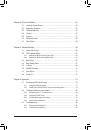
Оглавление инструкции
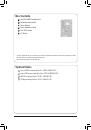
- Box Contents
- Optional Items
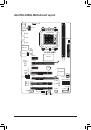
- GA-870A-USB3L Motherboard Layout
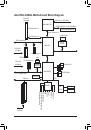
- GA-870A-USB3L Motherboard Block Diagram
- Chapter 1 Hardware Installation
- Chapter 2 BIOS Setup
- 2-1 Startup Screen
- 2-2 The Main Menu
- 2-3 MB Intelligent Tweaker(M.I.T.)
- 2-4 Standard CMOS Features
- 2-5 Advanced BIOS Features
- 2-6 Integrated Peripherals
- 2-7 Power Management Setup
- 2-8 PC Health Status
- 2-9 Load Fail-Safe Defaults
- 2-10 Load Optimized Defaults
- 2-11 Set Supervisor/User Password
- 2-12 Save & Exit Setup
- 2-13 Exit Without Saving
- Chapter 3 Drivers Installation
- Chapter 4 Unique Features
- Chapter 5 Appendix




