Инструкция для GIGABYTE GA-870A-USB3L (rev. 3.1), GA 870A USB3L rev 3 1
 1
 2
 3
 4
 5
 6
 7
 8
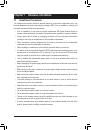 9
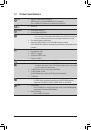 10
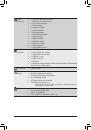 11
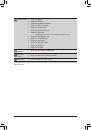 12
 13
 14
 15
 16
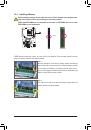 17
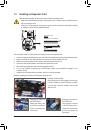 18
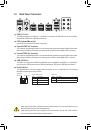 19
 20
 21
 22
 23
 24
 25
 26
 27
 28
 29
 30
 31
 32
 33
 34
 35
 36
 37
 38
 39
 40
 41
 42
 43
 44
 45
 46
 47
 48
 49
 50
 51
 52
 53
 54
 55
 56
 57
 58
 59
 60
 61
 62
 63
 64
 65
 66
 67
 68
 69
 70
 71
 72
 73
 74
 75
 76
 77
 78
 79
 80
 81
 82
 83
 84
 85
 86
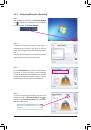 87
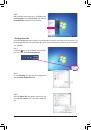 88
 89
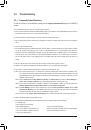 90
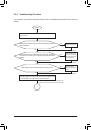 91
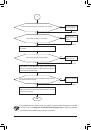 92
 93
 94
 95
 96
Appendix
- 74 -
The BIOS Setup menus described in this section may differ from the exact settings for your moth-
erboard. The actual BIOS Setup menu options you will see shall depend on the motherboard you
have and the BIOS version.
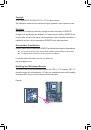
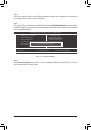
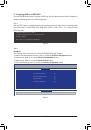
B. Configuring SATA controller mode in BIOS Setup
Make sure to configure the SATA controller mode correctly in system BIOS Setup.
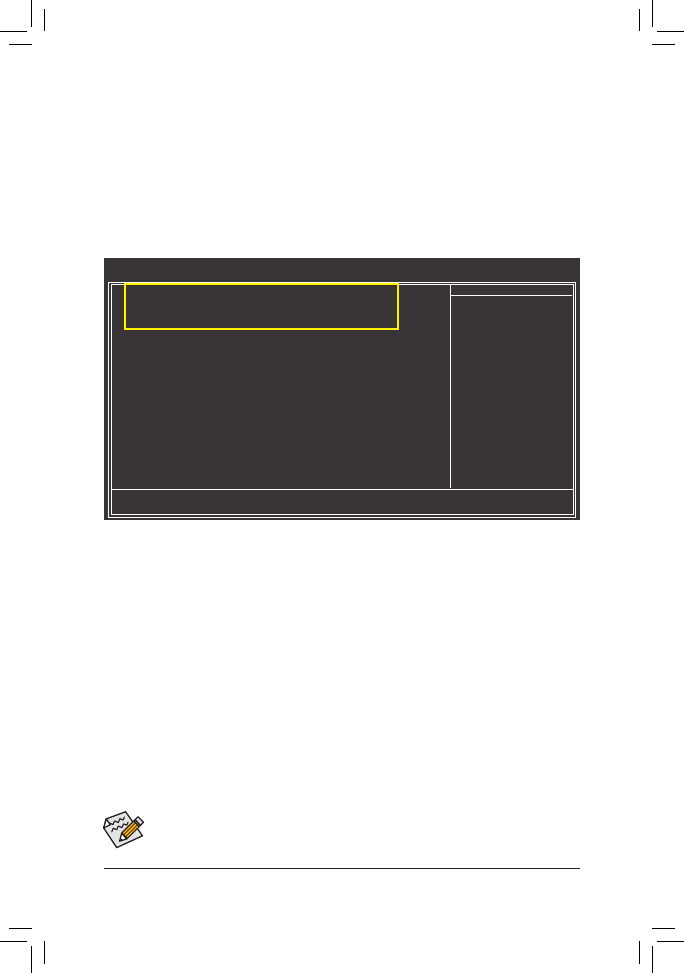
Step 1:
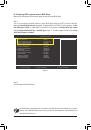
Turn on your computer and press <Delete> to enter BIOS Setup during the POST (Power-On Self-Test).
Make sure
OnChip SATA Controller
is enabled. To enable RAID for the SATA3_0/1/2/3 connectors, set
On-
Chip SATA Type
to
RAID
. To enable RAID for the SATA3_4/5 connectors, set
OnChip SATA Type
to
RAID
and set
OnChip SATA Port4/5 Type
to
As SATA Type
(Figure 1). To enable support for RAID 5, set
OnChip
SATA RAID5 Support
to
Enabled
.
Step 2:
Save changes and exit BIOS Setup.
Figure 1
CMOS Setup Utility-Copyright (C) 1984-2011 Award Software
Integrated Peripherals
OnChip SATA Controller
[Enabled]
OnChip SATA Type
[RAID]
OnChip SATA Port4/5 Type
[As SATA Type]
OnChip SATA RAID5 Support
[Enabled]
OnChip SATA3.0 Suuport
[Enabled]
x OnChip SATA Port as ESP
Press Enter
Onboard LAN Function
[Enabled]
Onboard LAN Boot ROM
[Disabled]
SMART LAN
[Press Enter]
Onboard Audio Function
[Enabled]
Onboard USB3.0 Controller
[Enabled]
USB Controllers
[Enabled]
USB Legacy Function
[Enabled]
USB Storage Function
[Enabled]
Onboard Serial Port 1
[3F8/IRQ4]
higf
: Move
Enter: Select
+/-/PU/PD: Value
F10: Save
ESC: Exit
F1: General Help
F5: Previous Values
F6: Fail-Safe Defaults
F7: Optimized Defaults
Item Help
Menu Level
Оглавление инструкции
- Box Contents
- Optional Items
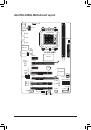
- GA-870A-USB3L Motherboard Layout
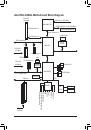
- GA-870A-USB3L Motherboard Block Diagram
- Chapter 1 Hardware Installation
- Chapter 2 BIOS Setup
- 2-1 Startup Screen
- 2-2 The Main Menu
- 2-3 MB Intelligent Tweaker(M.I.T.)
- 2-4 Standard CMOS Features
- 2-5 Advanced BIOS Features
- 2-6 Integrated Peripherals
- 2-7 Power Management Setup
- 2-8 PC Health Status
- 2-9 Load Fail-Safe Defaults
- 2-10 Load Optimized Defaults
- 2-11 Set Supervisor/User Password
- 2-12 Save & Exit Setup
- 2-13 Exit Without Saving
- Chapter 3 Drivers Installation
- Chapter 4 Unique Features
- Chapter 5 Appendix





