Инструкция для LG 42LW575S
 1
 2
 3
 4
 5
 6
 7
 8
 9
 10
 11
 12
 13
 14
 15
 16
 17
 18
 19
 20
 21
 22
 23
 24
 25
 26
 27
 28
 29
 30
 31
 32
 33
 34
 35
 36
 37
 38
 39
 40
 41
 42
 43
 44
 45
 46
 47
 48
 49
 50
 51
 52
 53
 54
 55
 56
 57
 58
 59
 60
 61
 62
 63
 64
 65
 66
 67
 68
 69
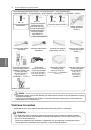 70
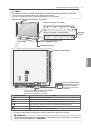 71
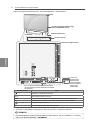 72
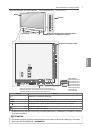 73
 74
 75
 76
 77
 78
 79
 80
 81
 82
 83
 84
 85
 86
 87
 88
13
REMOTE CONTROL/wATCHING TV
wATCHING TV
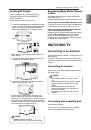
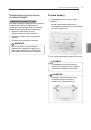
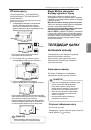
Connecting to an antenna
Connect an antenna to watch TV while referring to
the following.
To prevent damage do not connect to the mains
outlet until all connections are made between the
devices.
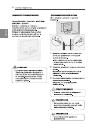
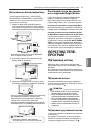
Connecting an antenna
Connect the TV to a wall antenna socket with an
RF cable (75 ).
y
Use a signal splitter to use more than 2
TVs.
y
If the image quality is poor, install a signal
amplifier properly to improve the image
quality.
y
If the image quality is poor with an
antenna connected, aim the antenna to
the correct direction.
y
An antenna cable and converter are not
supplied.
NOTE
Connecting with a satellite dish
(Only Satellite models)
Connect the TV to a satellite dish to a satellite
socket with a satellite RF cable (75 ).
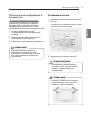
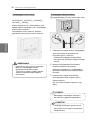
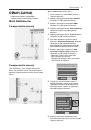
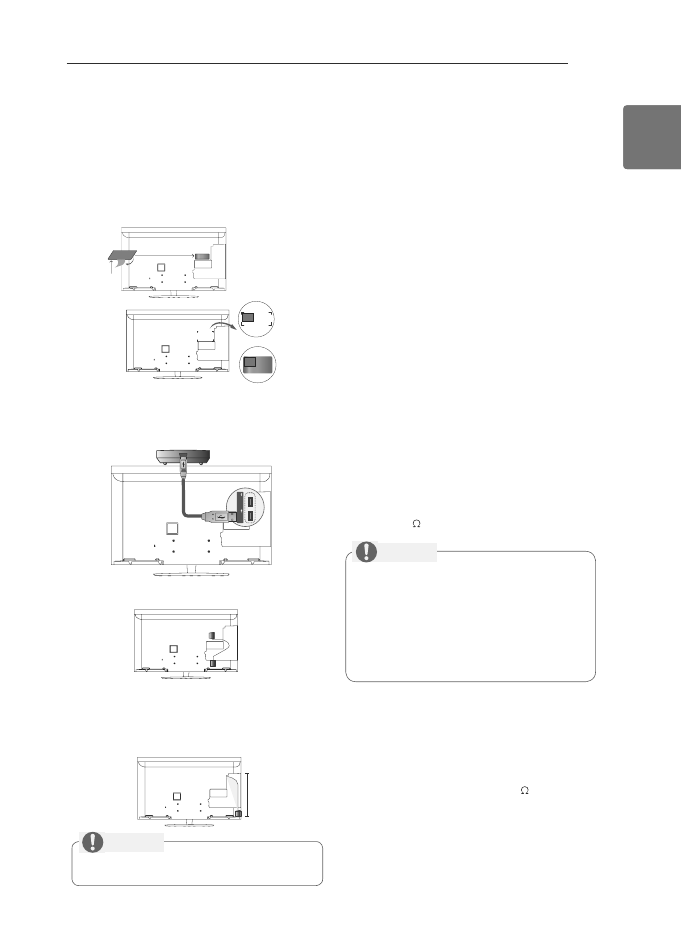
Installing RF Dongle
(Only 32/37/42/47LV55**, 32/37/42/47/55LV57**,
32/37/42/47/55LW55**, 32/37/42/47/55LW57**,
32/42/47/55LW65**)
Image shown may differ from your TV.
3
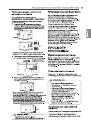
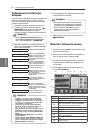
Attach the RF Dongle to the velcro as shown
below and then turn on the TV.
* If the RF dongle for the wireless media box is at-
tached, attach the RF dongle for the Magic Motion
remote control on the upper right of the back of the TV.
* To avoid wireless interference, keep the distance
between the RF dongle for the Magic Motion remote
control and the Wi-Fi dongle at 20 cm.
1
Locate the designated Velcro attachment location
on the TV. Then tear off the protection paper and
attach the Velcro. (The attachment location is
different depending on the TV model you own)
or
y
Separate purchase : Except for
32/37/42/47/55LV571S, 32/37/42/47/55LW575S
NOTE
* Attach the RF dongle aligning with the upper left
corner bracket.
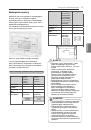
2
Connect the RF Dongle Cable plug on the RF
Dongle to a USB jack on the TV.
HDD IN USB IN 1
USB Apps USB IN 2
RF Dongle
Velcro
20 cm
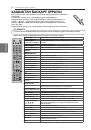
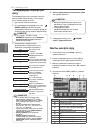
Registering Magic Motion Remote
Control
The Magic Motion Remote Control operates by
pairing with your TV.
Register the Magic Motion Remote Control to use.
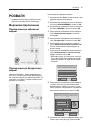
How to register the Magic Motion Remote Control
To register the remote control, press the
OK
button
on the remote control while aiming it at your TV.
How to Re-register the Magic Motion Remote
Control after Registration Failure
Reset the remote control by pressing and holding
both the
OK
and
MUTE
buttons for 5 seconds.
(Once the reset is complete, the light on the
Pointer blinks.) Then repeat the above procedure
to register the remote control.
ENG
ENGLISH