Инструкция для LG 42LW575S
 1
 2
 3
 4
 5
 6
 7
 8
 9
 10
 11
 12
 13
 14
 15
 16
 17
 18
 19
 20
 21
 22
 23
 24
 25
 26
 27
 28
 29
 30
 31
 32
 33
 34
 35
 36
 37
 38
 39
 40
 41
 42
 43
 44
 45
 46
 47
 48
 49
 50
 51
 52
 53
 54
 55
 56
 57
 58
 59
 60
 61
 62
 63
 64
 65
 66
 67
 68
 69
 70
 71
 72
 73
 74
 75
 76
 77
 78
 79
 80
 81
 82
 83
 84
 85
 86
 87
 88
18
DVR Function
DVR Function
(This function is enabled only in Finland, Sweden,
Norway, Denmark, Spain, Russia, Ukraine,
Kazakhstan, Lithuania, Estonia, Latvia.)
This function allows the unit to automatically
record live TV and make it available for viewing at
any time.
With the Timeshift turned on, you may pause and
rewind normal TV viewing at any time without
missing any of the live broadcast.
Timeshift and Recording functions may not work if
the signal strength is weak.
This function is only operated after initializating
USB Device.
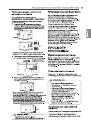
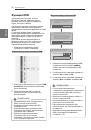
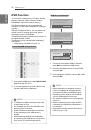
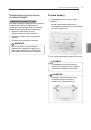
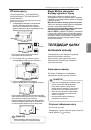
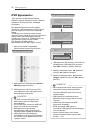
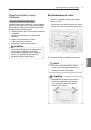
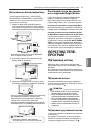
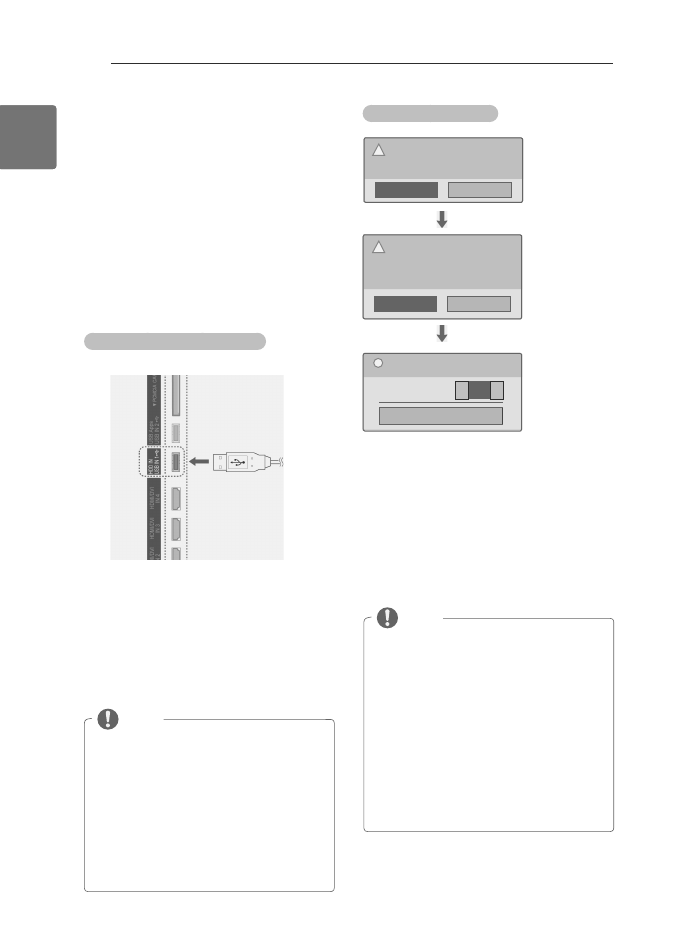
Connecting USB storage devices
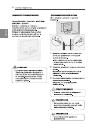
1
Connect the USB device to the
USB IN 1/HDD
IN
jacks on the side of TV.
2
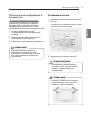
To use the USB device (over 40 GB) for DVR,
execute USB Device Initialization.
NOTE
y
It initializes the HDD connected to the USB
as disk mode for DVR.
y
It is activated only when the USB HDD avail-
able for DVR is connected.
y
When USB Device Initialization is executed,
all the data stored in the USB device is
deleted.
y
While performing USB Device Initialization,
do not remove the USB device. It may cause
error on the TV and the storage device.
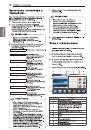
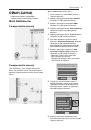
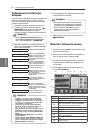
USB device Initialization
Initialization completed. Ready to
record.
Timeshift Mode
On
Close
i
Cancel
OK
To use LG DVR feature, USB storage
device needs to be formatted.
Do you want to continue?
NOTE
y
When initialization is completed, a popup
notice of completion is displayed and the
connected USB HDD is available for DVR.
y
Depending on the capacity of the USB de-
vice, the initialization time may vary.
y
The initialized USB device is not recognized
by the PC.
y
When a USB device of less than 40 GB is
connected, the USB Device Initialization is
not activated.
y
Supported maximum external HDD size for
back-up is up to 1TB.
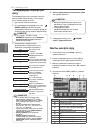
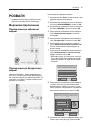
1
Connect an unformatted USB for DVR and
press
REC
to initialize the USB device.
2
Press the Navigation buttons to scroll to
OK
and press
OK
.
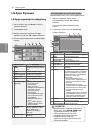
3
Press Navigation buttons to scroll to
On
or
Off
and press
OK
.
!
Cancel
OK
Initializing will delete all existing data
in the USB device. Once initialized to
DVR format, the USB device cannot
be used with PC. To continue to ini-
tialize, select OK.
!
◄
►
y
Image shown may differ from your TV.
ENG
ENGLISH