Инструкция для LG 42LW575S
 1
 2
 3
 4
 5
 6
 7
 8
 9
 10
 11
 12
 13
 14
 15
 16
 17
 18
 19
 20
 21
 22
 23
 24
 25
 26
 27
 28
 29
 30
 31
 32
 33
 34
 35
 36
 37
 38
 39
 40
 41
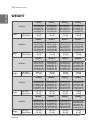 42
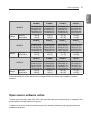 43
 44
 45
 46
 47
 48
 49
 50
 51
 52
 53
 54
 55
 56
 57
 58
 59
 60
 61
 62
 63
 64
 65
 66
 67
 68
 69
 70
 71
 72
 73
 74
 75
 76
 77
 78
 79
 80
 81
 82
 83
 84
 85
 86
 87
 88
15
ENTERTAINMENT
ENTERTAINMENT
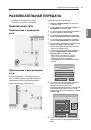
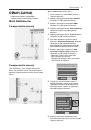
Network Connection
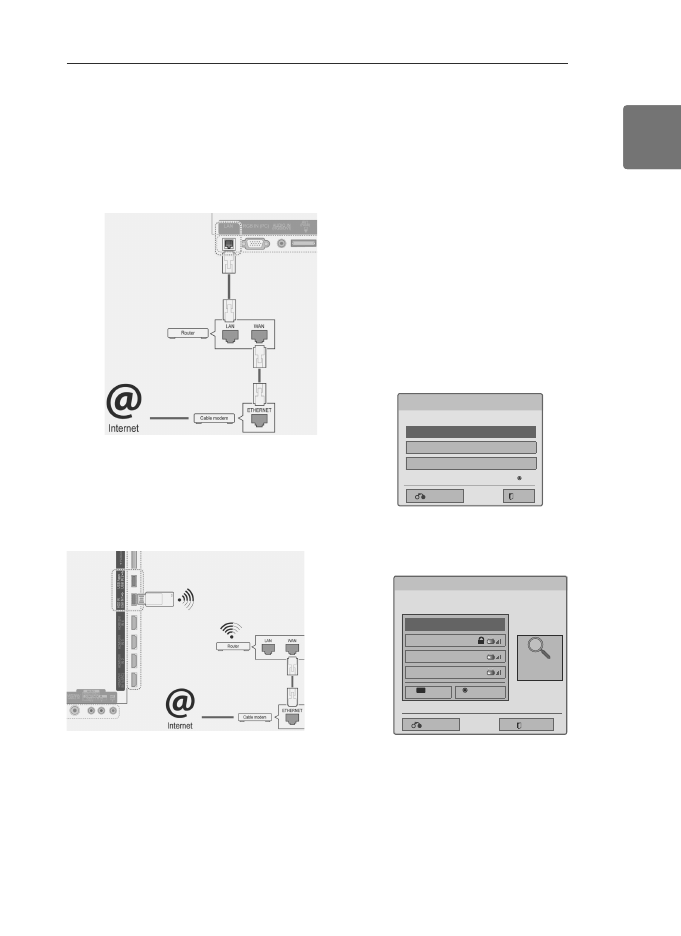
Connecting to a wired network
Connecting to a wireless network
(Only 47/55LW95** : Built-in the Wi-Fi Module,
Unnecessary Wireless LAN for Broadband/DLNA
adaptor setup)
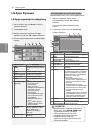
To set up the network settings,
1
Press
Home
to access the Home menu.
2
Press the Navigation buttons to scroll to
SETUP
and press
OK
.
3
Press the Navigation buttons to scroll to
NET-
wORK
and press
OK
.
4
Press the Navigation buttons to select
Net-
work Setting
and press
OK
.
5
Press the Navigation buttons to select
wire-
less
and press
OK
.
6
If you already set Network Setting, select
Re-
setting
and press
OK
.
The new connection settings resets the current
network settings.
7
Press the Navigation buttons to select
Setting
from the AP list
and press
OK
.
- Scan the all available AP (Access Point) or
wireless routers within range and display
them as a list.
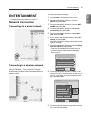
Selecting the wireless network setting type
Select the wireless network setting type.
Setting from the AP list
Simple setting (WPS-button mode)
Setting Ad-hoc network
Previous
Exit
Next
8
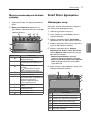
Press the Navigation buttons to select an AP
(Access Point) or wireless router on the list. (If
your AP is secured, you will prompted for the
key.) And press
OK
.
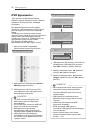
9
Press the Number buttons to Input the security
key of AP and press
OK
.
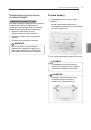
Selecting AP
Previous
Exit
Select AP you want to connect.
Page 1/1
Input the new SSID
iptime
ASW
Network1
PIN
Connect
Access Point
Searching...
y
Image shown may differ from your TV.
ENG
ENGLISH